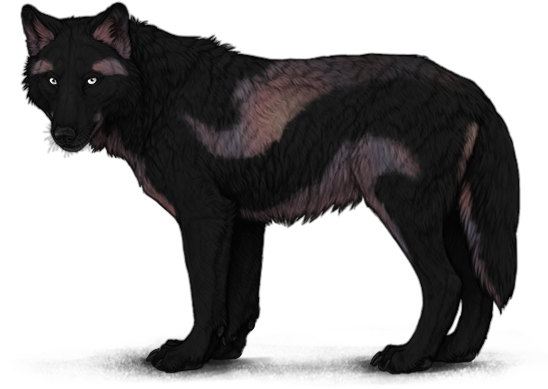
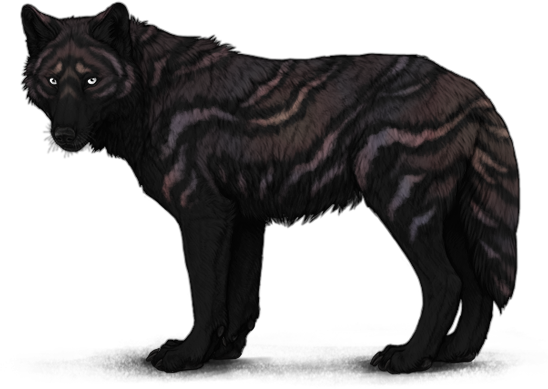
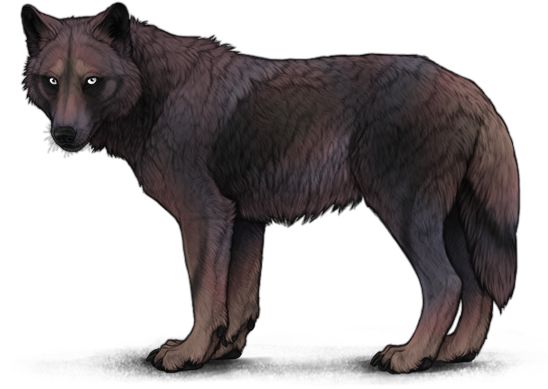
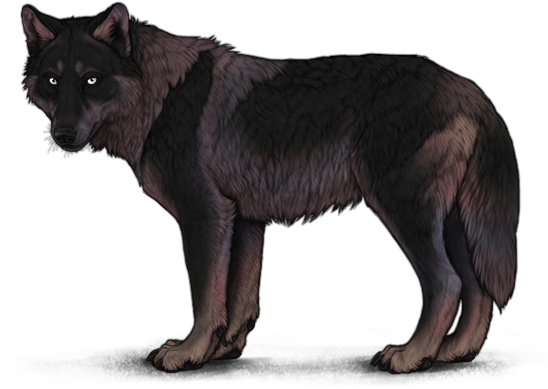
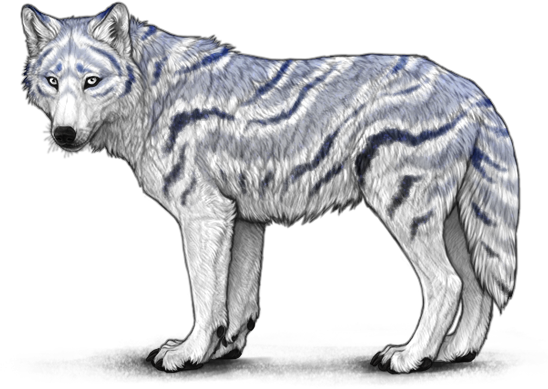
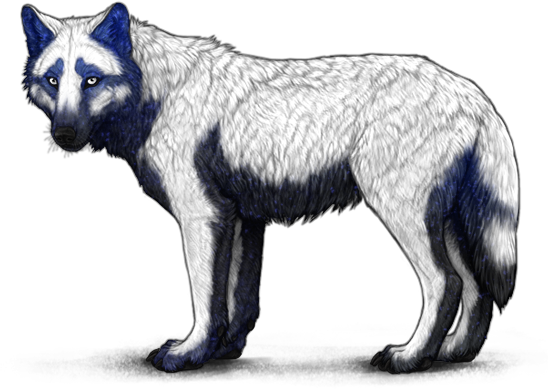
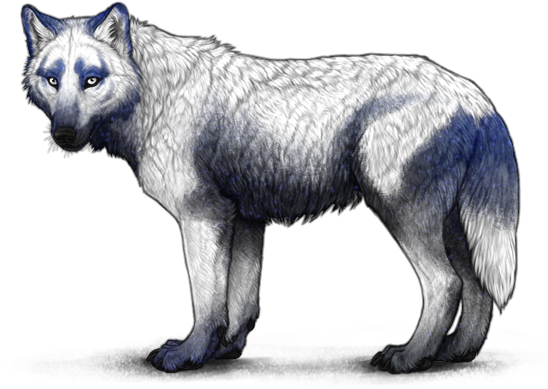
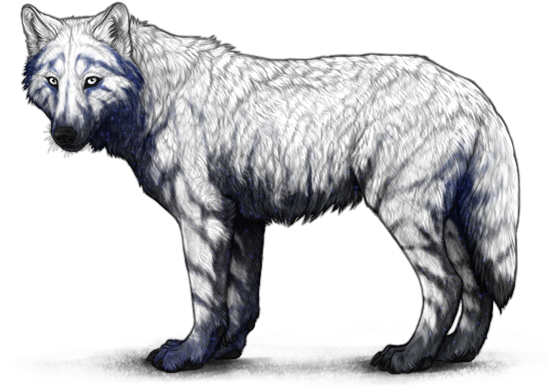
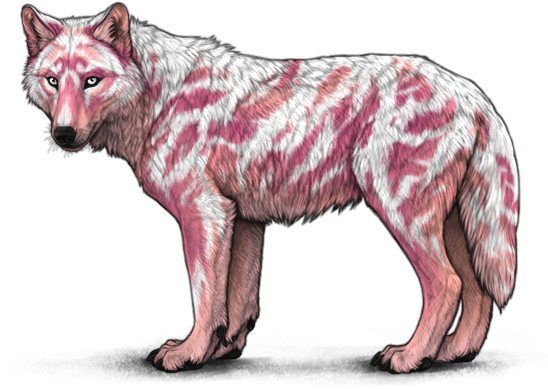
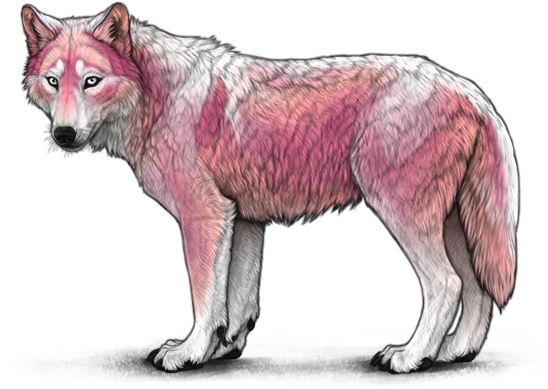
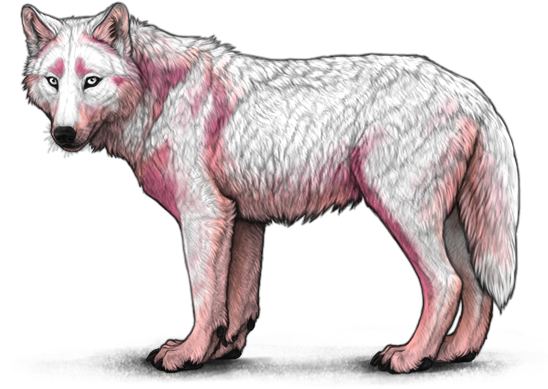
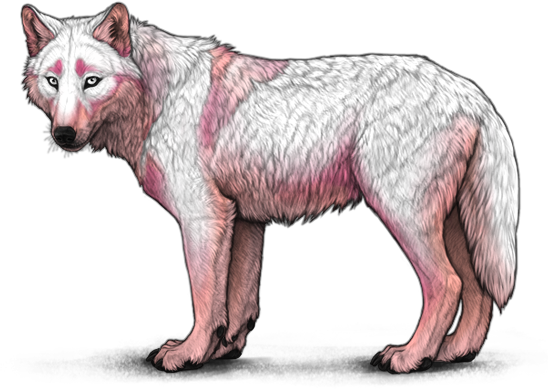
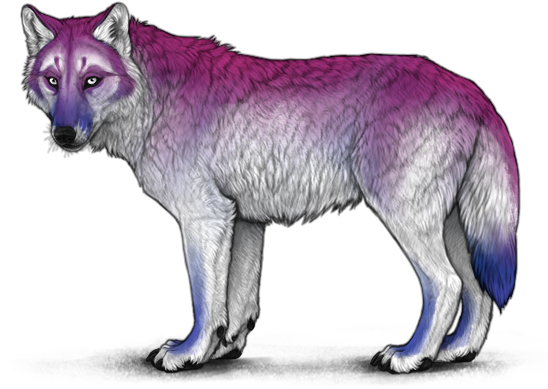
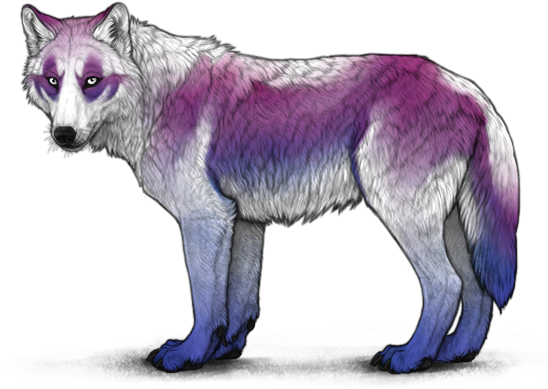
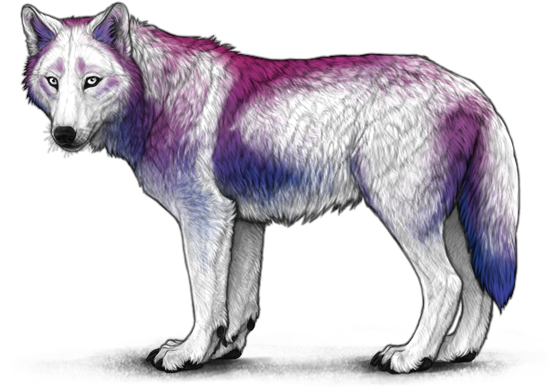
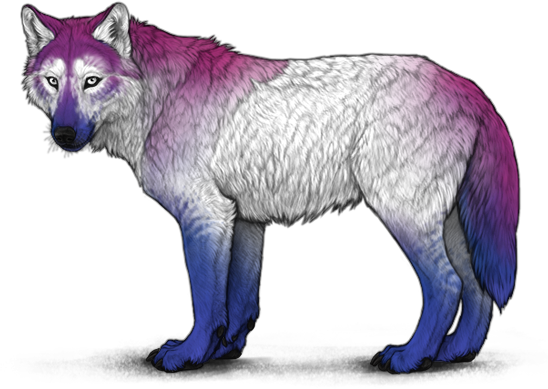
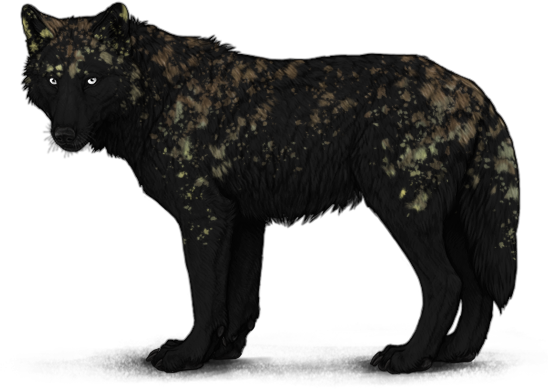
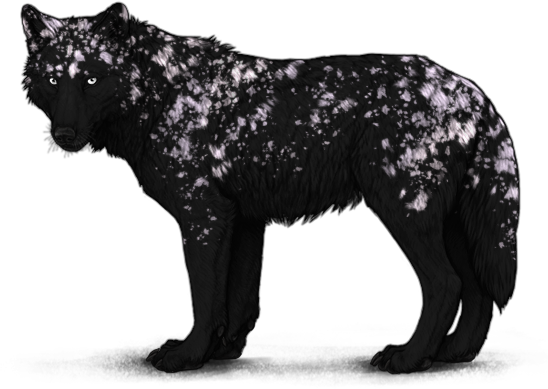
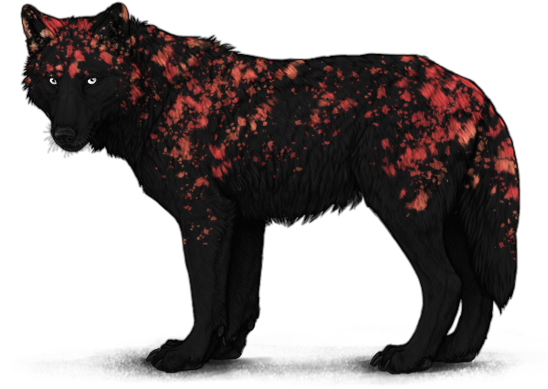
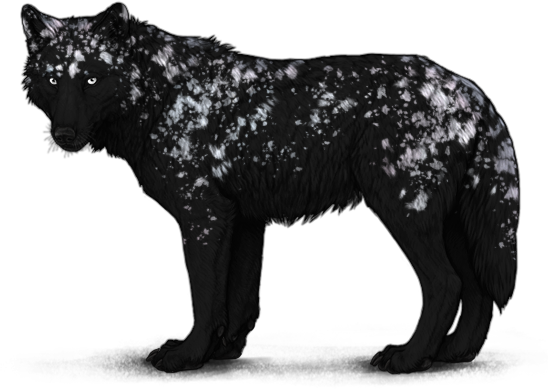
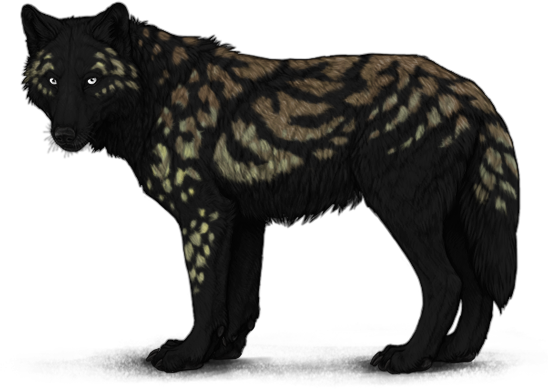
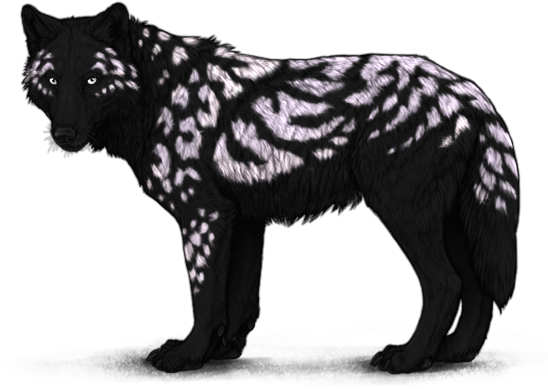
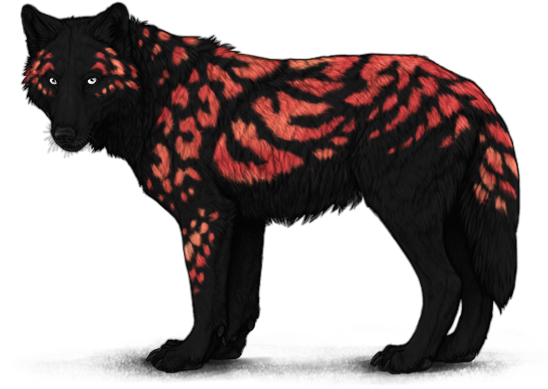
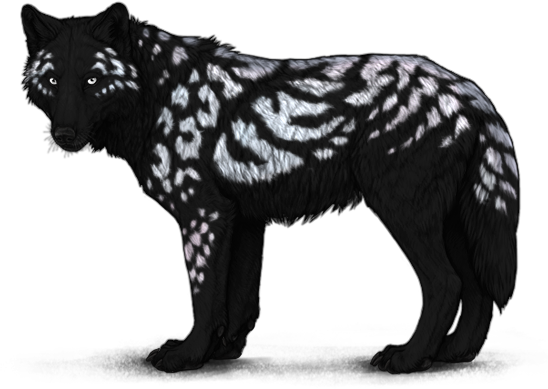
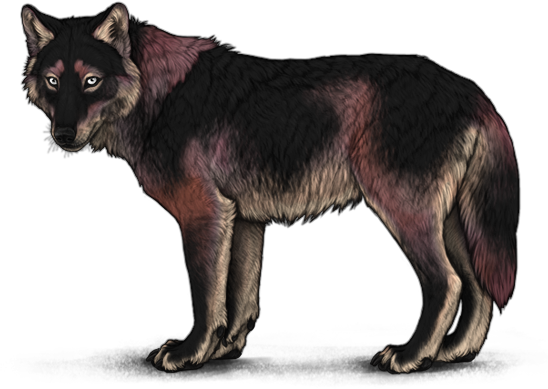
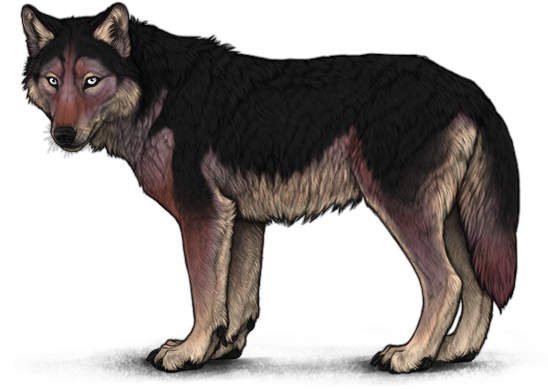
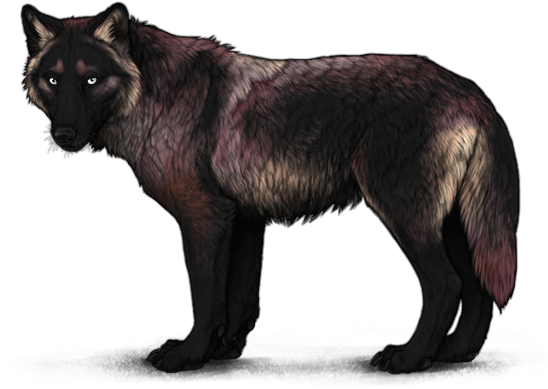
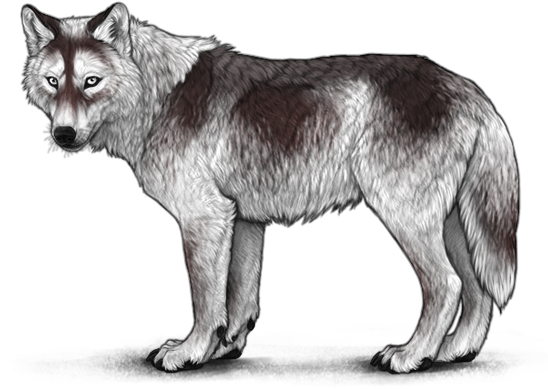
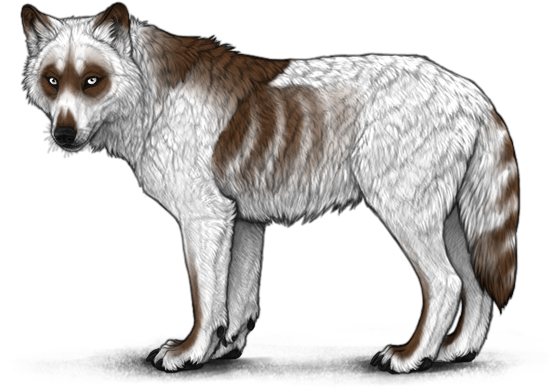
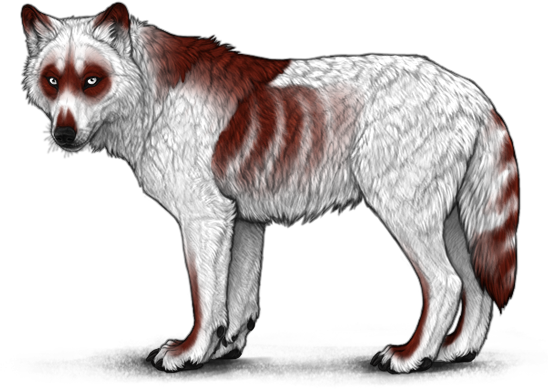
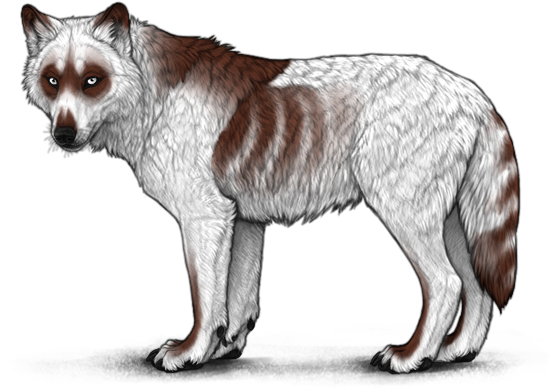
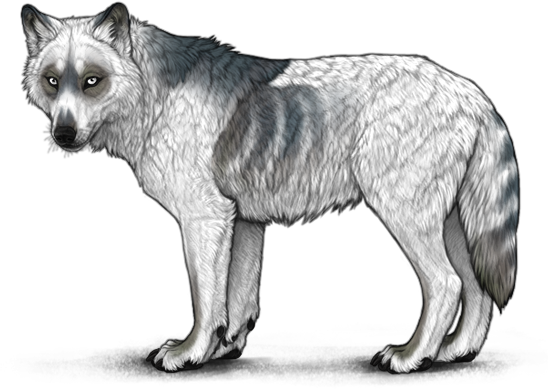
Monthly - Lunar Event
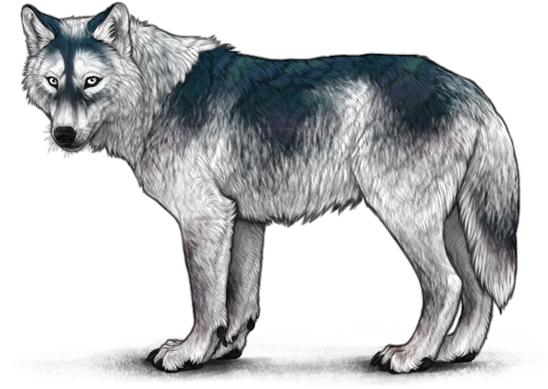
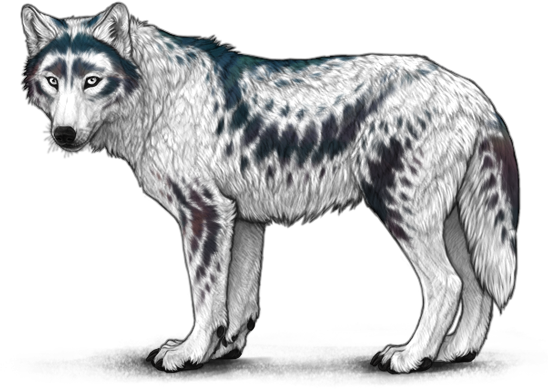
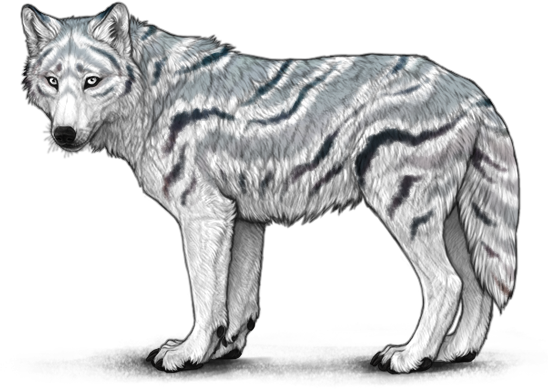
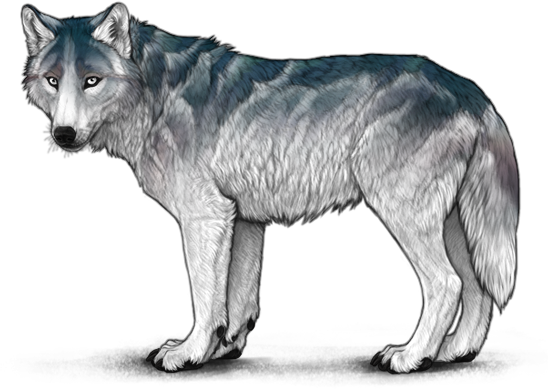
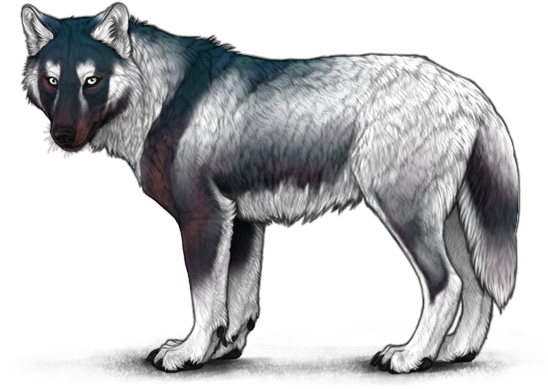
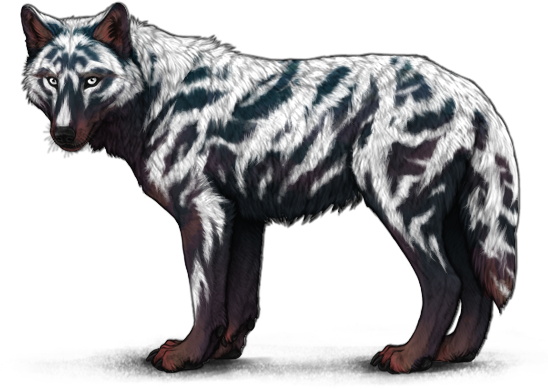
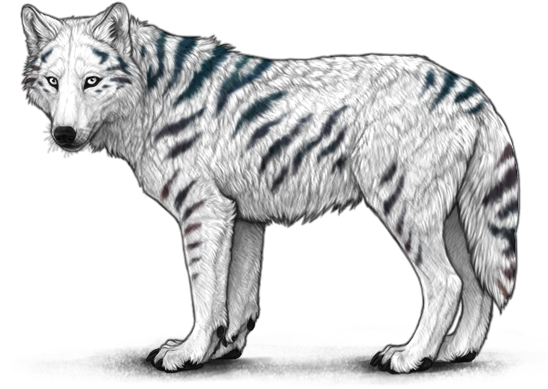
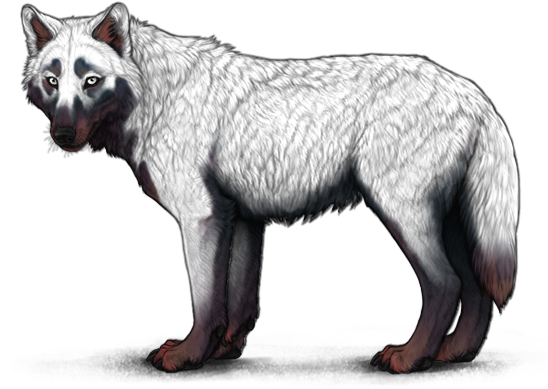
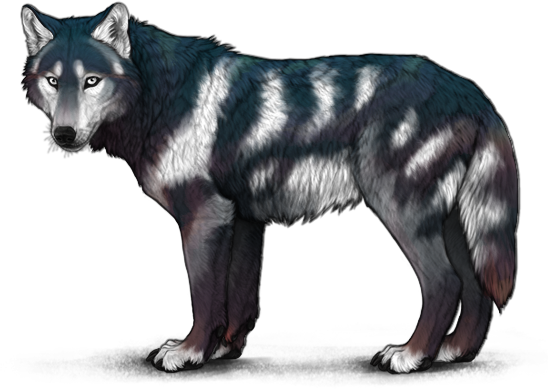
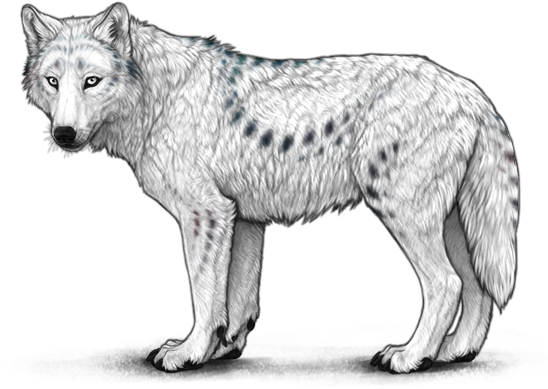
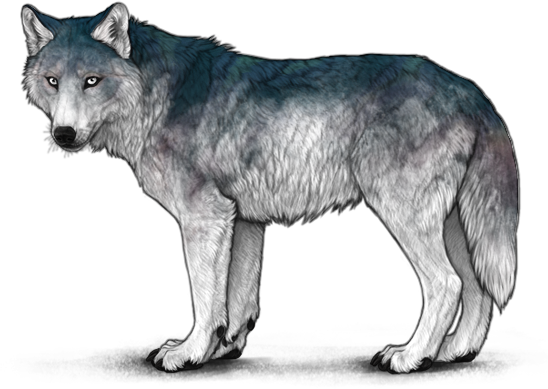
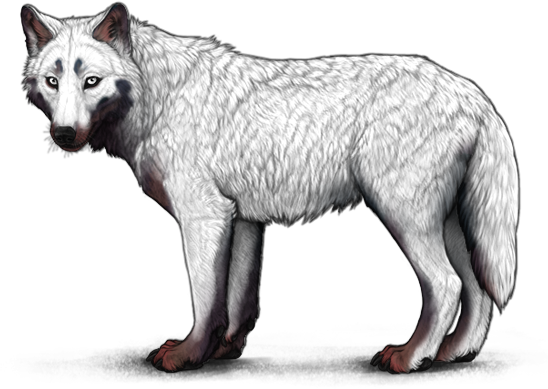
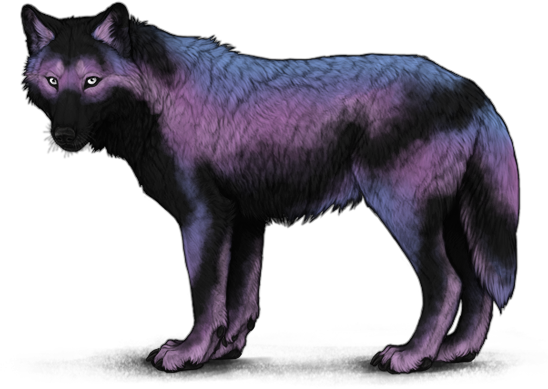
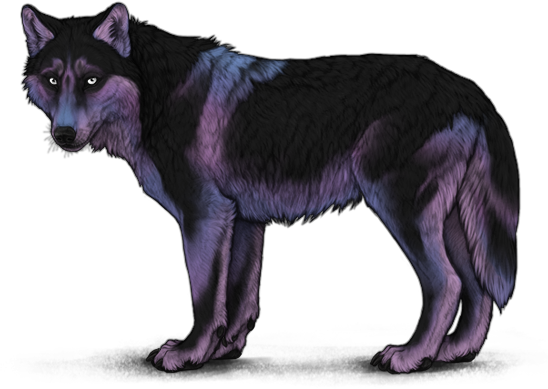
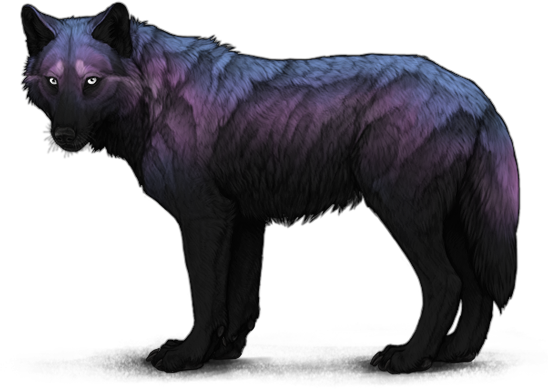
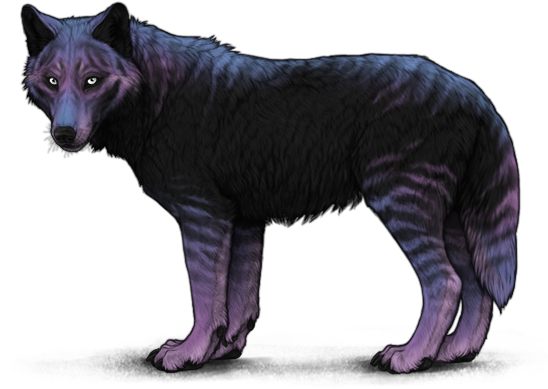
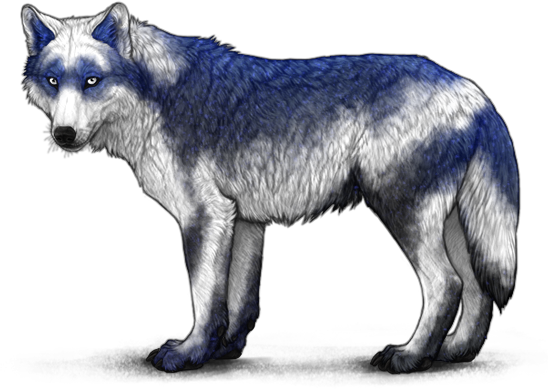
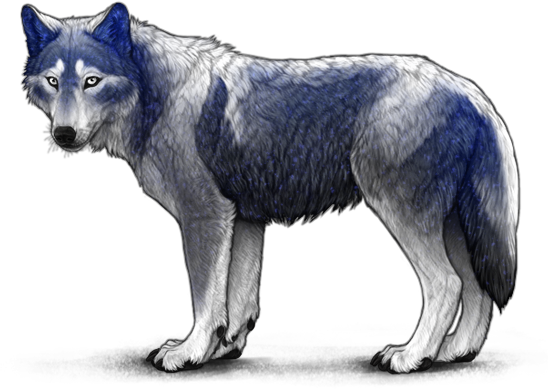
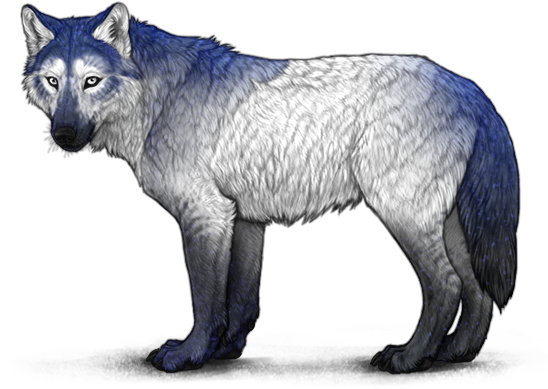
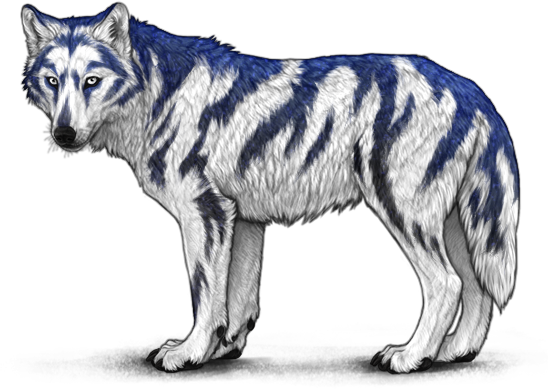
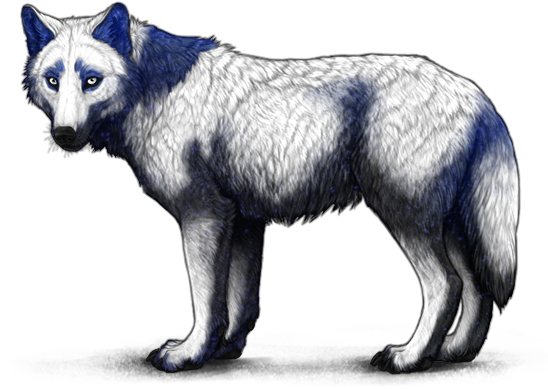
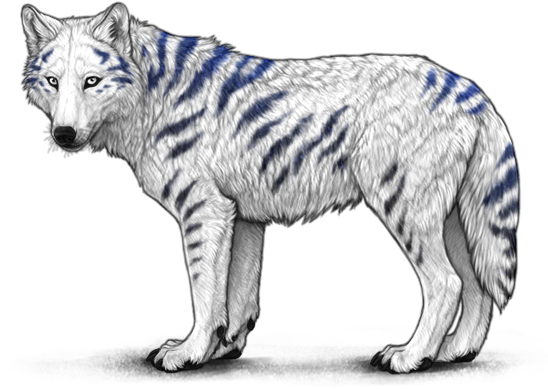
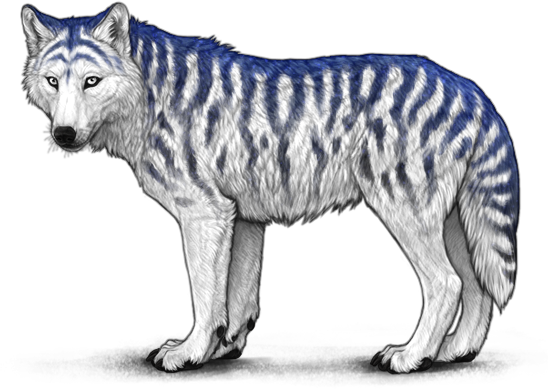
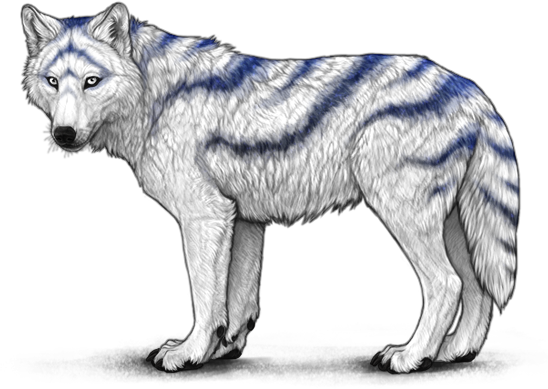
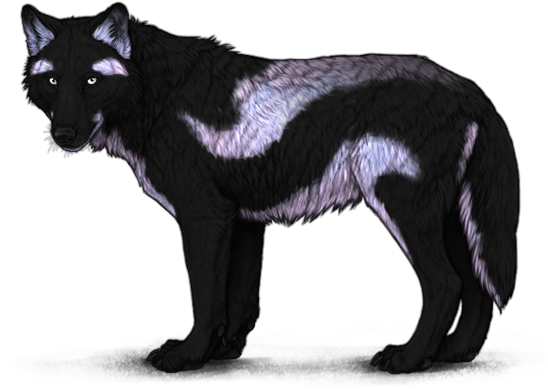
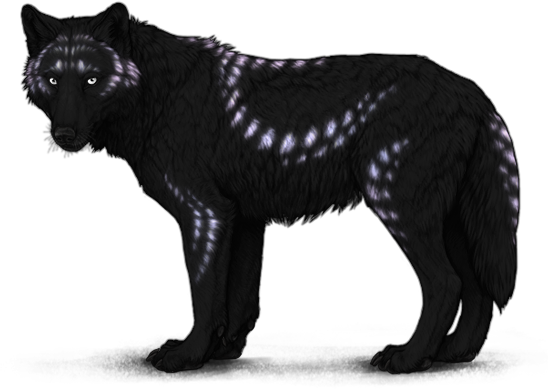
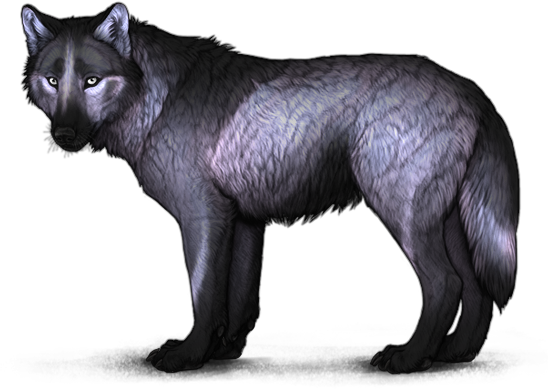
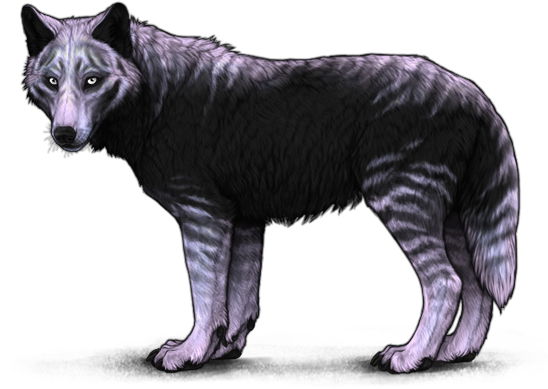
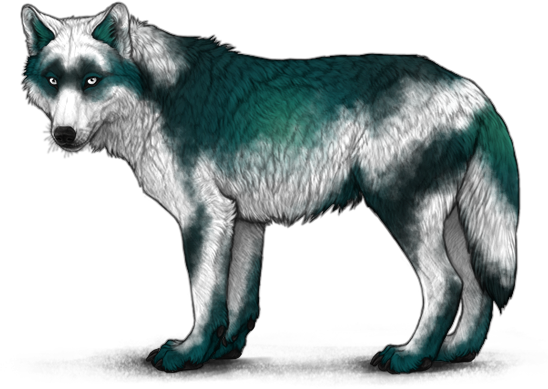
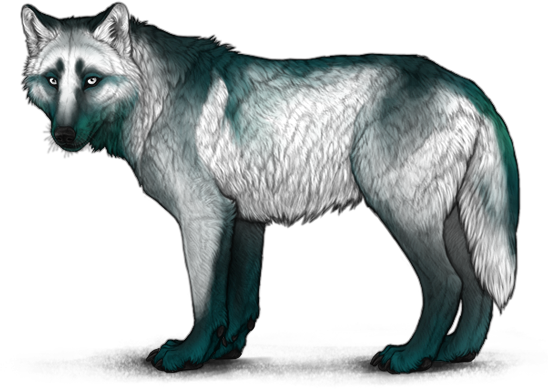
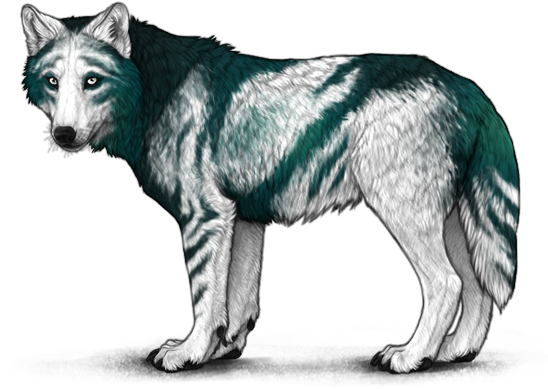
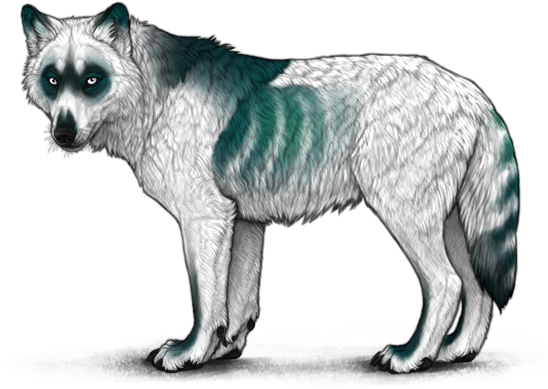
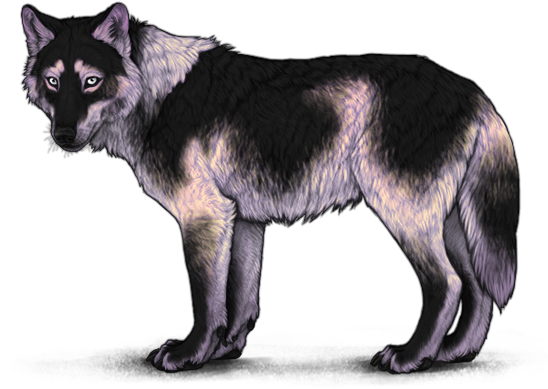
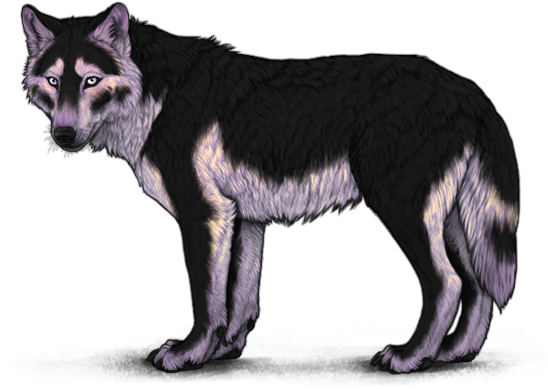
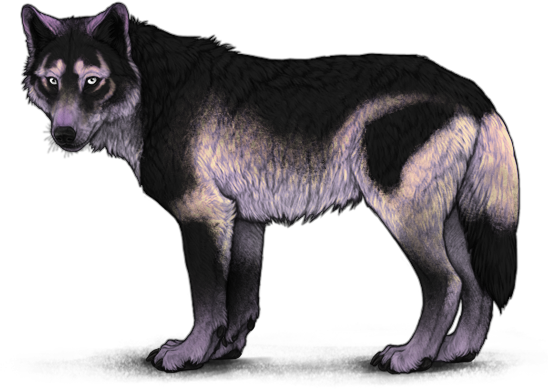
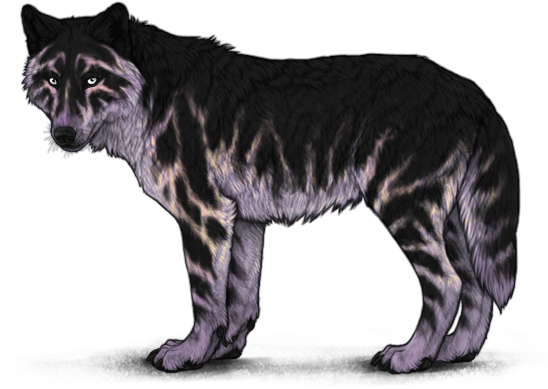
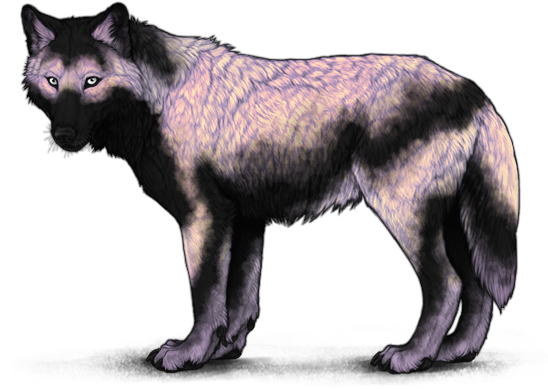
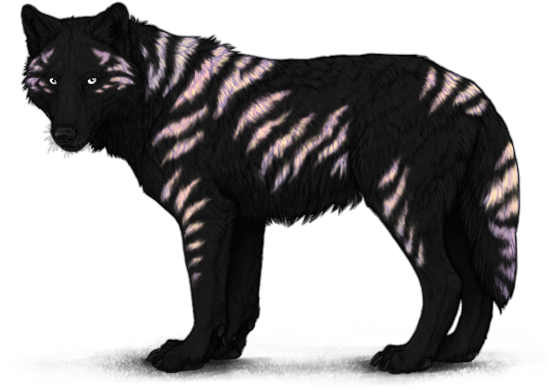
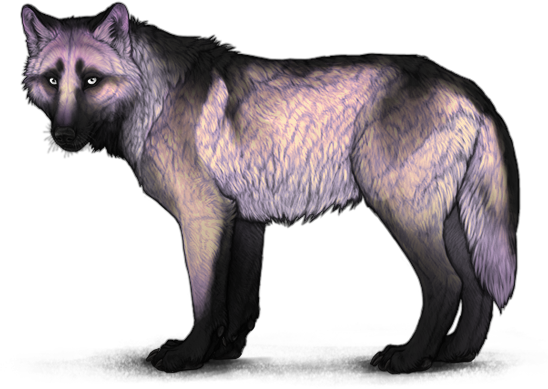
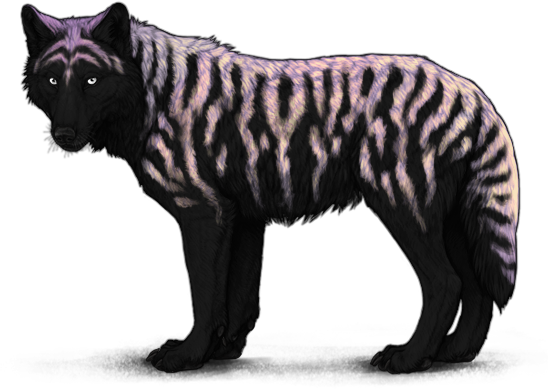
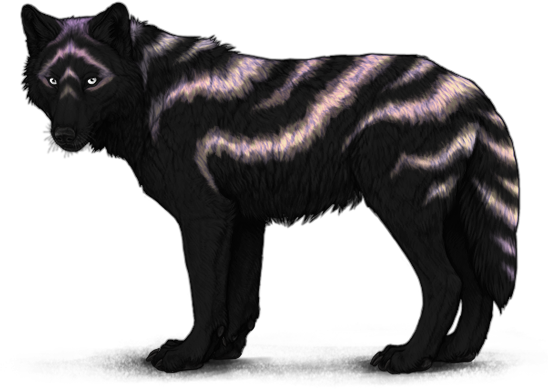
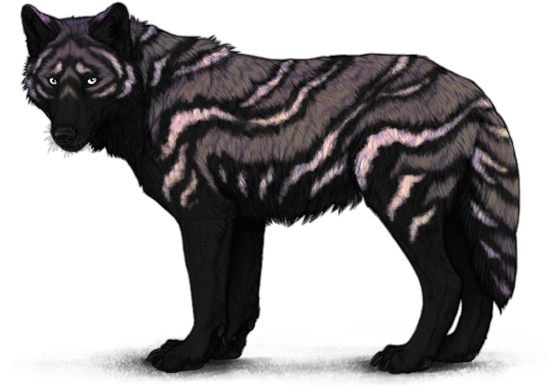
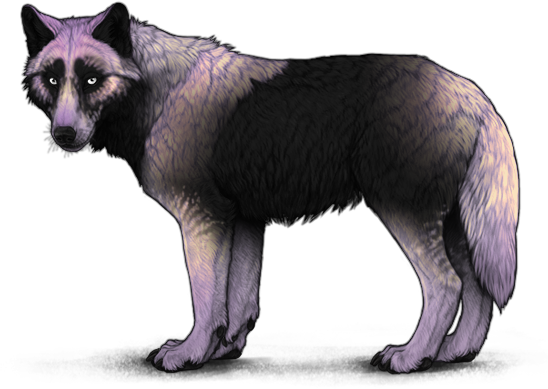
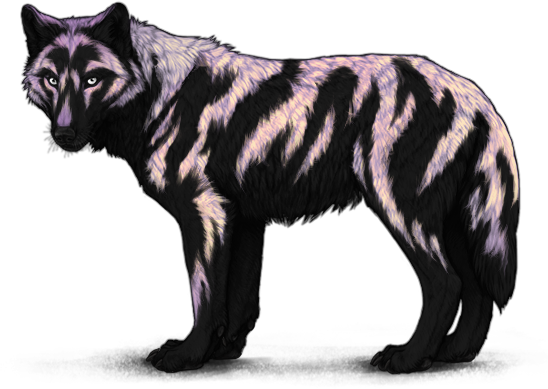
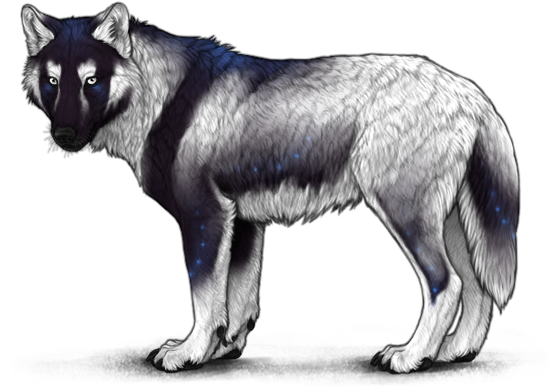
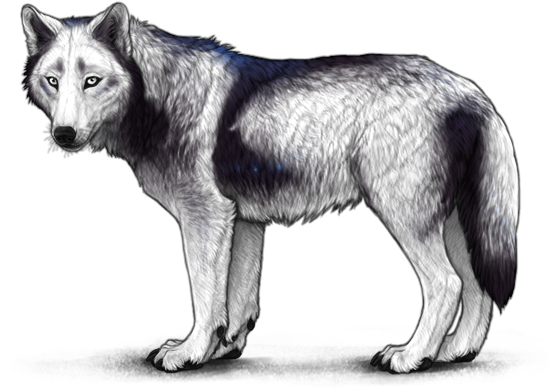
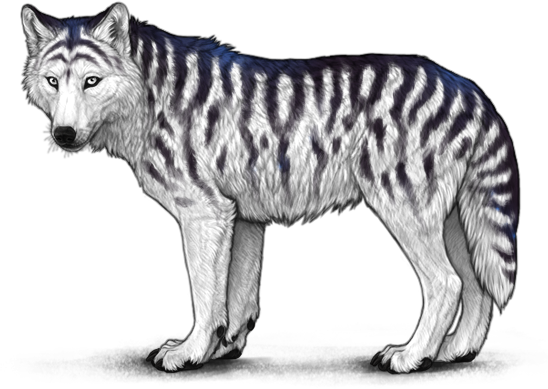
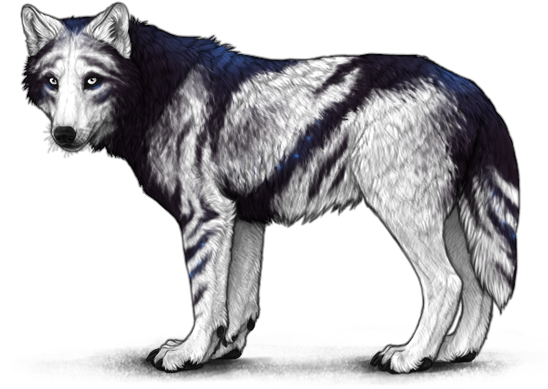
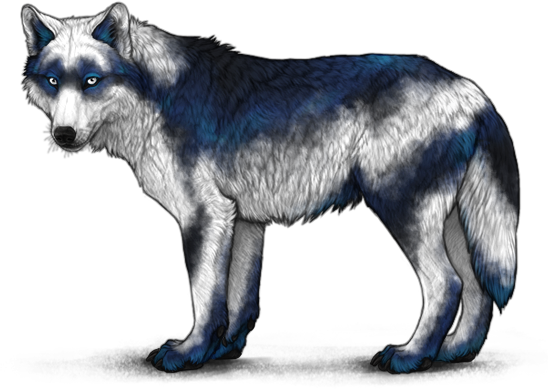
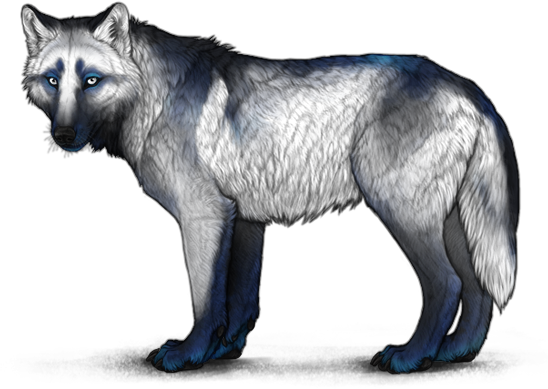
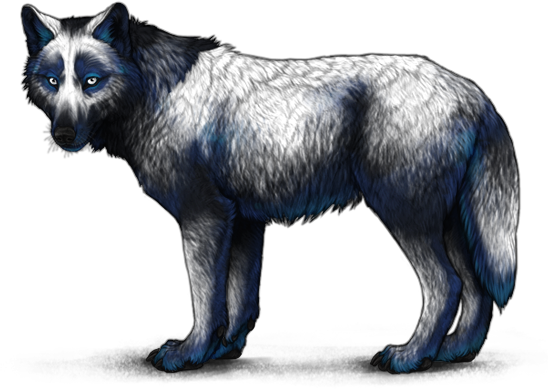
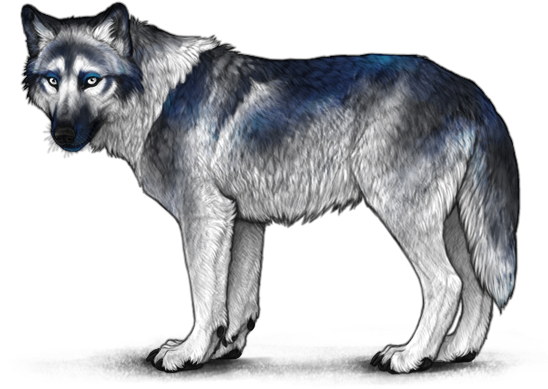
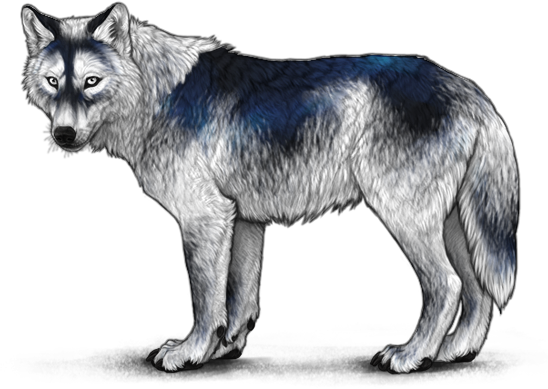
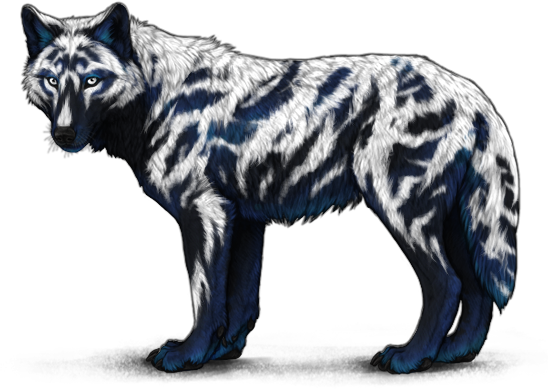
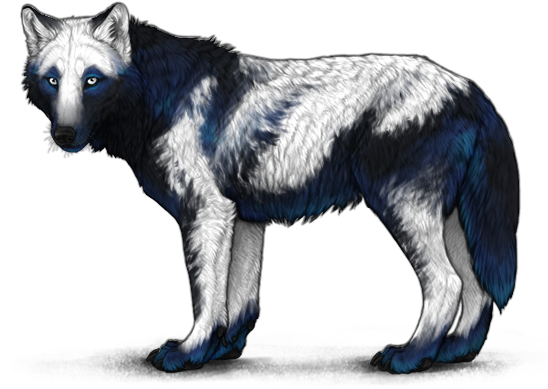
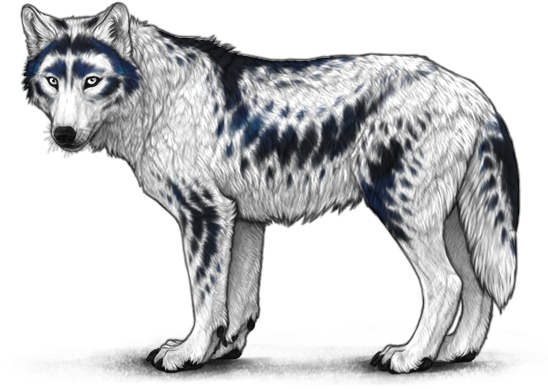
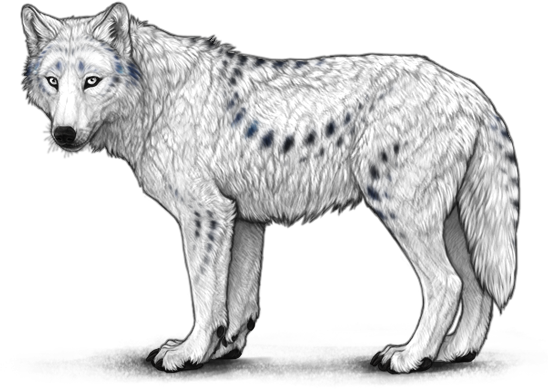
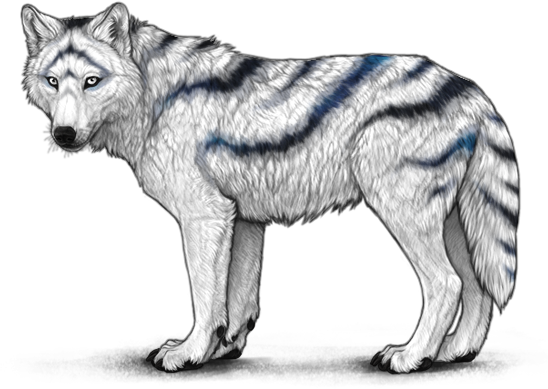
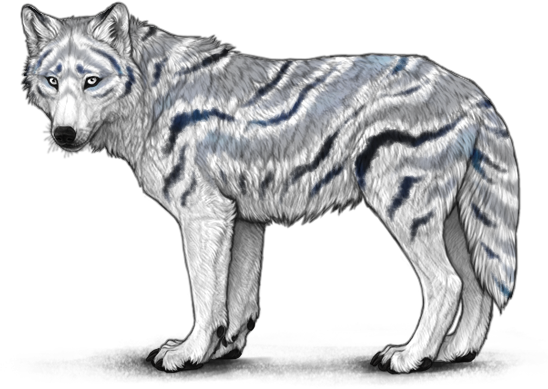
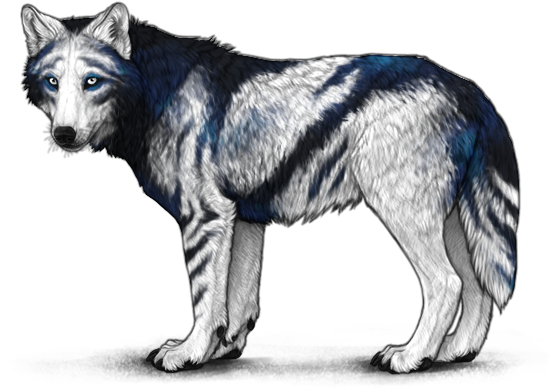
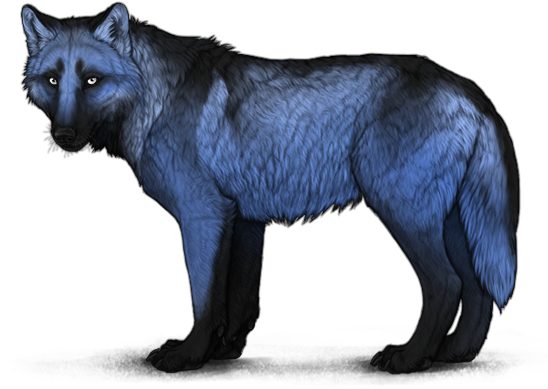
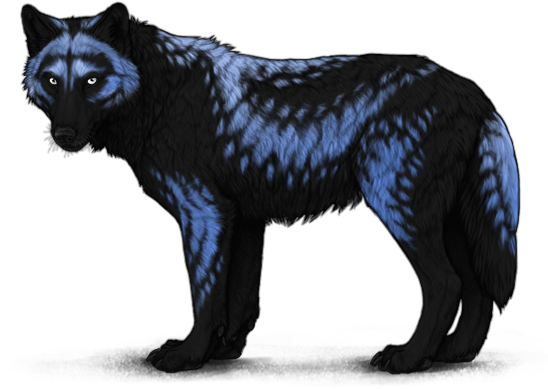
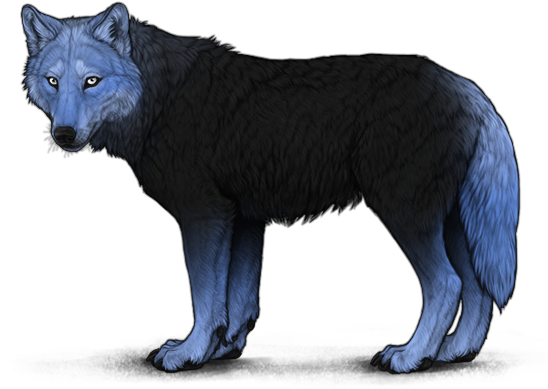
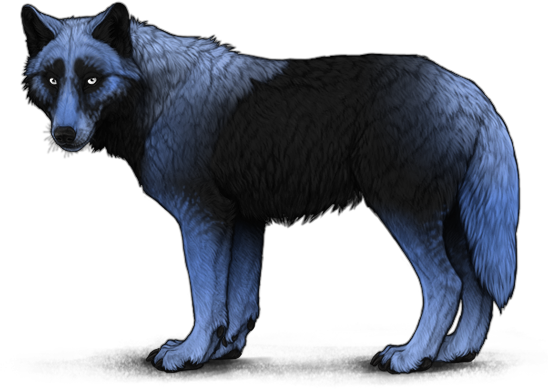
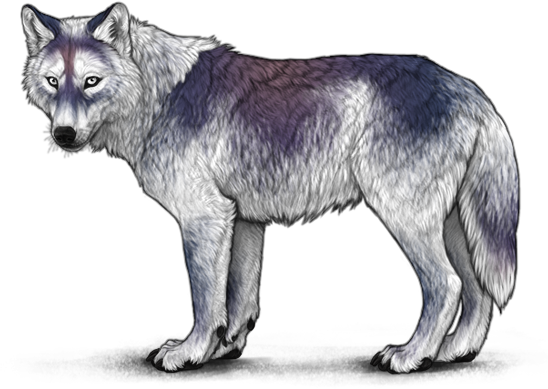
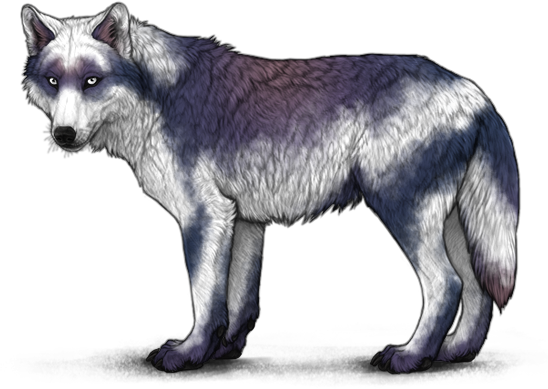
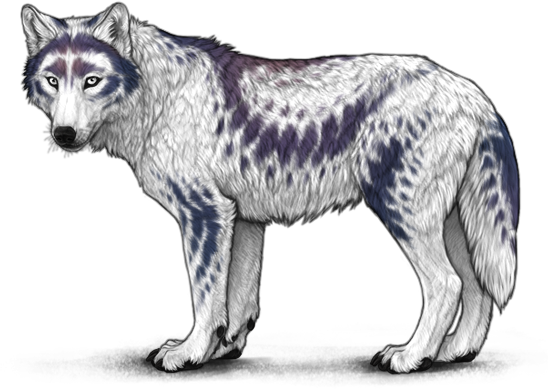
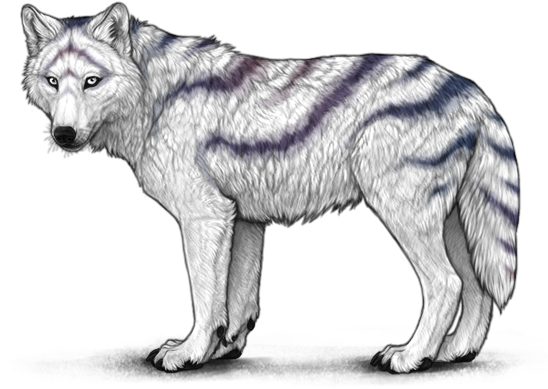
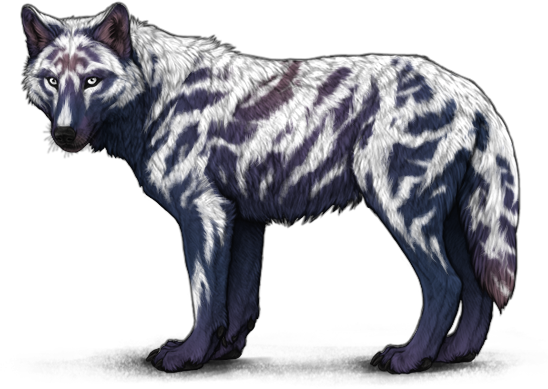
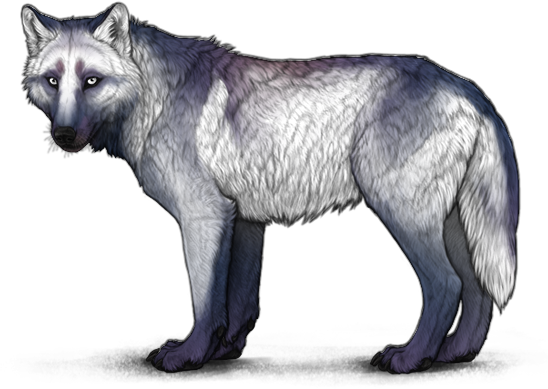
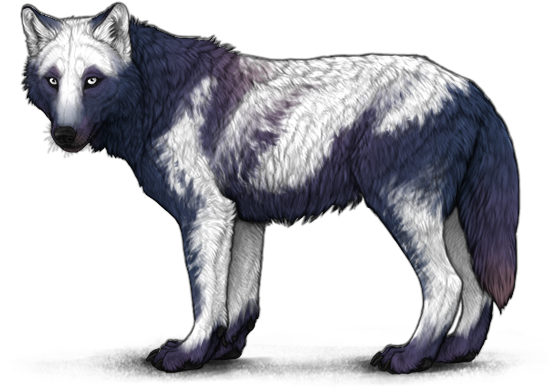
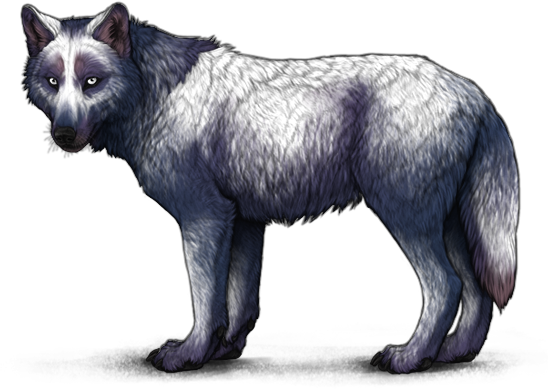
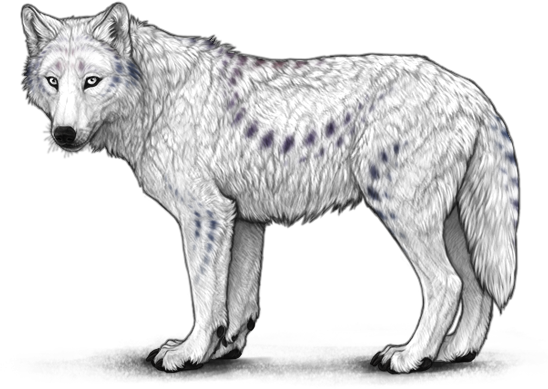
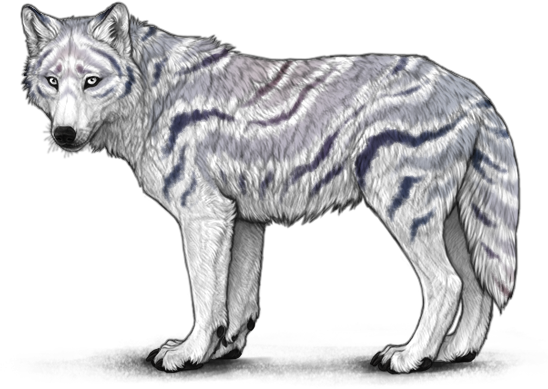
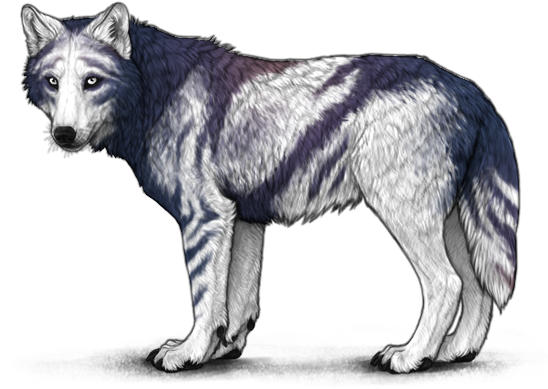
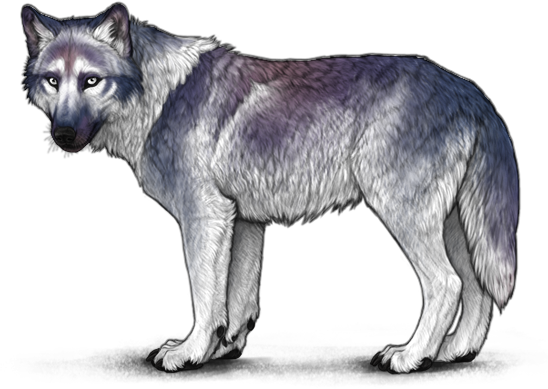
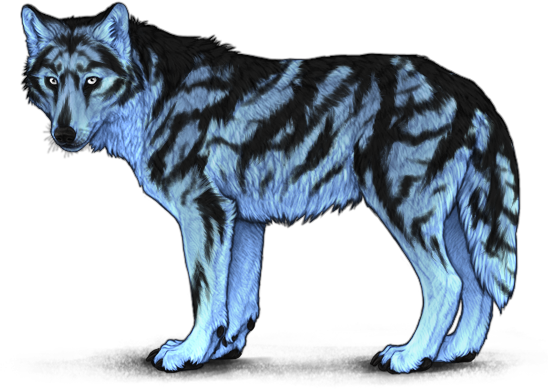
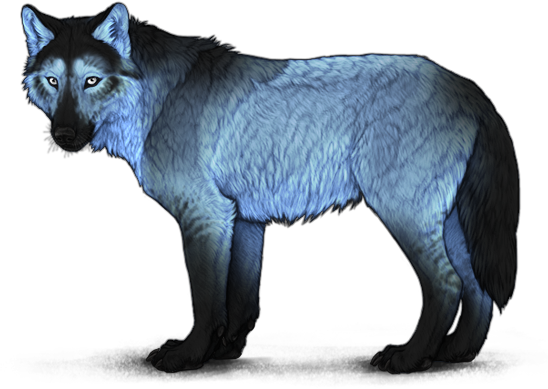
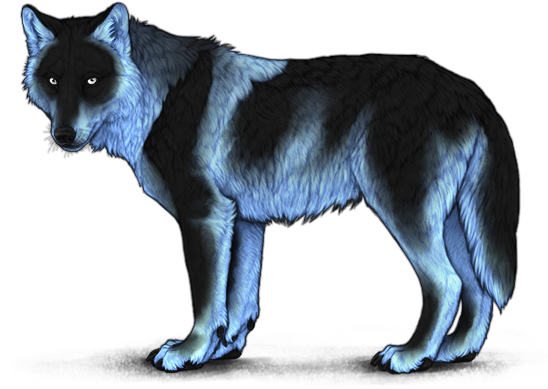
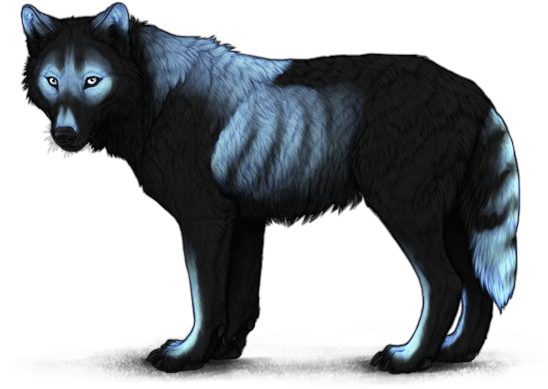
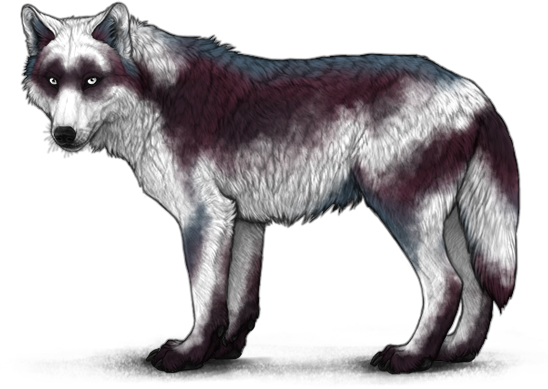
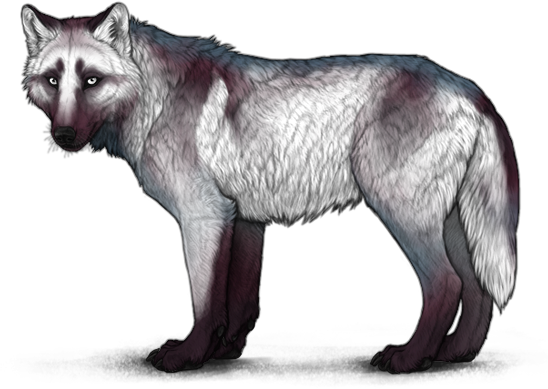
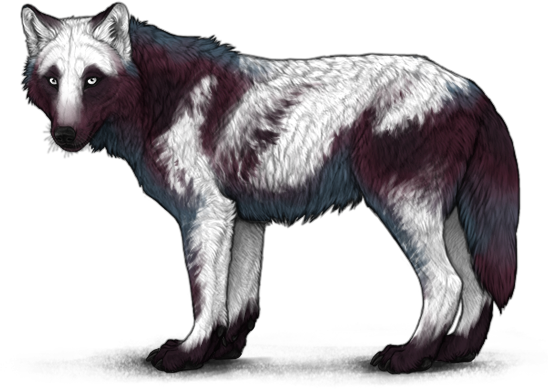
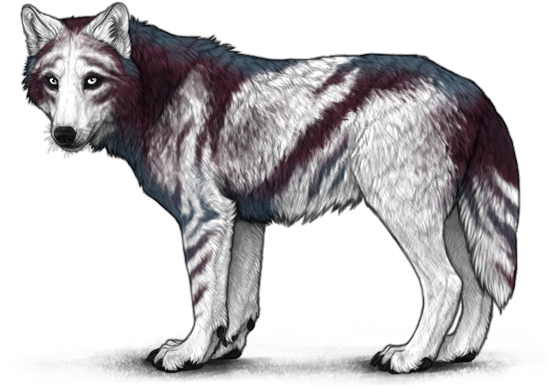
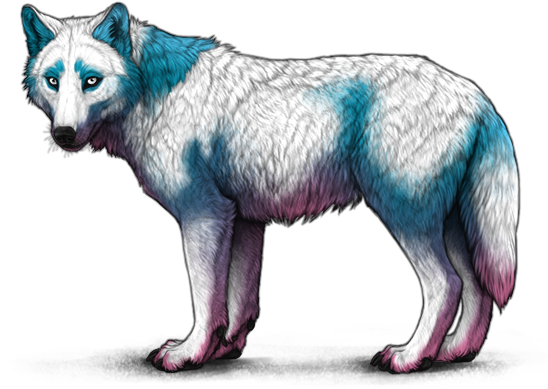
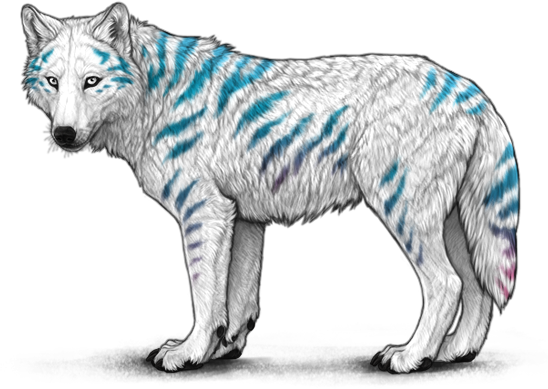
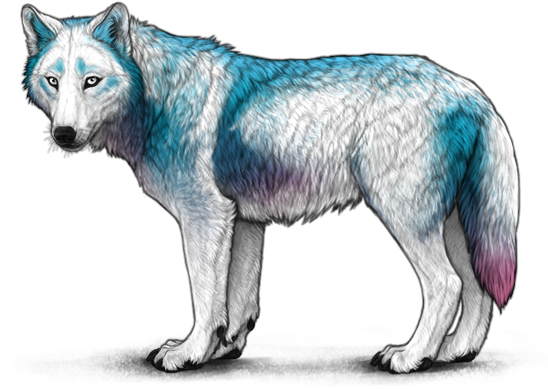
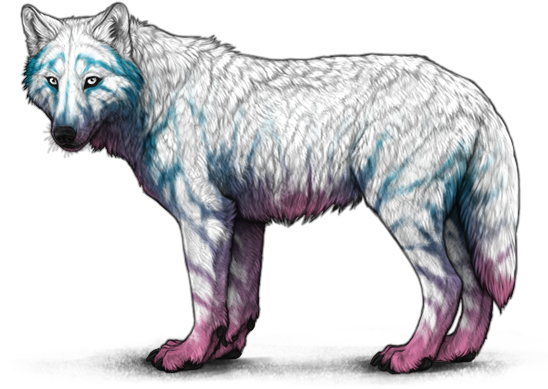
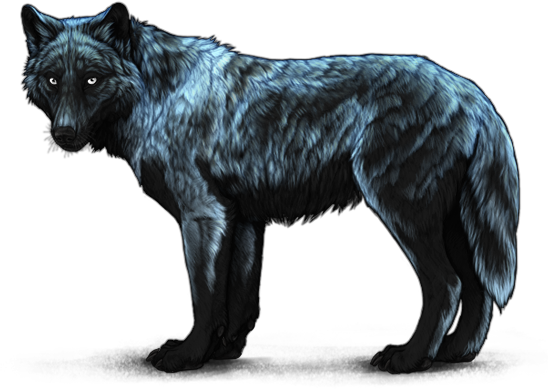
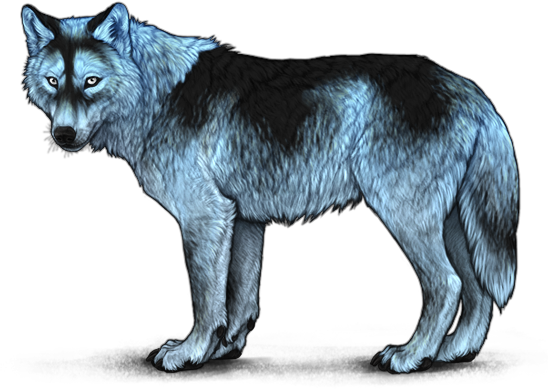
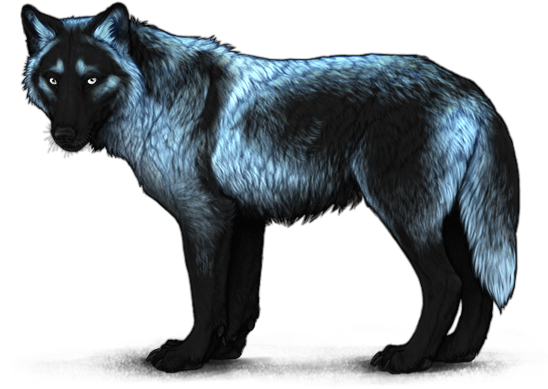
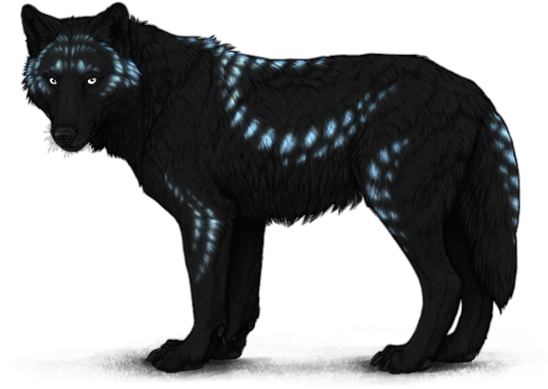
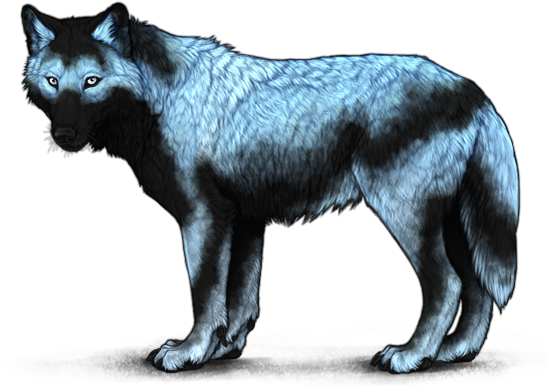
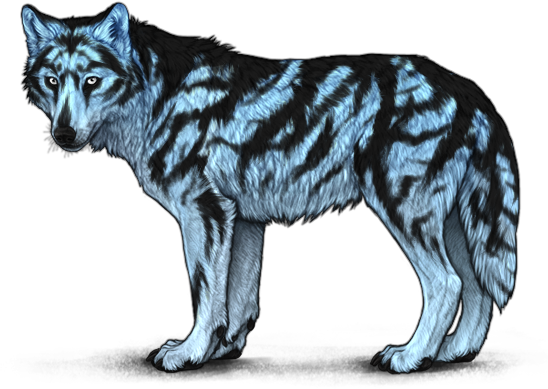
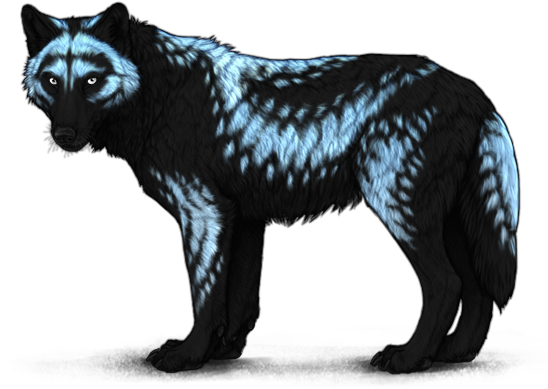
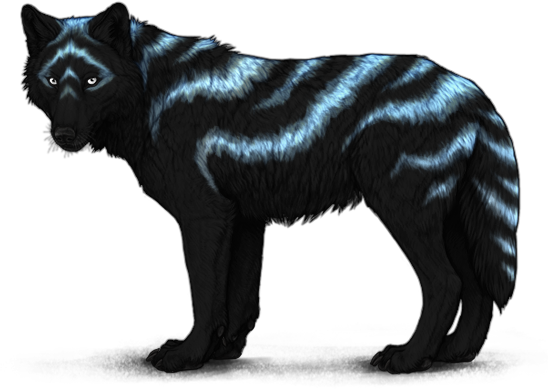
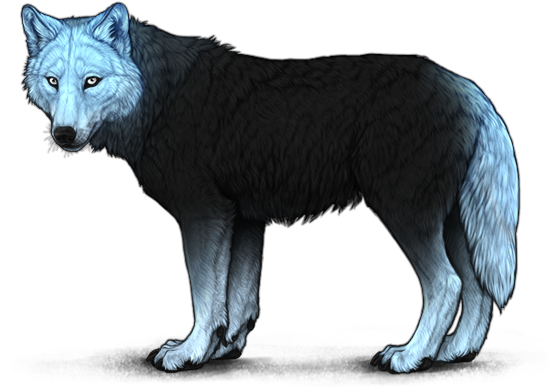
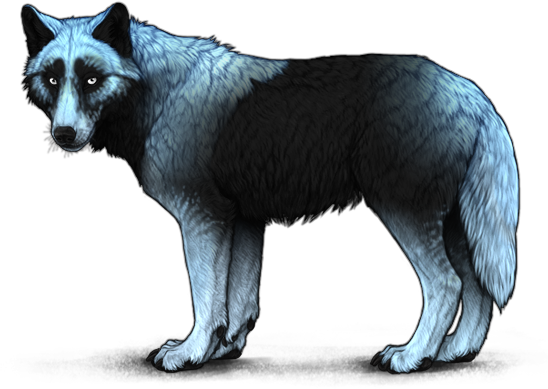
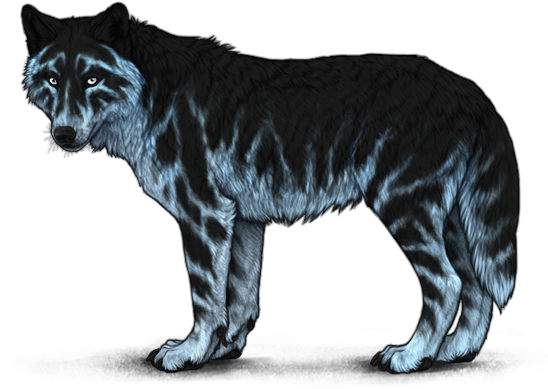
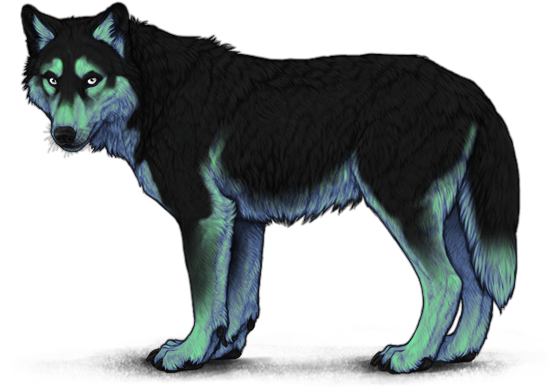
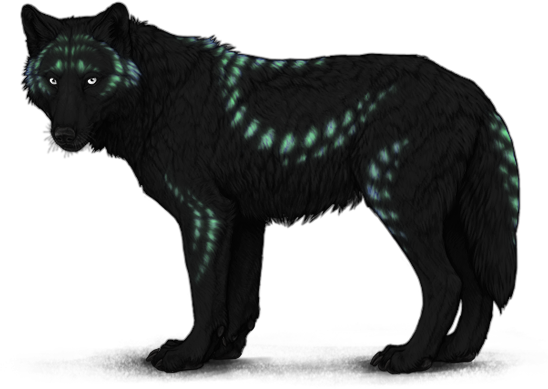
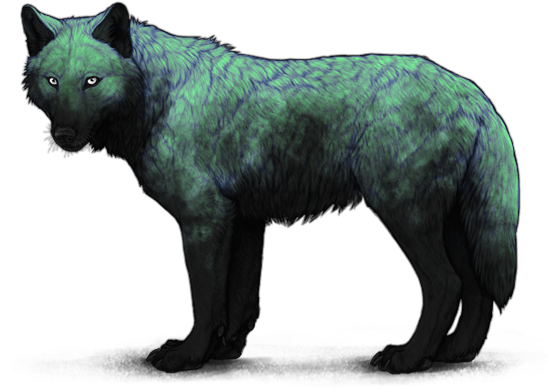
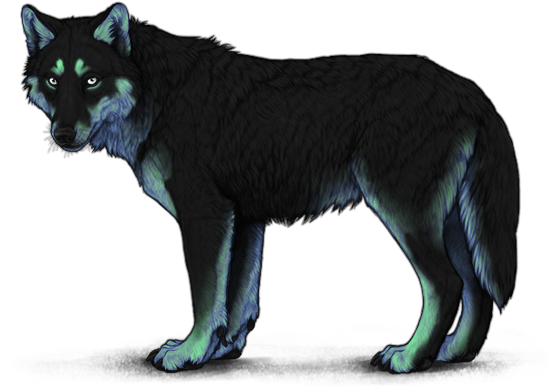
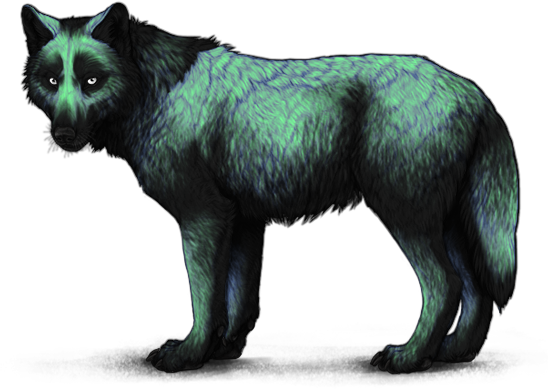
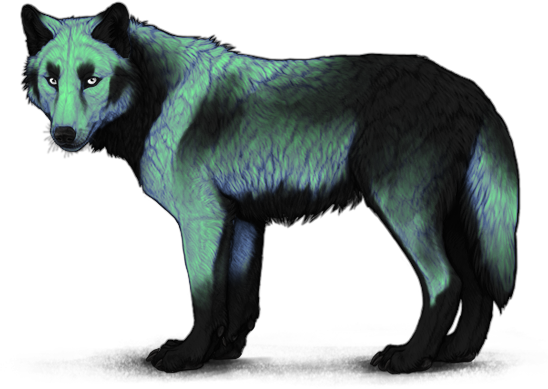
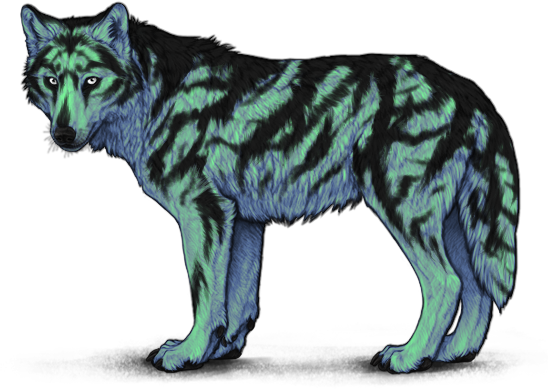
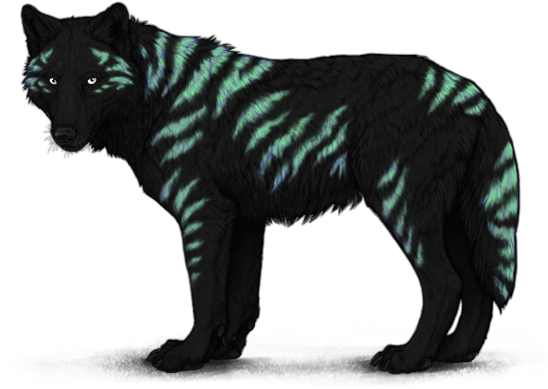
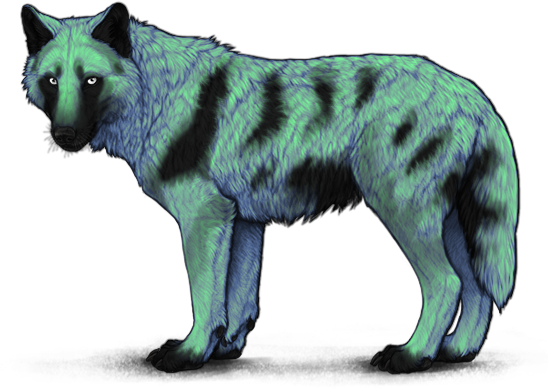
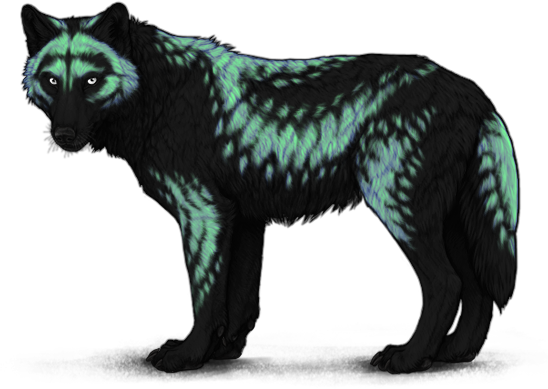
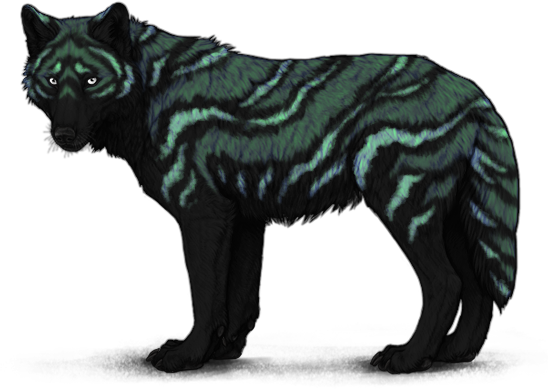
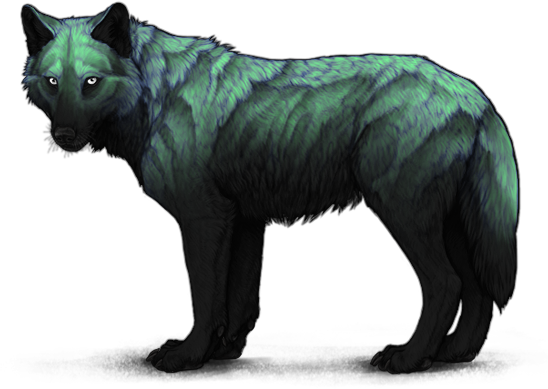
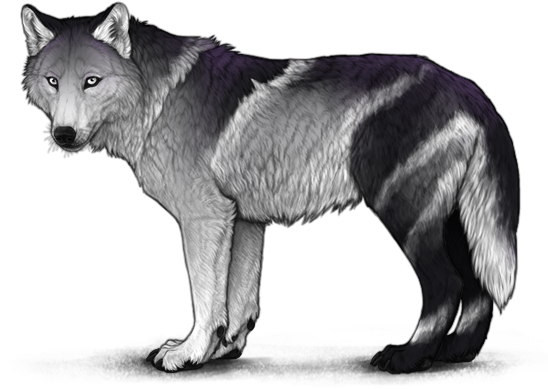
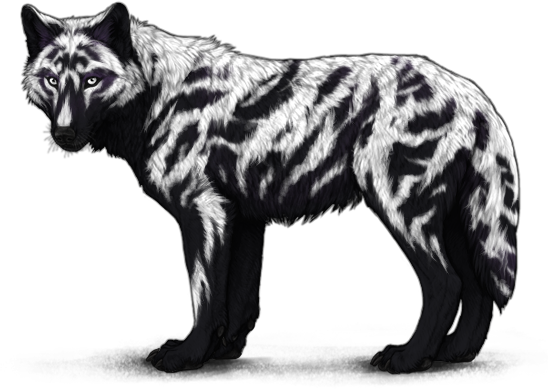
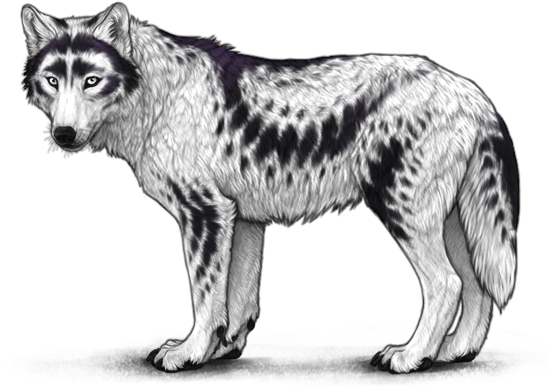
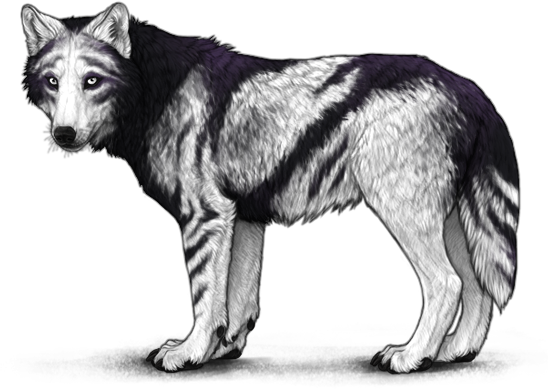
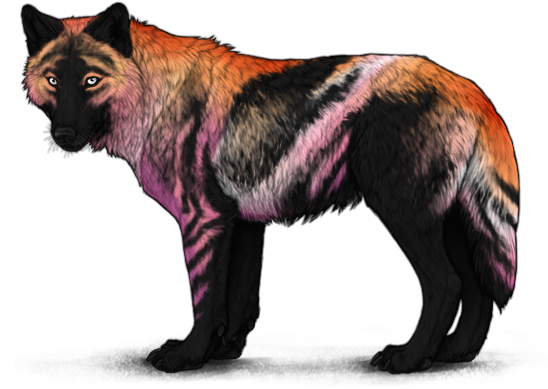
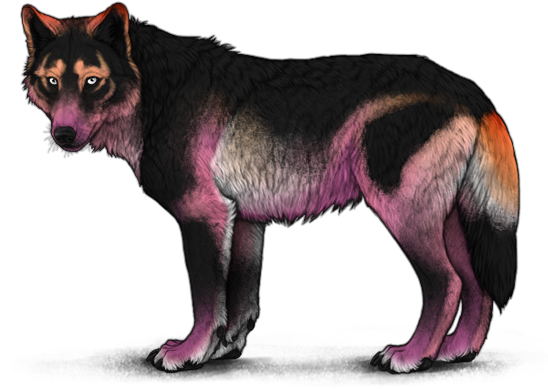
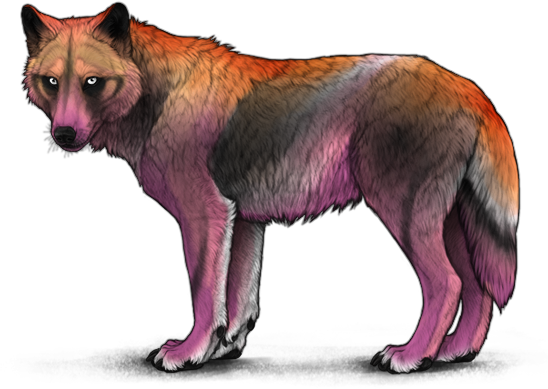
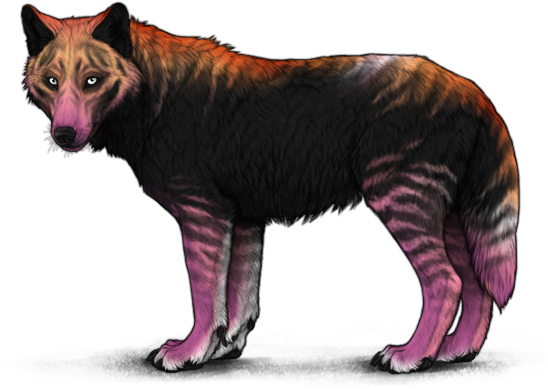
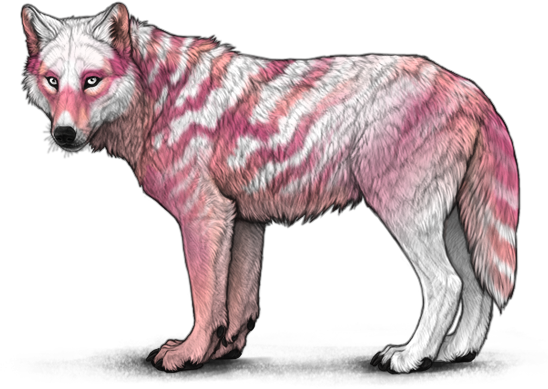
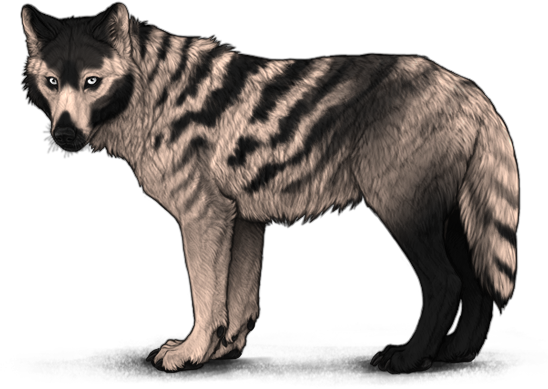
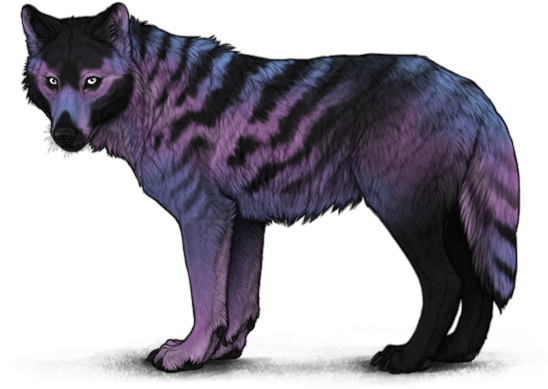
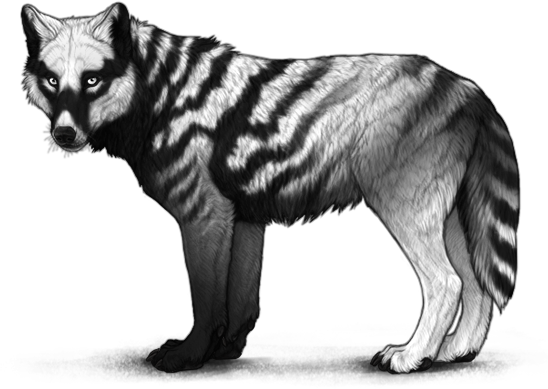
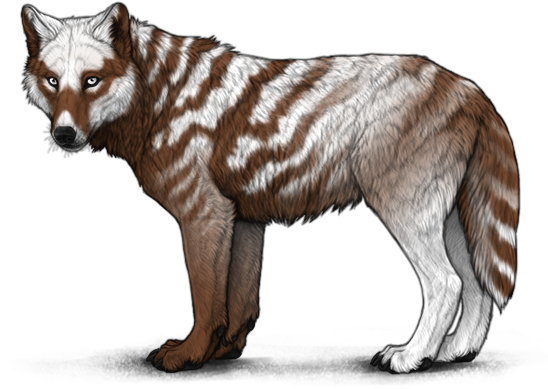
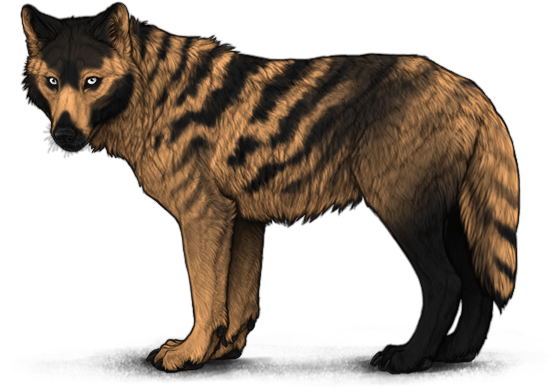
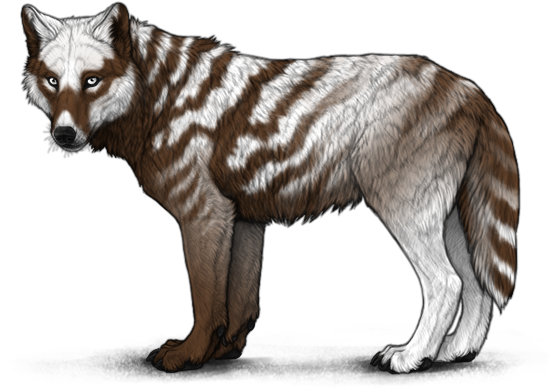
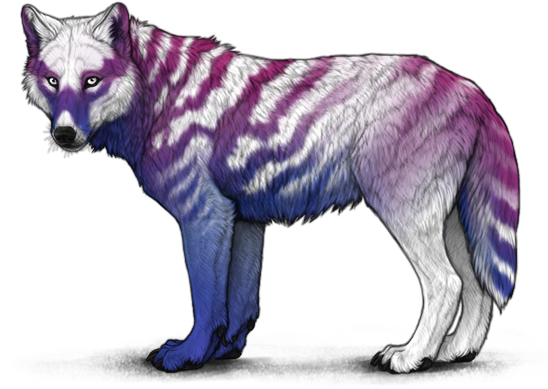
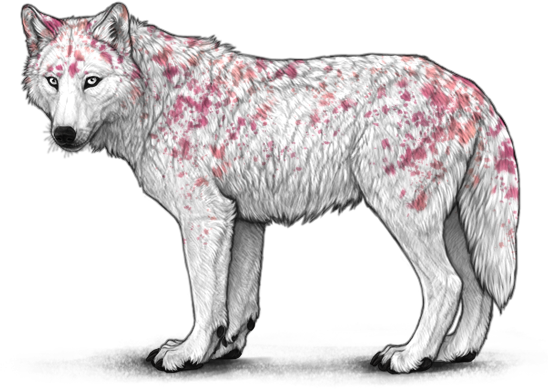
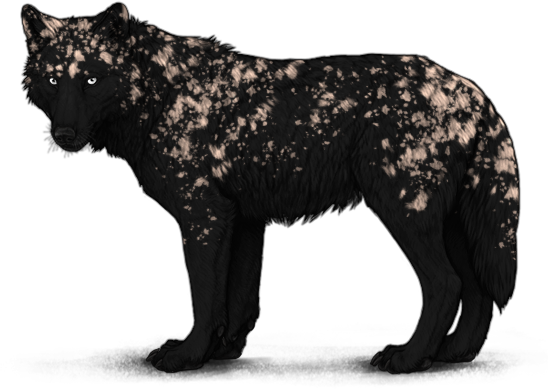
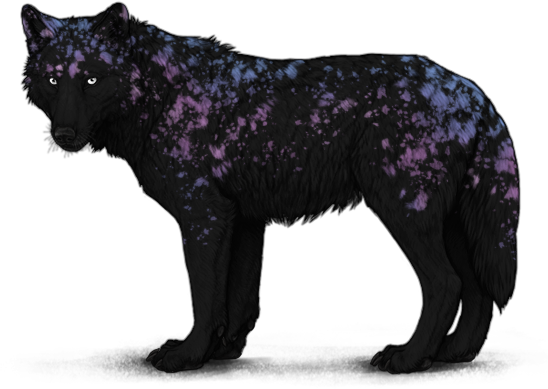
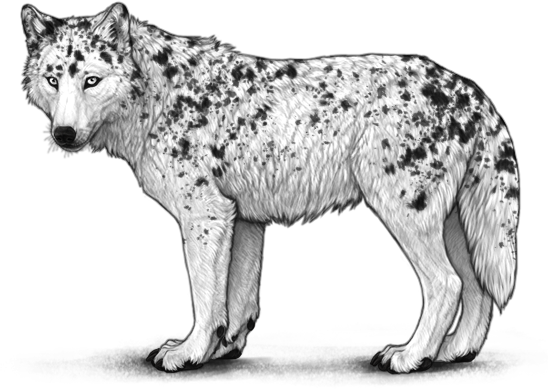
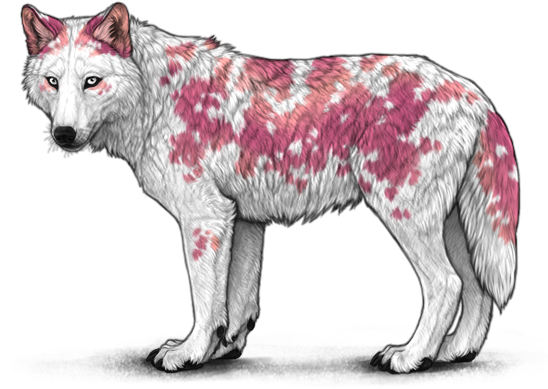
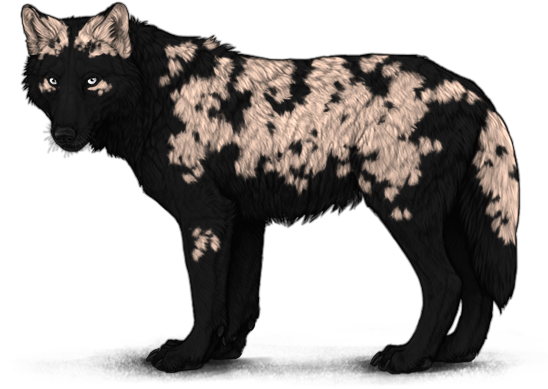
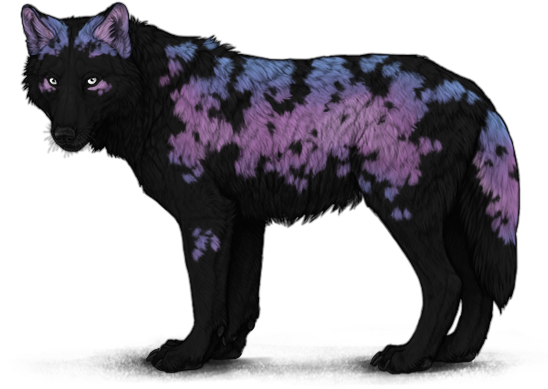
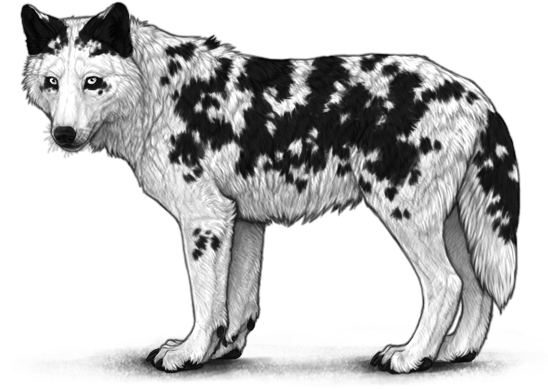
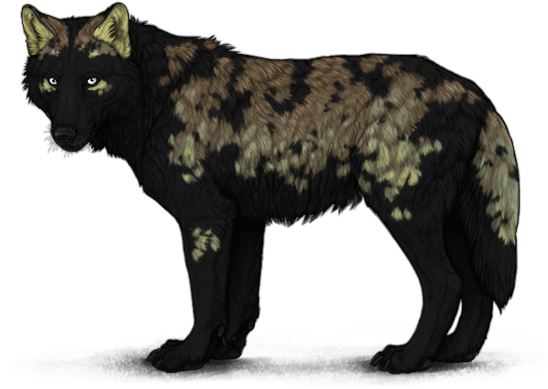
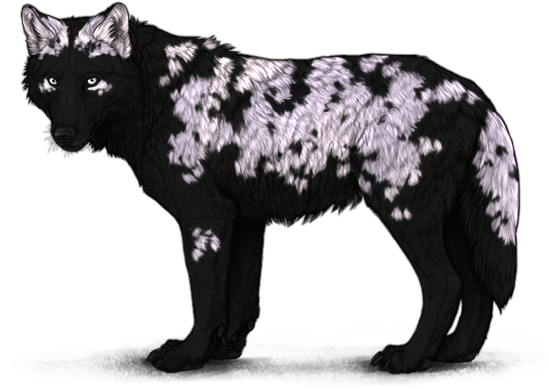
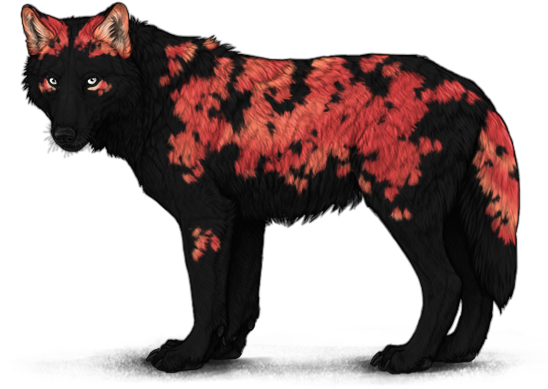
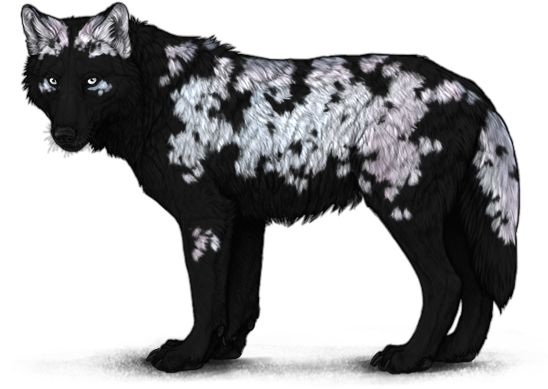
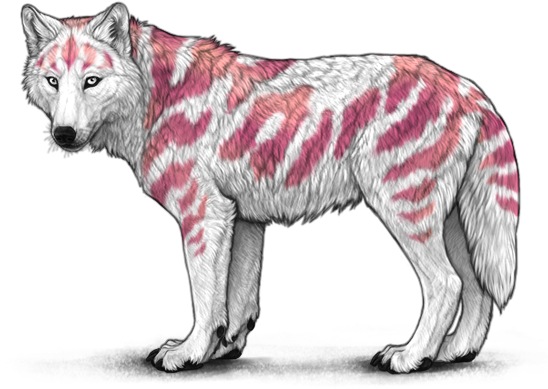
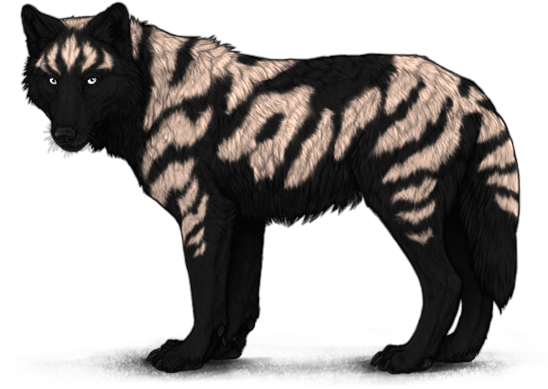
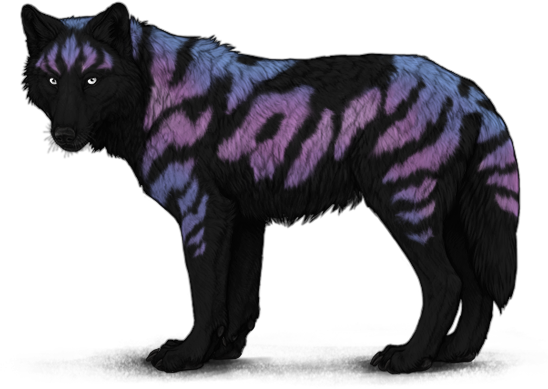
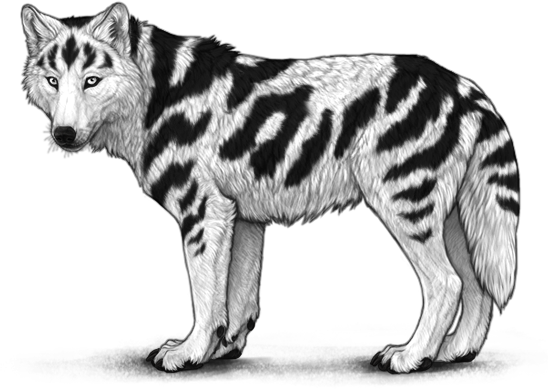
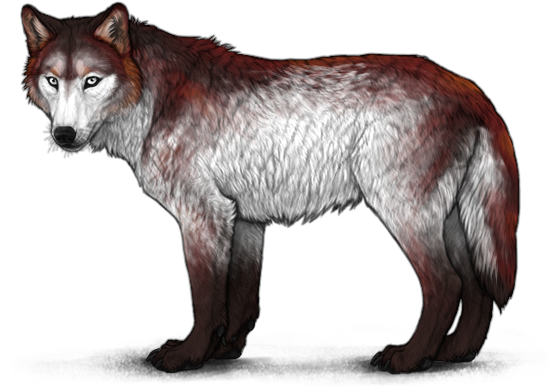
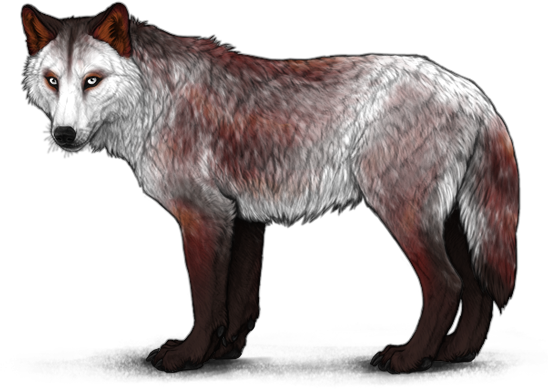
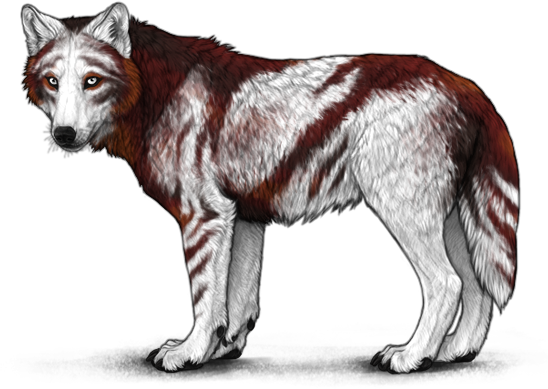
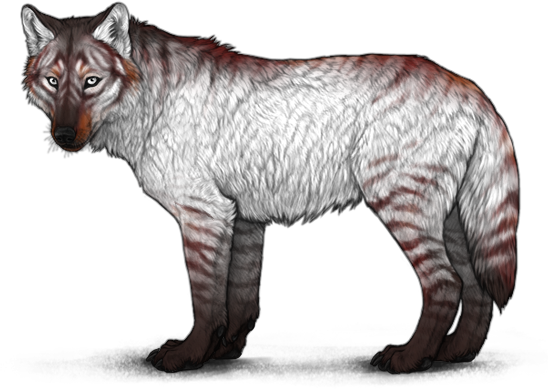
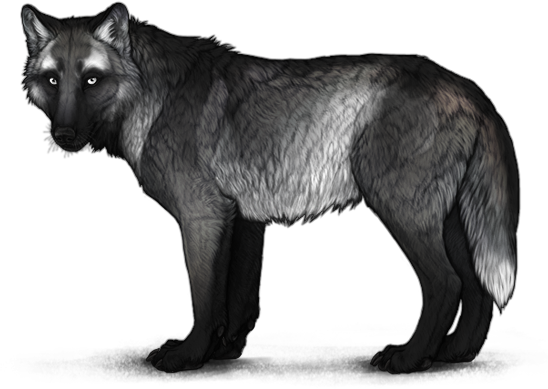
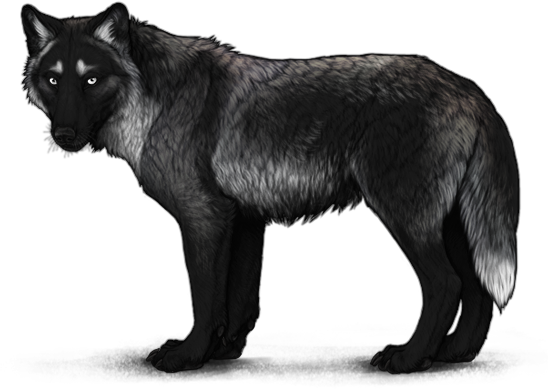
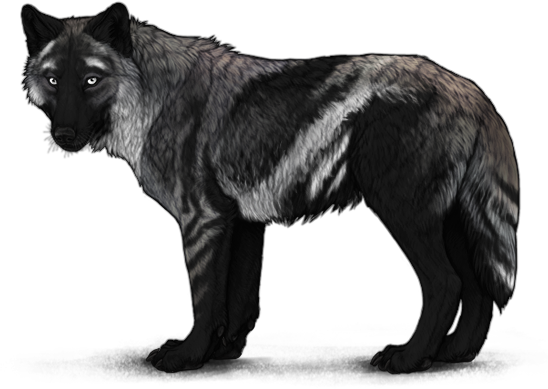
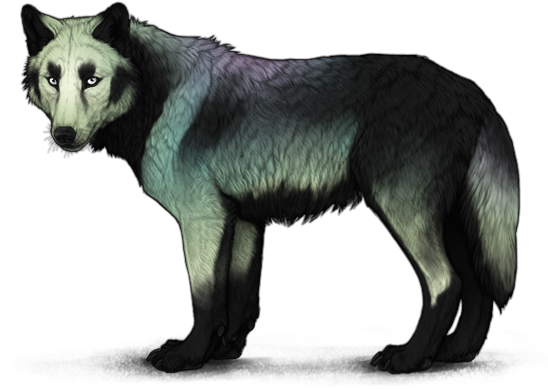
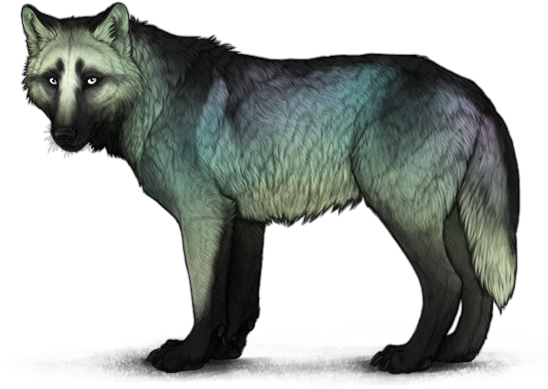
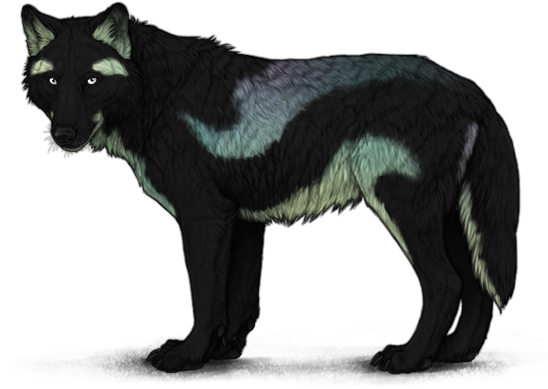
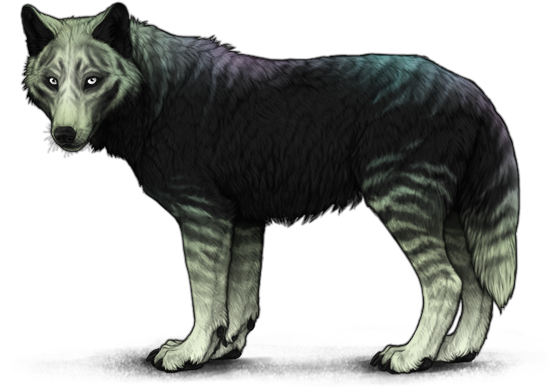
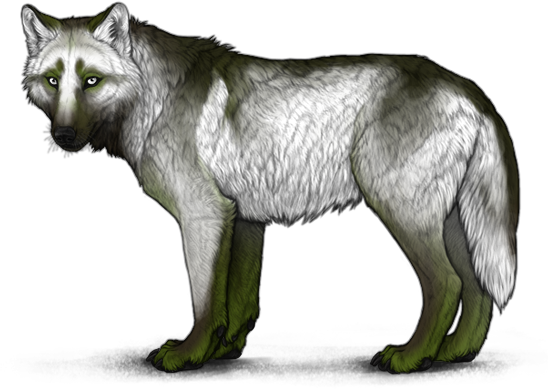
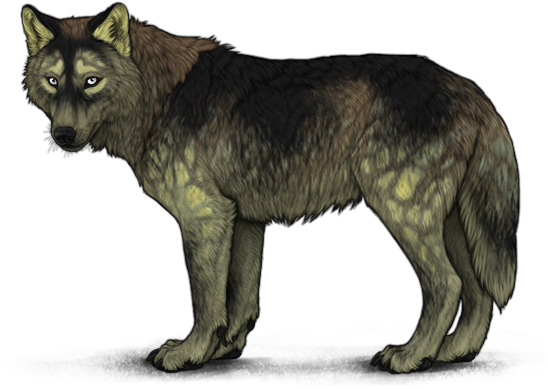
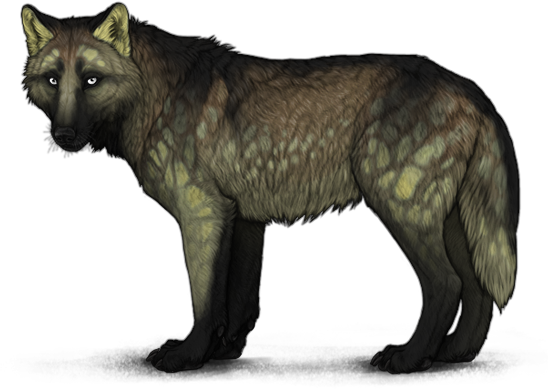
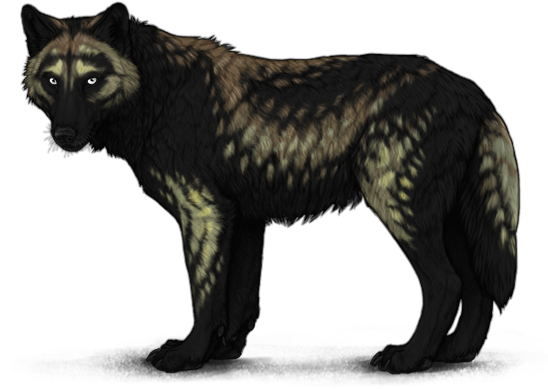
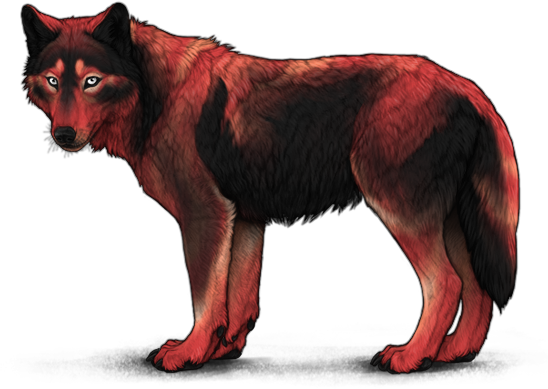
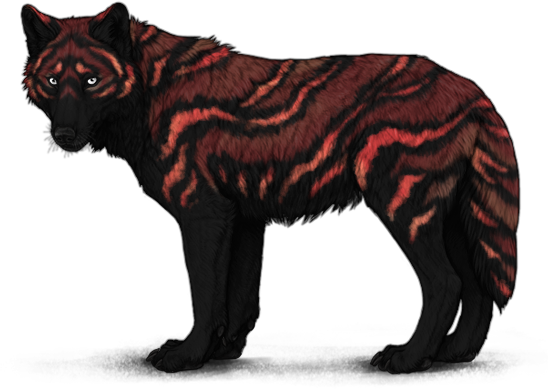
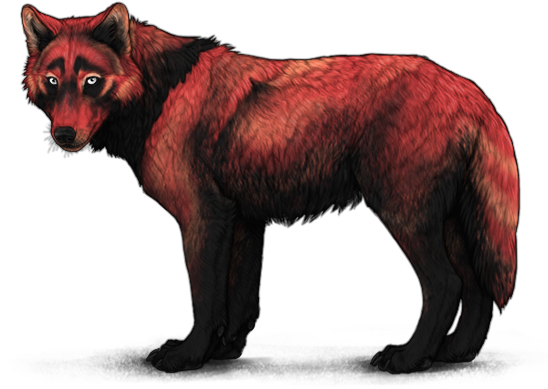
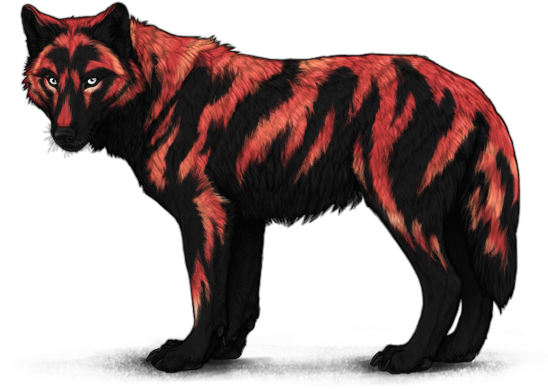
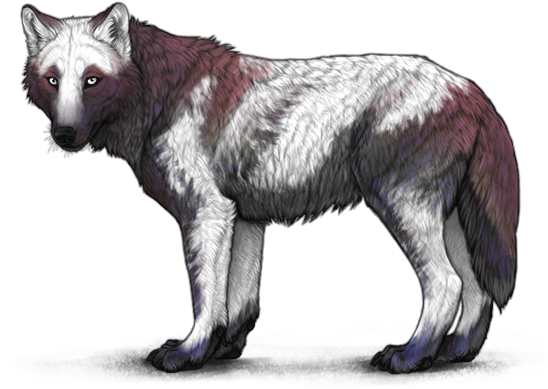
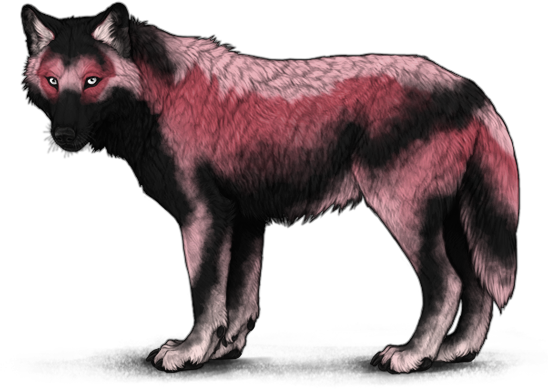
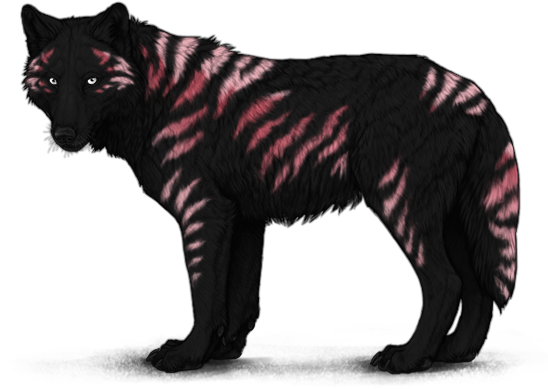
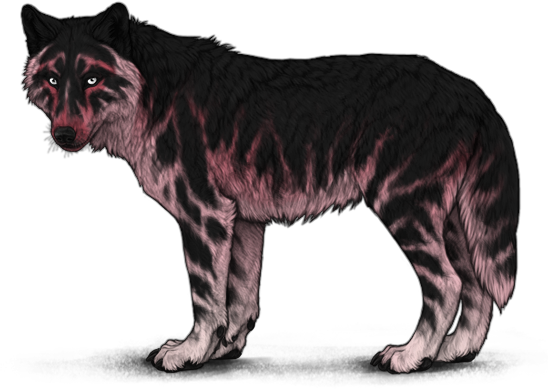
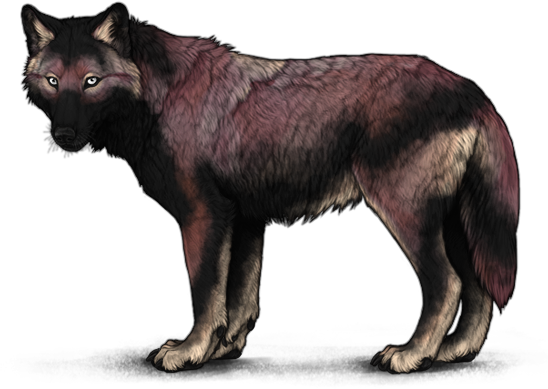
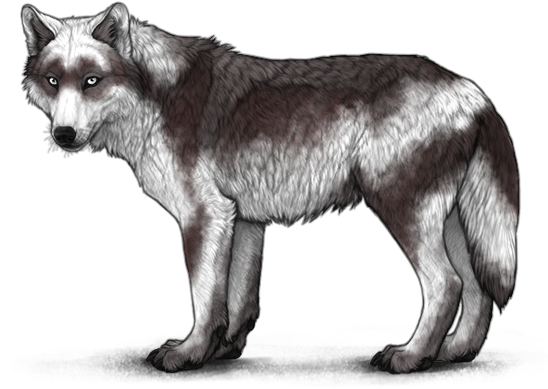
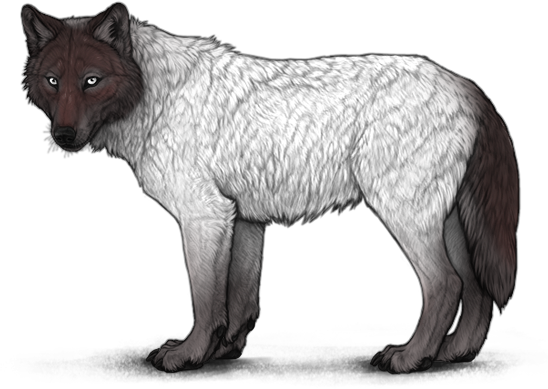
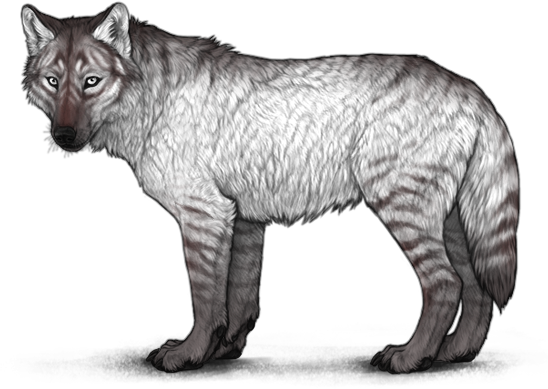
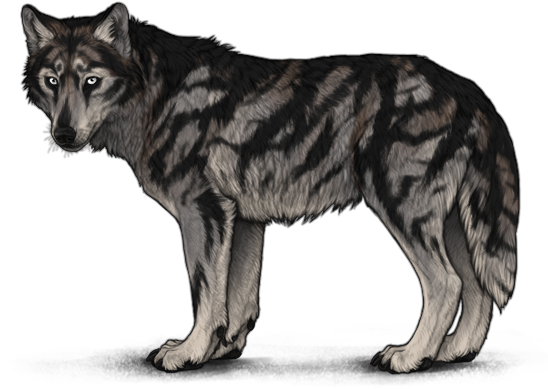
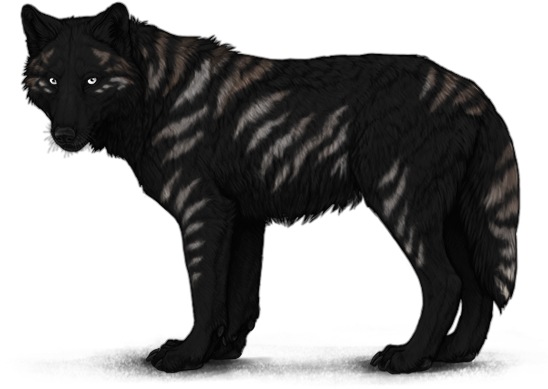
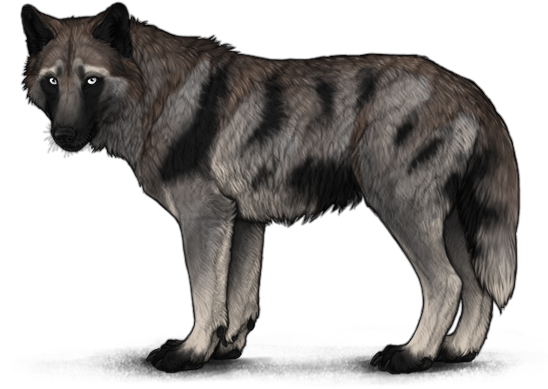
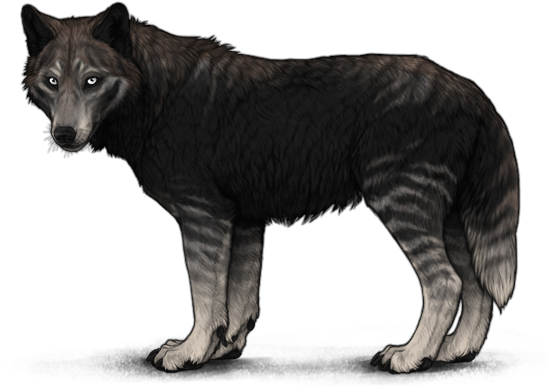
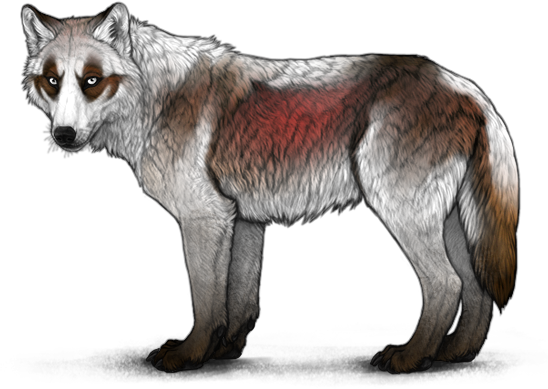
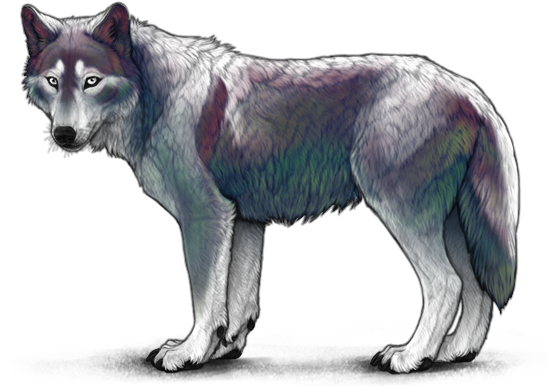
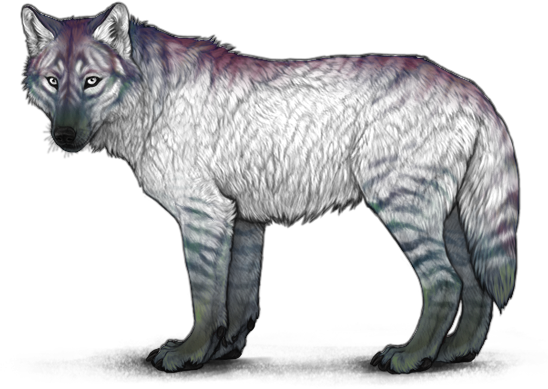
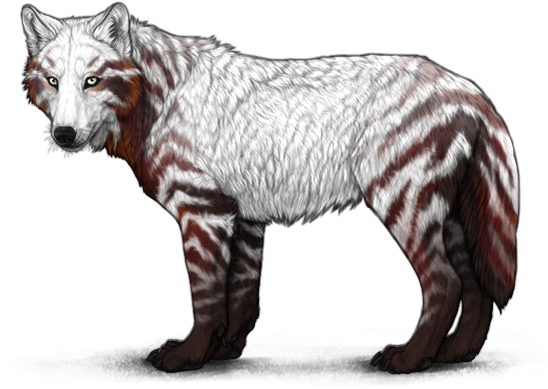
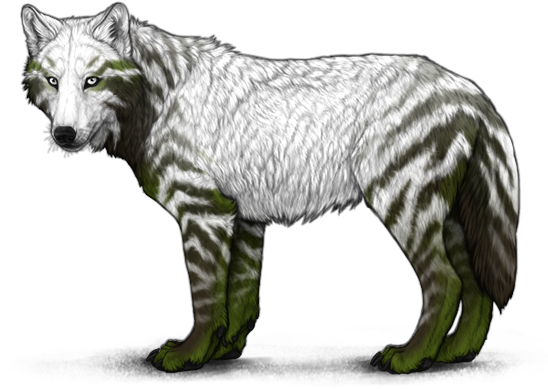
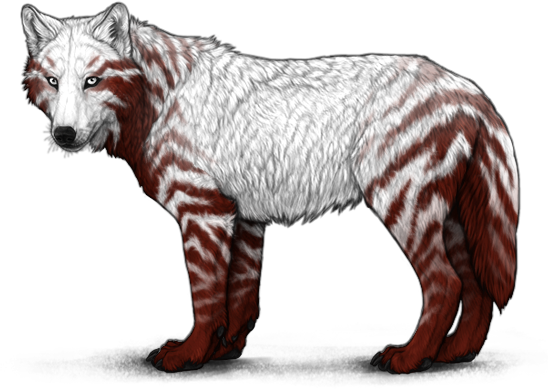
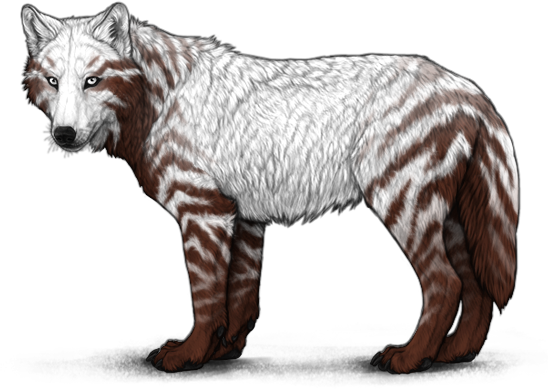
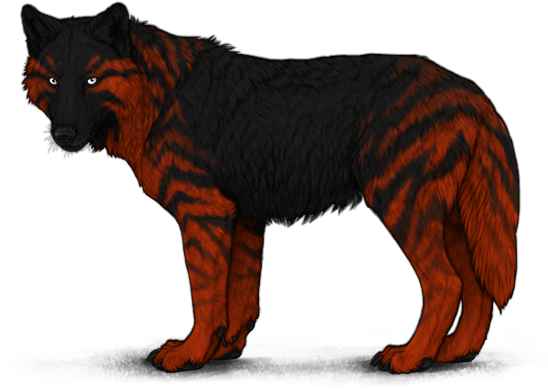
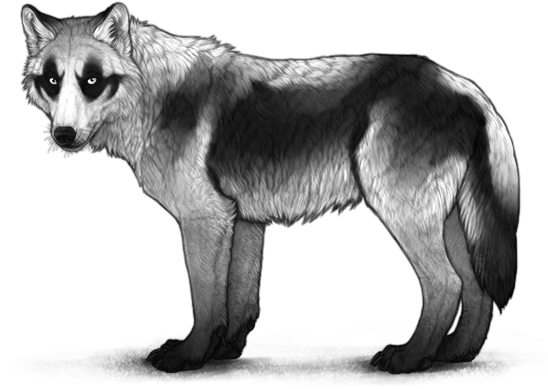
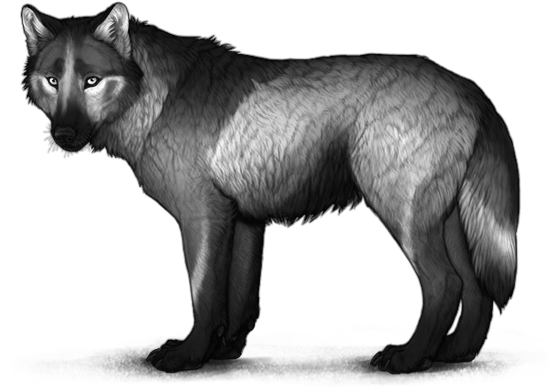
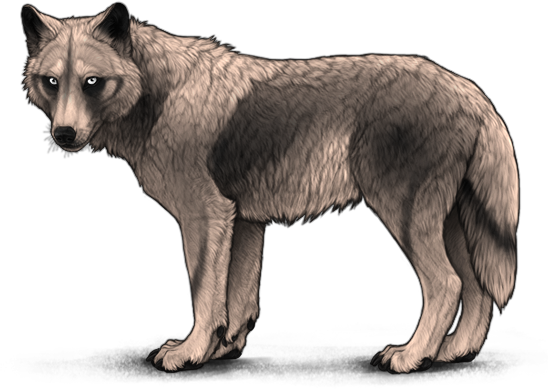
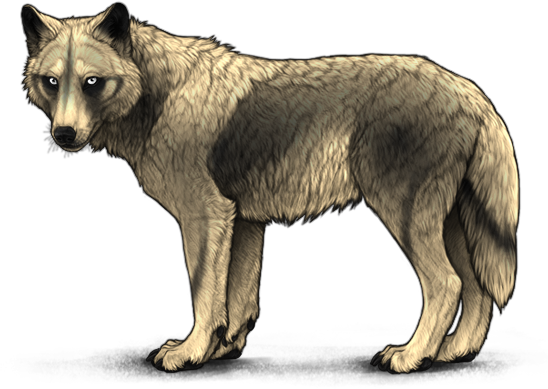
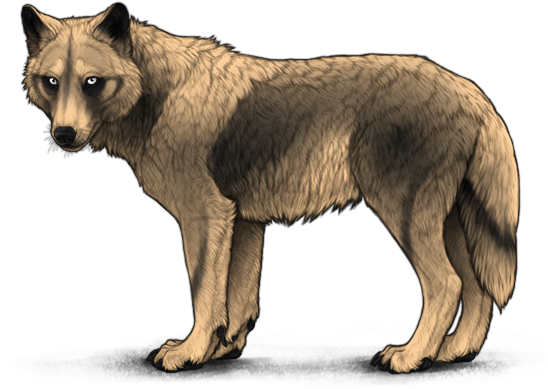
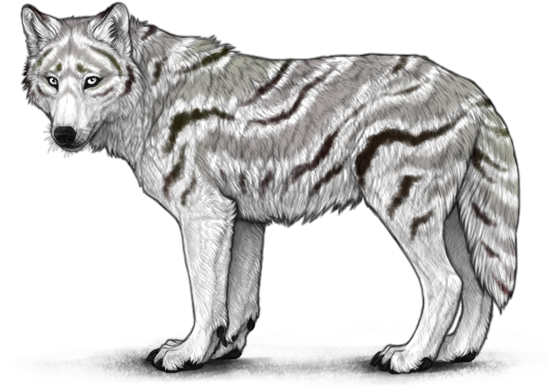
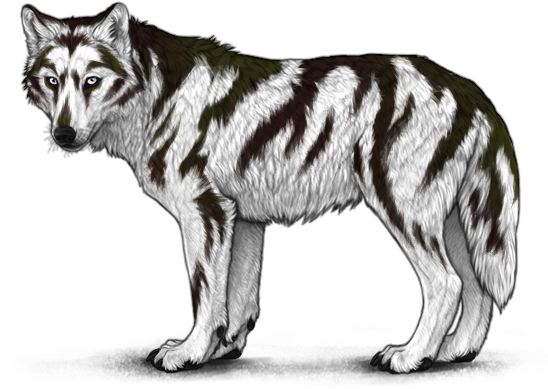
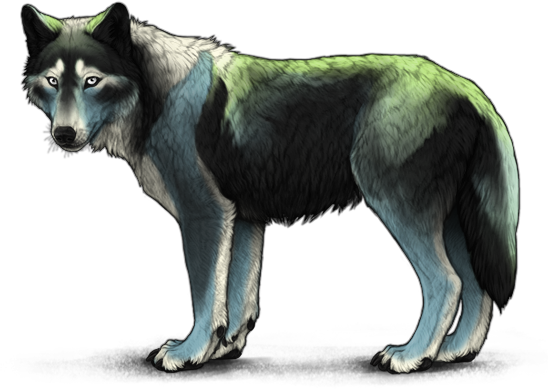
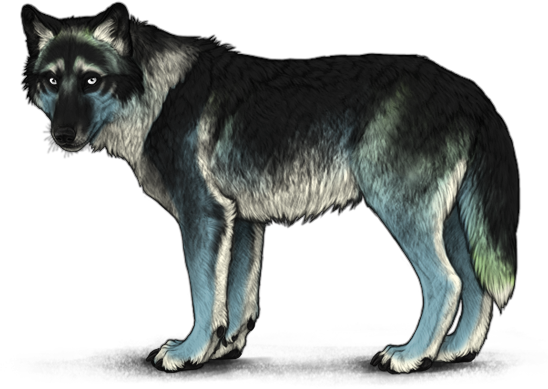
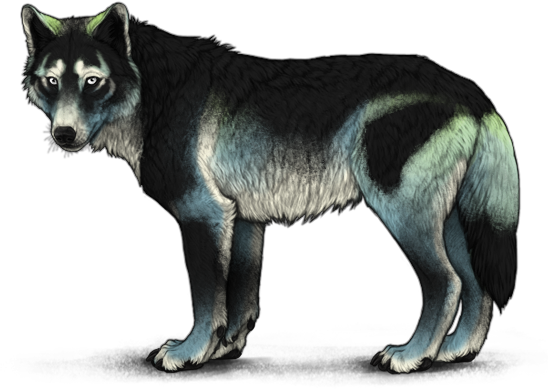
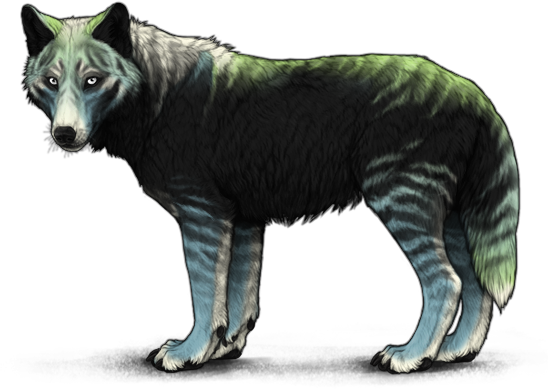
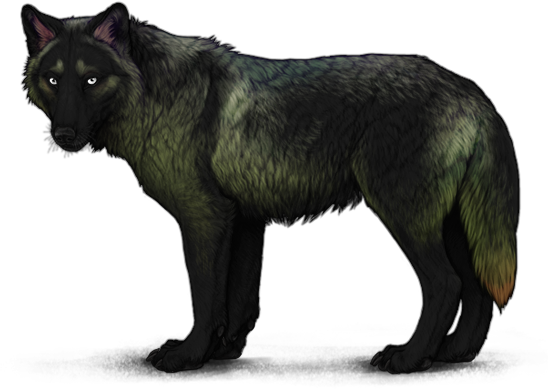
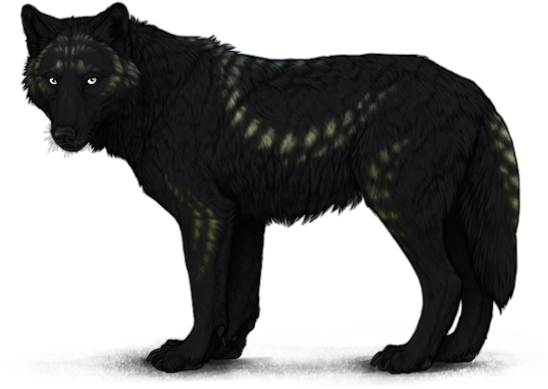
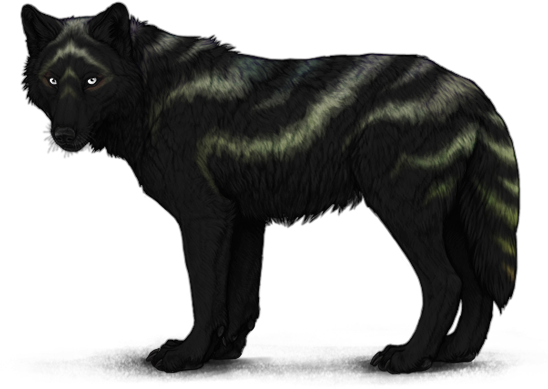
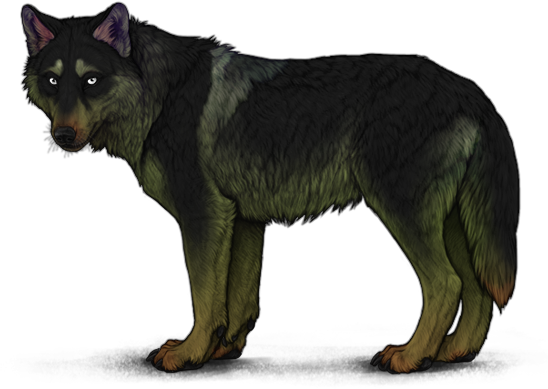
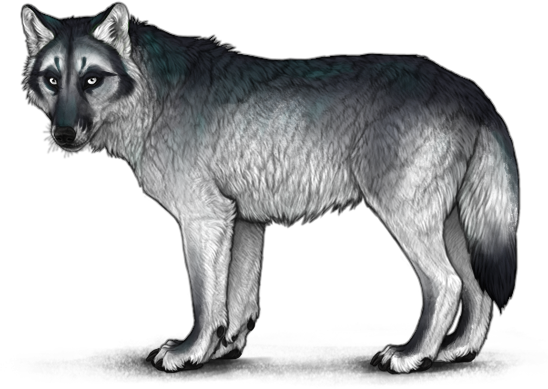
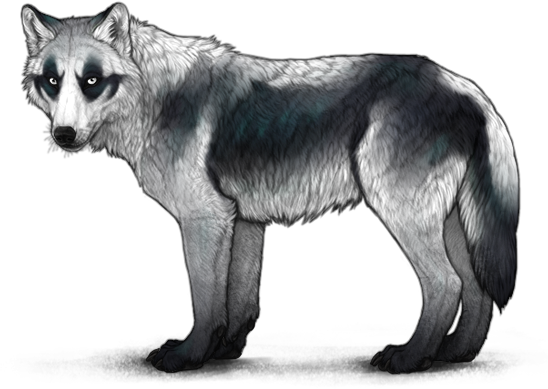
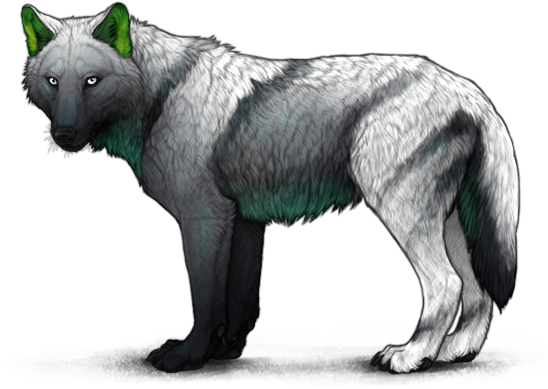
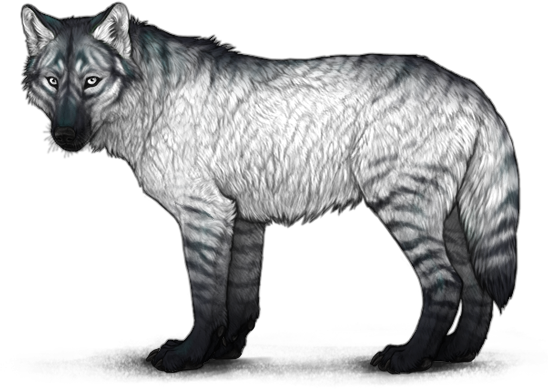
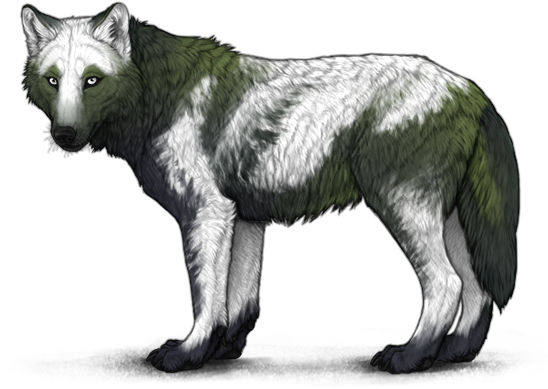
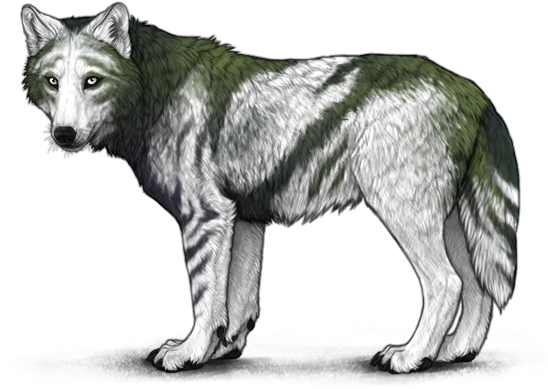
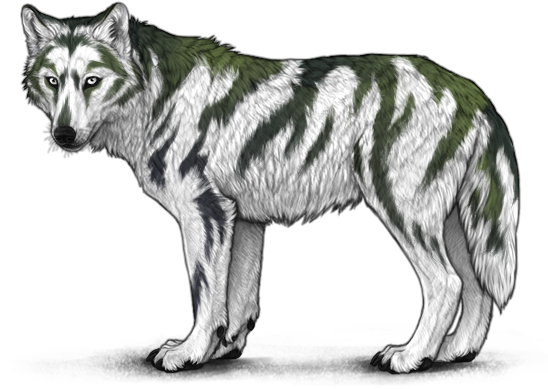
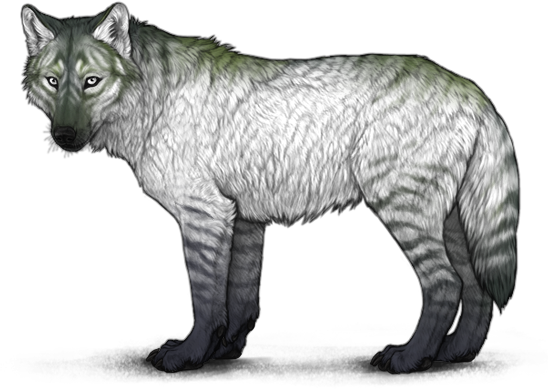
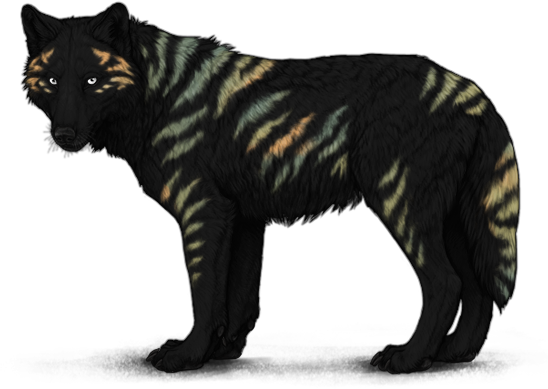
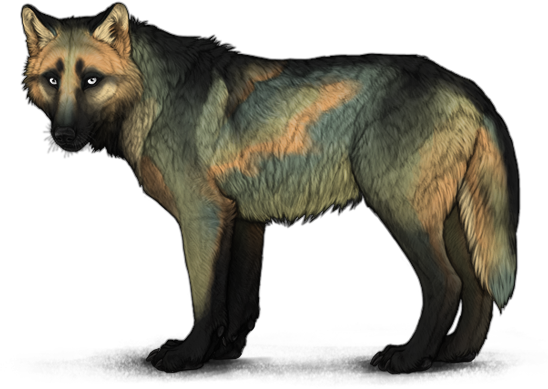
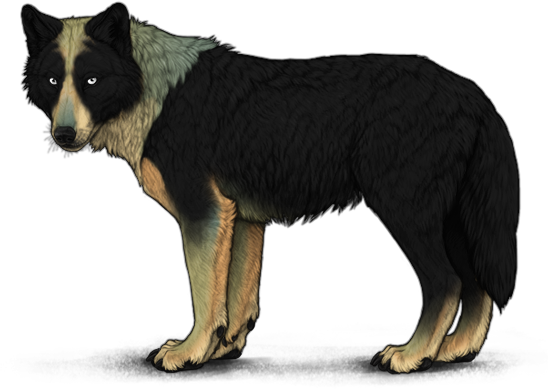
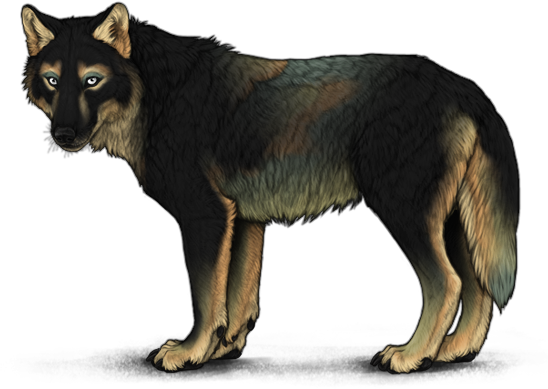
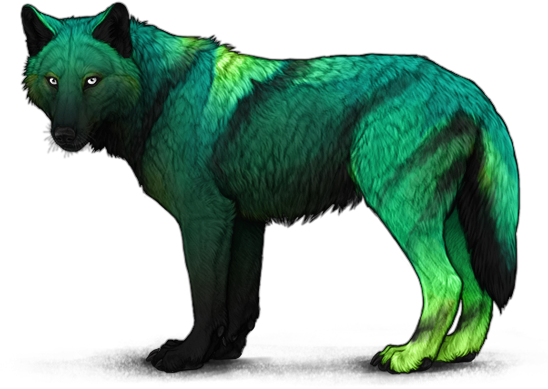
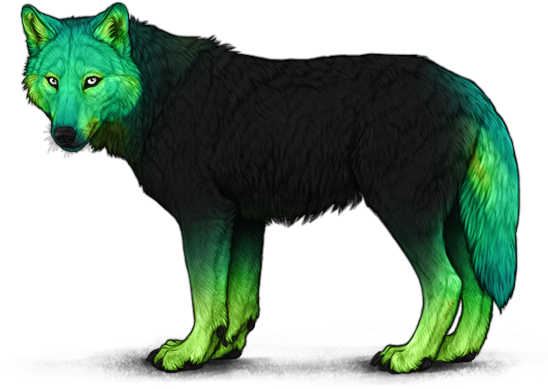
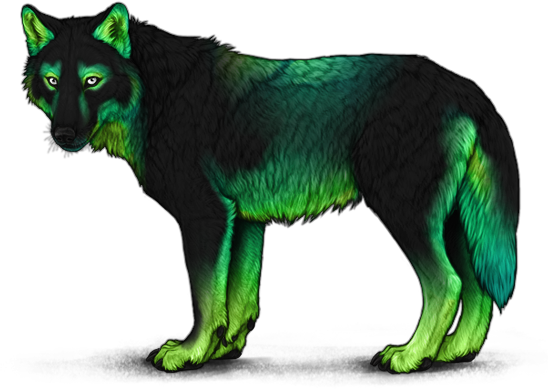
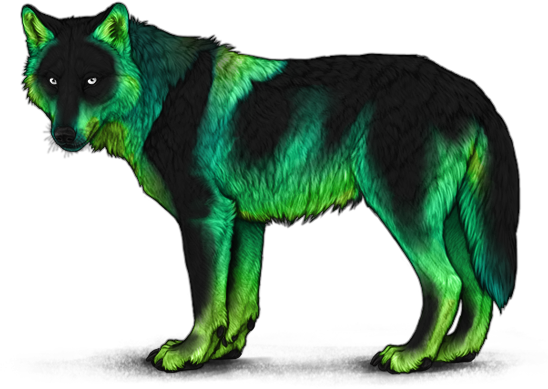
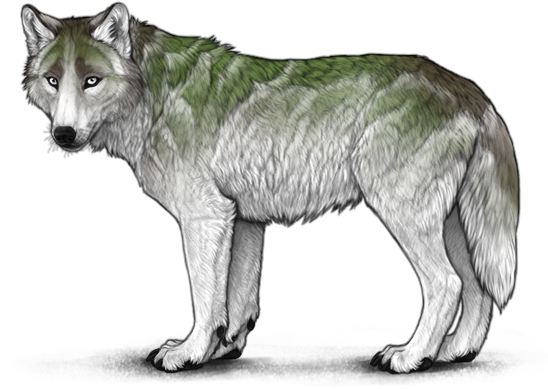
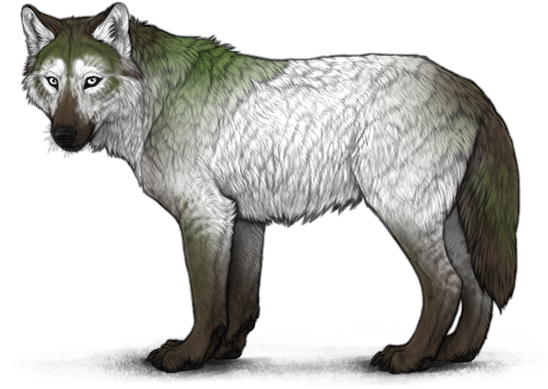
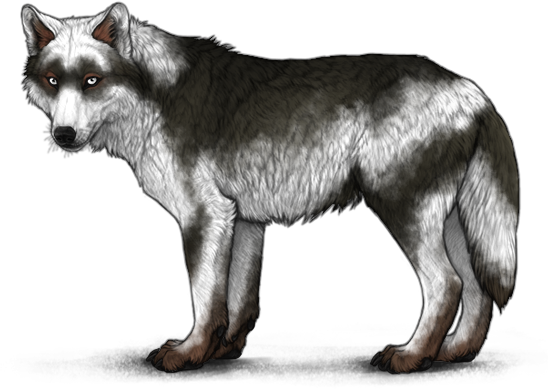
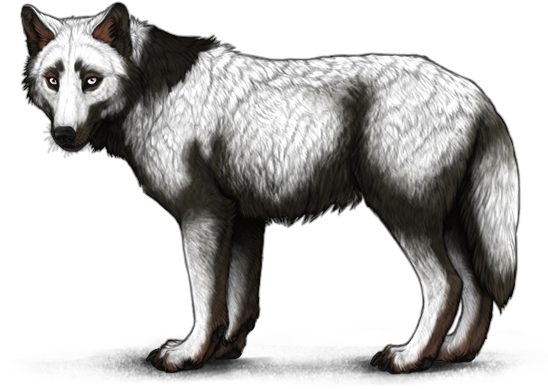
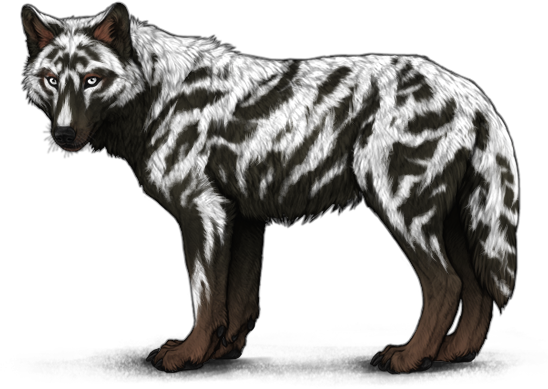
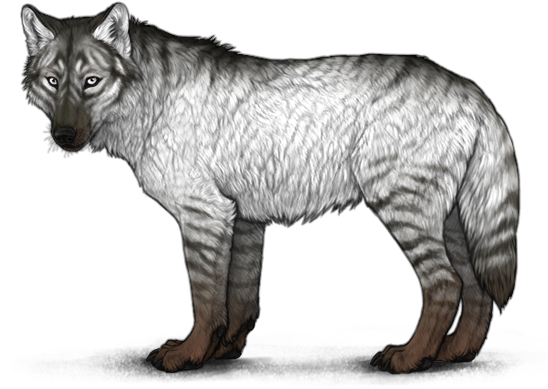
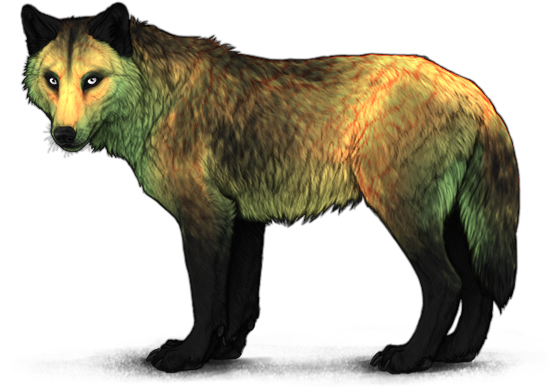
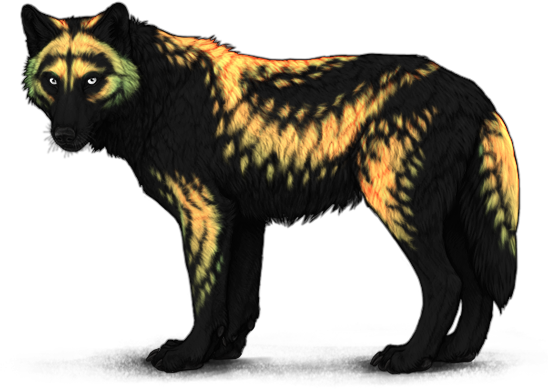
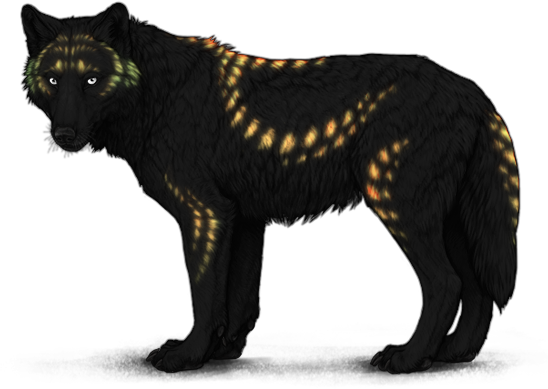
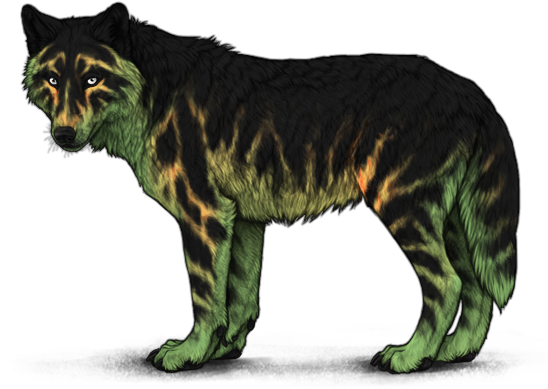
The monthly Lunar Event introduces more marking applicators than any other event! The month after a new base applicator is introduced, an associated marking applicator will be added to the Lunar Shoppe. After the month is over, the applicators will be retired, only returning during a special event. Unless the schedule is interrupted by a special lunar event, during which all lunar marking applicators will be available for purchase, you can expect a new lunar marking applicator every other month. These can be purchased for  250 Lunar Tears each.
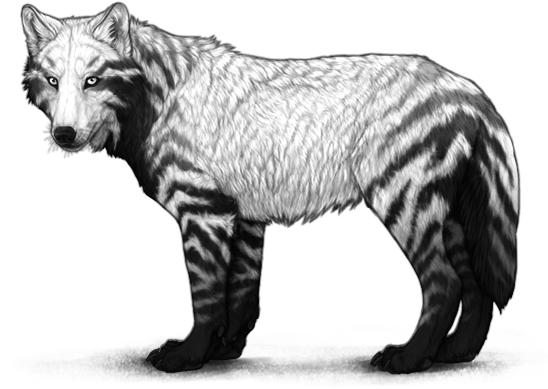
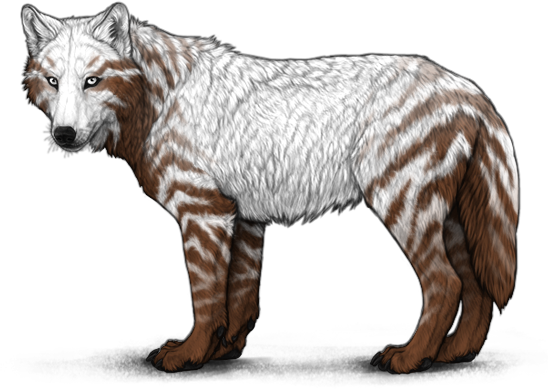
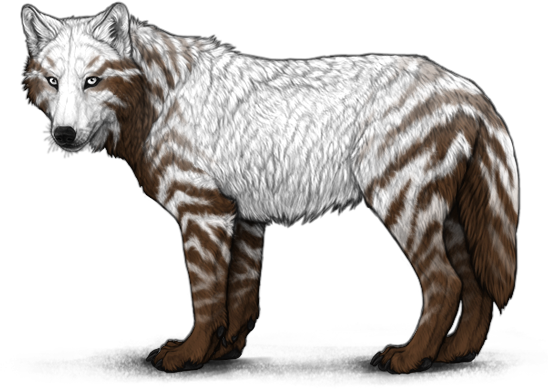
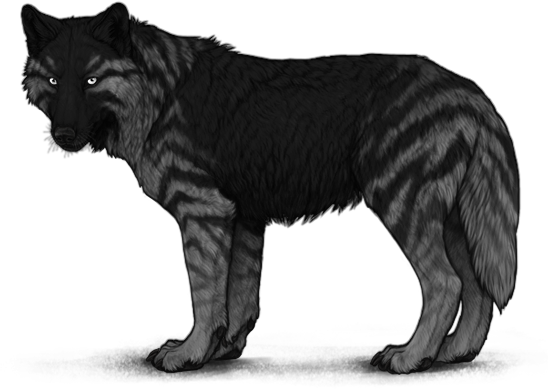
Starting in September 2024, combo versions of previous Lunar Event markings are released on a currently-unknown schedule. In conjunction with this, Unfolded marking applicators are released, containing new shapes for previous marking colors. Since they contain more markings, unfolded marking applicators cost 300 Lunar Tears each, instead of 200. Marking shapes available in the base markings applicator are not available in the unfolded markings applicator, and vice versa. For example, you can apply Selene Dilution using the Markings Applicator [Selene], but not the Unfolded Markings Applicator [Selene].
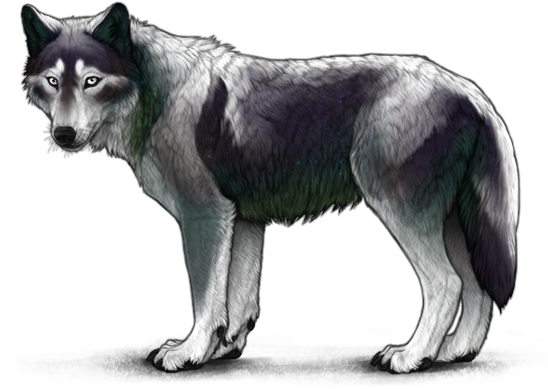
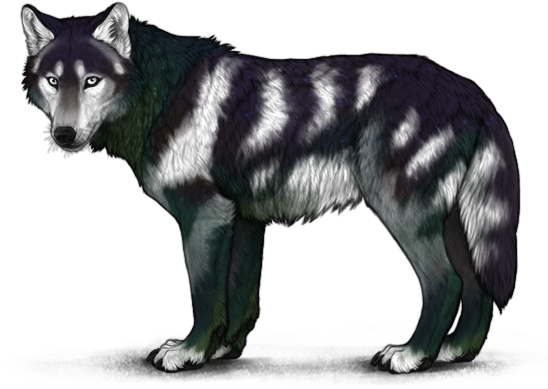
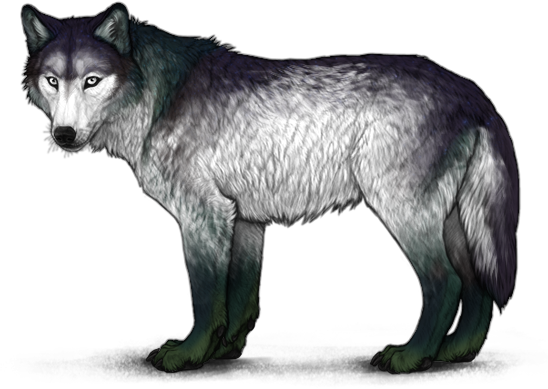
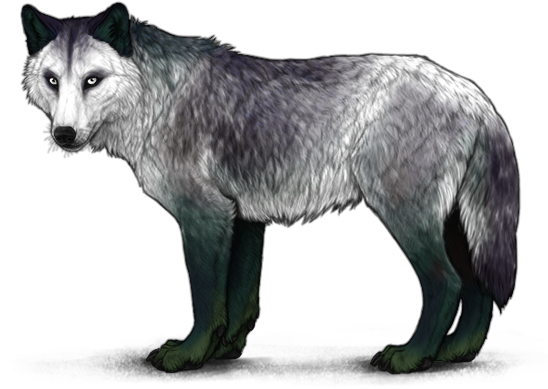
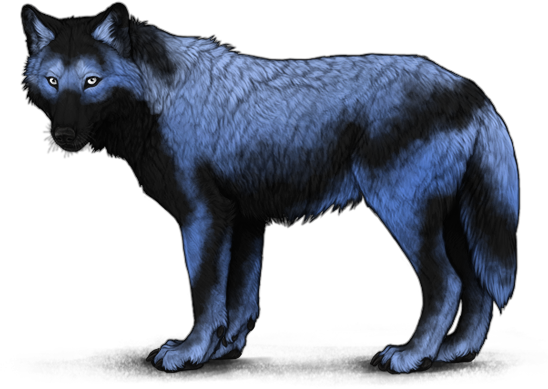
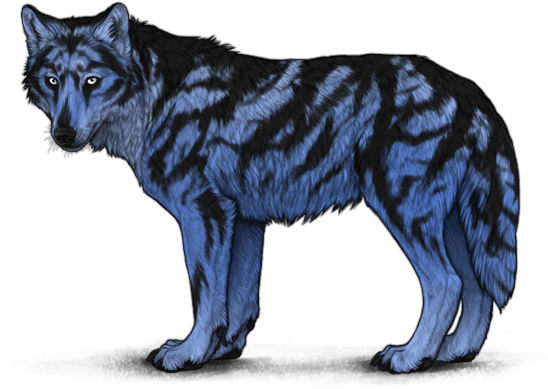
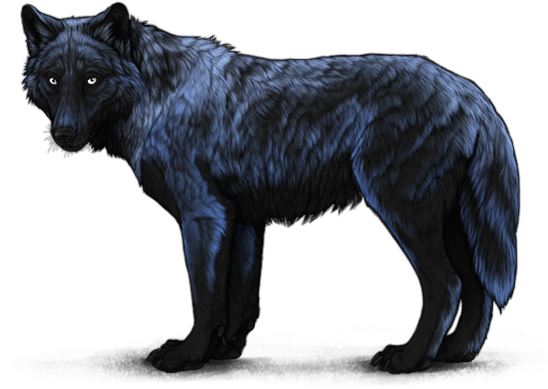
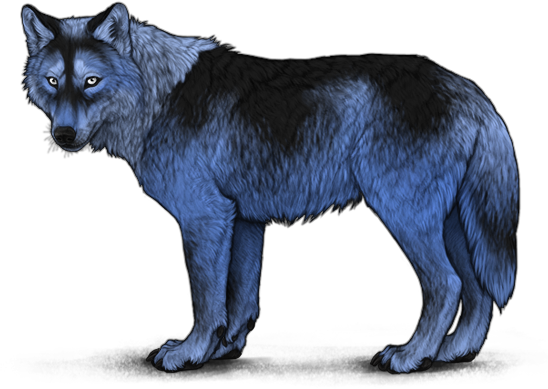
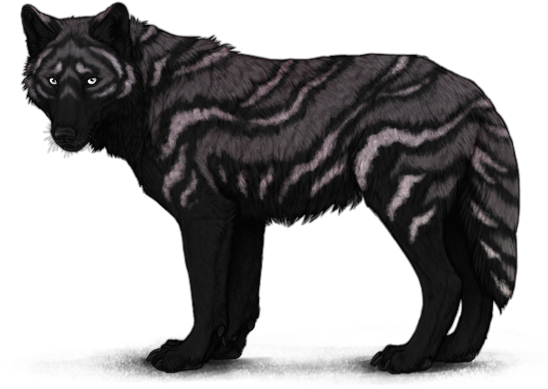
Abyssal
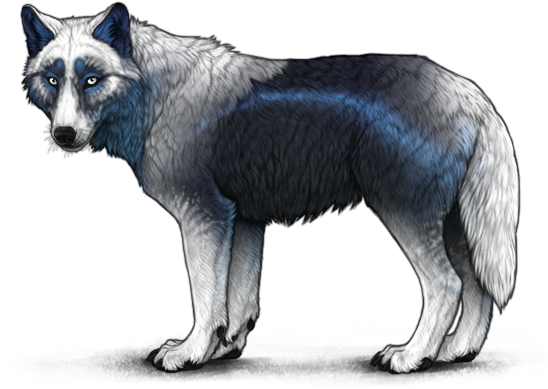
Abyssal Inverted Cross
Tier 3
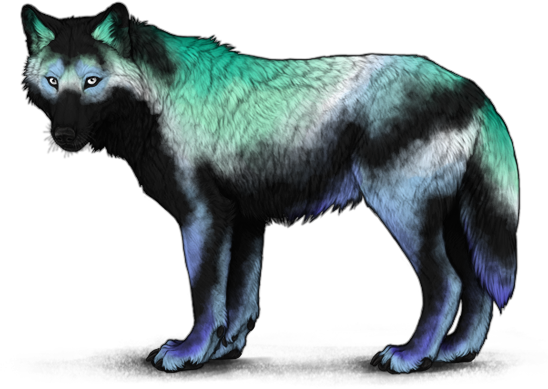
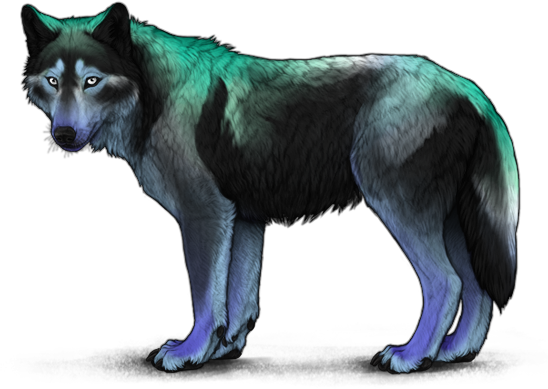
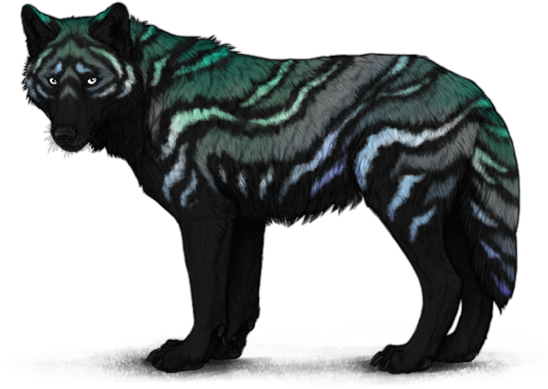
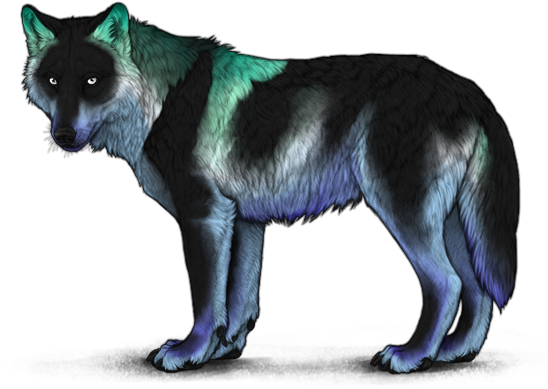
Airglow
The below markings are only available in the Markings Applicator [Airglow].
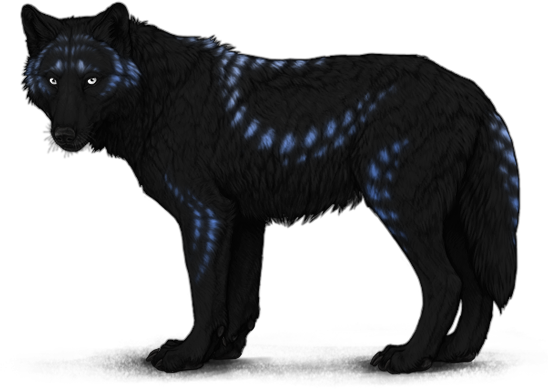
Airglow Ornate Blotches
Tier 3
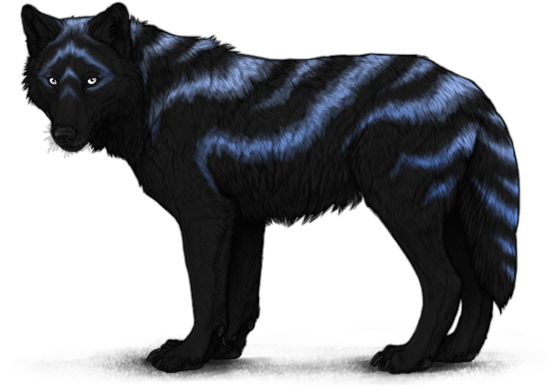
Airglow Ornate Waves
Tier 3
The below markings are only available in the Unfolded Markings Applicator [Airglow].
Airglow Arapawa Coat
Tier 3
Airglow Light Husky
Tier 3
Airglow Ornate Spots
Tier 3
Antumbra
Antumbra Ornate Waves
Tier 3
Artemis
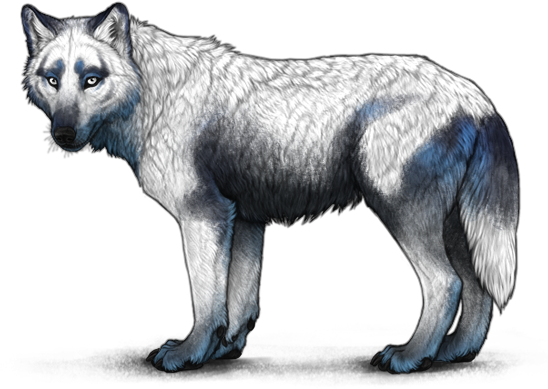
Artemis Inverted Smudge
Tier 3
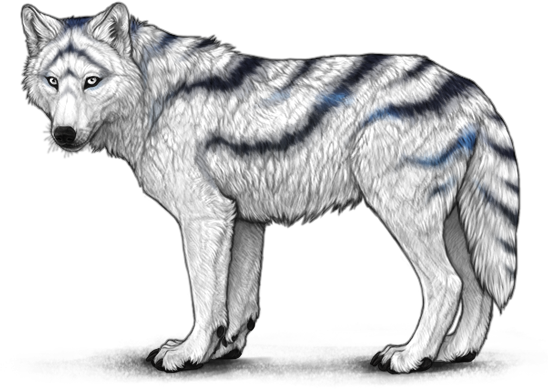
Artemis Ornate Stripes
Tier 3
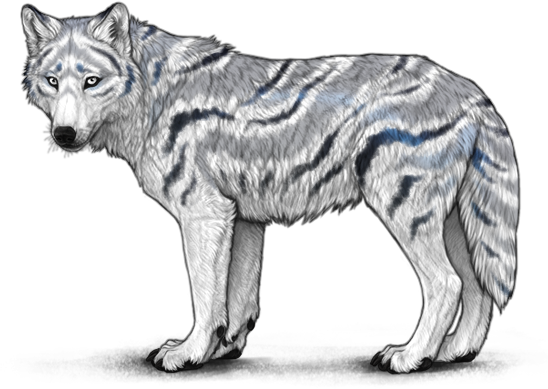
Artemis Ornate Waves
Tier 3
Biform
Additional Biform markings are available through alternate applicators obtained during April's event.
Biform Patchy Unders
Tier 3
Biform Wild Stripes
Tier 3
Caelum
Caelum Inverted Cross
Tier 3
Caelum Smudge Heavy
Tier 3
The below markings are only available in the Unfolded Markings Applicator [Caelum].
Caelum Ornate Stripes
Tier 3
Caelum Ornate Waves
Tier 3
Crystal
Crystal Ornate Spots
Tier 3
Crystal Wild Stripes
Tier 3
Cynthia
Diana
The below markings are only available in the Unfolded Markings Applicator [Diana].
Diana Inverted Cross
Tier 3
Diana Ornate Stripes
Tier 3
Fenestra
Fenestra Catshark Light
Tier 3
Fenestra Ornate Blotches
Tier 3
Hadal
Losna
The below markings are only available in the Markings Applicator [Losna].
Losna Inverted Agouti
Tier 3
Losna Shepherd Heavy
Tier 3
The below markings are only available in the Unfolded Markings Applicator [Losna].
Losna Ornate Blotches
Tier 3
Losna Ornate Stripes
Tier 3
Luna
The below markings are only available in the Markings Applicator [Luna].
Luna Inverted Cross
Tier 3
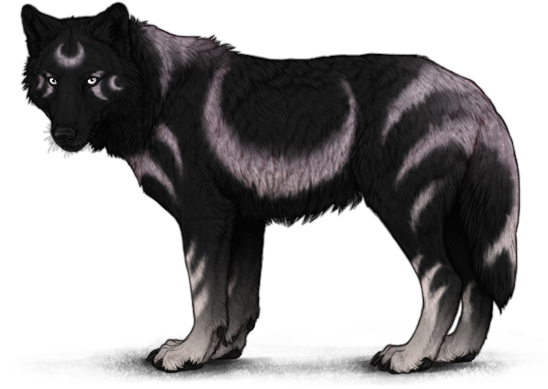
Luna Ornate Blotches
Tier 3
The below markings are only available in the Unfolded Markings Applicator [Luna].
Luna Inverted Agouti
Tier 3
Luna Ornate Stripes
Tier 3
Moondust
Moondust Ornate Blotches
Tier 3
Moondust Ornate Stripes
Tier 3
Moonlight
The below markings are only available in the Markings Applicator [Moonlight].
Moonlight Ornate Blotches
Tier 3
Moonlight Ornate Stripes
Tier 3
The below markings are only available in the Unfolded Markings Applicator [Moonlight].
Moonlight Inverted Agouti
Tier 3
Moonlight Ornate Spots
Tier 3
Moonlight Ornate Waves
Tier 3
Moonlight Shepherd Heavy
Tier 3
Nightchill
Nightchill Inverted Smudge
Tier 3
Nightchill Undercoat
Tier 3
Penumbra
Reef
Selene
The below markings are only available in the Markings Applicator [Selene].
Selene Inverted Agouti
Tier 3
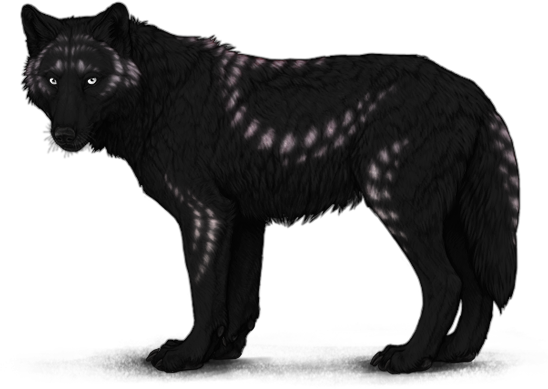
Selene Ornate Spots
Tier 3
The below markings are only available in the Unfolded Markings Applicator [Selene].
Selene Inverted Cross
Tier 3
Selene Ornate Blotches
Tier 3
Selene Ornate Stripes
Tier 3
Selene Smudge Heavy
Tier 3
Spore
Spore Reverse Blight
Tier 3
Turquoise
The below markings are only available in the Markings Applicator [Turquoise].
Turquoise Light Husky
Tier 3
Turquoise Ornate Spots
Tier 3
The below markings are only available in the Unfolded Markings Applicator [Turquoise].
Turquoise Arapawa Coat
Tier 3
Turquoise Ornate Blotches
Tier 3
Turquoise Ornate Waves
Tier 3
Umbra
Umbra Ornate Blotches
Tier 3
February - The Matchmaker
These applicators are available to purchase from Tier 3 of the Boutique of Delights for 375 Lovebugs.
Achilles
Achilles Ornate Waves
Tier 3
Amor
Additional Amor markings are available through alternate applicators obtained during April's event.
Amor Inverted Cross
Tier 3
Amor Tamaskan Unders
Tier 3
Hydrangea
Additional Hydrangea markings are available through alternate applicators obtained during April's event.
Hydrangea Smudge Heavy
Tier 3
Leucippus
Leucippus Arapawa Coat
Tier 3
Leucippus Inverted Cross
Tier 3
Leucippus Soay Unders
Tier 3
Leucippus Wild Stripes
Tier 3
Sappho
Sappho Wild Stripes
Tier 3
April - Springtide Howl Fayre
These applicators can be purchased from the Artist for 2000 Glow Petals. Unlike other event applicators, Marking Set applicators feature multiple markings of the same shape but not the same color. Some of the available colors are previously released event colors, while others are standard colors. Sharing a color with another event applicator does not mean that the marking will be available in both applicators- markings that are a part of the marking set are only available from the marking set applicator. For example, Amor Freckles can only be applied with the Marking Set Applicator [Freckles], and not the Markings Applicator [Amor].
Argus
Freckles
Dark Brown Freckles
Tier 3
Peacock
Splotches
Dark Brown Splotches
Tier 3
Hydrangea Splotches
Tier 3
Streaks
August - Cataclysms
These applicators can be purchased from Tier 3 of Aurakai's Brokerage for 200 Cryptid Scales. Each applicator is associated with a different event faction. You must have at least 500 reputation with the associated faction in order for the applicators to appear in the shop, and you will only be able to view the shop items for the faction you have the most reputation with.
Abomination
This applicator is associated with the Merged faction.
Abomination Manicou
Tier 3
Abomination Opossum
Tier 3
Abomination Wild Stripes
Tier 3
Akhlut
This applicator is associated with the Kinfolk faction.
Akhlut Inverted Cross
Tier 3
Amaroq
This applicator is associated with the Kinfolk faction.
Amaroq Arapawa Coat
Tier 3
Amaroq Inverted Cross
Tier 3
Amaroq Wild Stripes
Tier 3
Beast
This applicator is associated with the Kinfolk faction.
Hurricane
This applicator is associated with the Independent faction.
Hurricane Ornate Waves
Tier 3
Hurricane Undersides
Tier 3
Kin
This applicator is associated with the Kinfolk faction. Additional Kin markings are available through alternate applicators obtained during April's event.
Kin Inverted Agouti
Tier 3
Kin Ornate Blotches
Tier 3
Merged
This applicator is associated with the Merged faction. Additional Merged markings are available through alternate applicators obtained during April's event.
Merged Ornate Waves
Tier 3
Merged Shepherd Heavy
Tier 3
Monster
This applicator is associated with the Merged faction.
Monster Smudge Heavy
Tier 3
Monster Wild Stripes
Tier 3
Odium
This applicator is associated with the Merged faction.
Storm
This applicator is associated with the Independent faction.
Tempest
This applicator is associated with the Independent faction.
Tempest Wild Stripes
Tier 3
Windstorm
This applicator is associated with the Independent faction.
Windstorm Wild Stripes
Tier 3
October - Halloween Spectacle
October's event features two different shops, Mohkra and The Altar.
The following applicators can be purchased from Mohkra for 85 Mysterious Effigies.
Corrupt
Ghost
Hecate
Hecate Inverted Cross
Tier 3
Hecate Wild Stripes
Tier 3
The following applicators can be purchased from The Altar for 70 Mysterious Effigies. Unlike other event applicators, Marking Set applicators feature multiple markings of the same shape but not the same color. The Halloween marking set applicators feature mostly standard colors, many of which can be bred together to create combo versions of the marking set shapes. Some of these colors can currently only be obtained using Halloween applicators.
Crawl
Ghast
Notches
Abomination Notches
Tier 3
Black Brown Notches
Tier 3
Shadow
Shimmer
Wraith
November - Coigreach
These applicators are available to purchase from Tier 3 of the Badger Cave for 200 Smoky Quartz.
Annwn
Annwn Ornate Stripes
Tier 3
Aotrom
Aotrom Inuit Unders
Tier 3
Aotrom Wild Stripes
Tier 3
Clover
Clover Ornate Spots
Tier 3
Clover Ornate Stripes
Tier 3
Faelcu
Faelcu Reverse Blight
Tier 3
Faelcu Wild Stripes
Tier 3
Fuath
Gaelach
Gaelach Inverted Cross
Tier 3
Gaelach Soay Unders
Tier 3
Gwyrdd
Moss
Moss Ornate Blotches
Tier 3
Sidhe
Wisp
Wisp Inverted Opossum
Tier 3
Wisp Ornate Blotches
Tier 3