All eye colors currently available in game are listed alphabetically here! Their fail colors are provided as a scrolling box, with the method of obtaining each eye color provided at the bottom of each. '''You can view these eye colors sorted by source on the [[Eye Catalogue]] page!'''
All eye colors currently available in game are listed alphabetically here! Their fail colors are provided as a scrolling box, with the method of obtaining each eye color provided at the bottom of each. '''You can view these eye colors sorted by source on the [[Eye Catalogue]] page!'''
<center><b>Current Eye Total: 144</b></center>
<center><b>Current Eye Total: 146</b></center>
Line 221:
Line 221:
|Azure|azure|[[File:eyes blue exploreblank.png]]<br>Blue<br>
|Azure|azure|[[File:eyes blue exploreblank.png]]<br>Blue<br>
From natural colors, to unique pupils, and glow effects, eyes can really help define your wolf. They're some of Wolvden's more simple genetics, but can still be a challenge to work with if you're hoping for something specific.
Breeding eyes requires understanding of the concept of a "fail" trait. In breeding, eyes can either pass directly from the parent or produce one of several fails. A fail eye color is simply what results if the pup does not get the parent's exact eye color. For example, if breeding two parents with Ice eyes together, the pup may get Ice eyes or one of Ice's fail colors, Blue, Gray, or White. Some eye colors can even fail to more rare colors, such as raffle eye color Novus being able to fail to raffle eye color Storm!
There is an estimated 50/50 chance for a pup to get either a fail color or an inherited color. This number is estimated through crowdsourced data and is not a developer-confirmed value.
This rate and method of passing applies to every eye color, no matter its source. Even event applicator eye colors have fail colors, and the same estimated chance of passing!
Hetero Eyes
Hetero Eyes
Occasionally when breeding specific eye colors together, a special color might result! Similar to combo markings, combining two compatible eye colors can result in a heterochromia combination of those colors. Heterochromia can only result from combinations of eyes which have already been established, they cannot be created from any combo. For example, Bone and Smoke may create hetero eyes, but Bone and Storm may not, because Bone and Smoke already have an established combo. The eyes have to be these exact colors, not similar colors or any that just fail to one of these colors.
You can view a list of all Hetero eyes below. Only combinations of the factors below may form Hetero colors.
Hetero Amber & Gray
Fails
Amber Gray
Breed-Only
Hetero Black & White
Fails
Black White
Breed-Only
Hetero Blue & Brown
Fails
Blue Brown
Breed-Only
Hetero Bone & Smoke
Fails
Bone Smoke
Breed-Only
Hetero Brown & Blue
Fails
Blue Brown
Breed-Only
Hetero Gray & Amber
Fails
Amber Gray
Breed-Only
Hetero Green & Yellow
Fails
Green Yellow
Breed-Only
Hetero Hazel & Husky
Fails
Hazel Husky
Breed-Only
Hetero Holly & Novus
Fails
Holly Novus
Breed-Only
Hetero Husky & Hazel
Fails
Hazel Husky
Breed-Only
Hetero Novus & Holly
Fails
Holly Novus
Breed-Only
Hetero Red & Storm
Fails
Red Storm
Breed-Only
Hetero Smoke & Bone
Fails
Bone Smoke
Breed-Only
Hetero Storm & Red
Fails
Red Storm
Breed-Only
Hetero White & Black
Fails
Black White
Breed-Only
Hetero Yellow & Green
Fails
Green Yellow
Breed-Only
Breeding Items
Breeding Items
You can guarantee a specific result from a breeding using breeding items! One breeding item contributes to eye breeding, the Opal Saltlick.
Pass a wolf's exact eye color onto one random pup in their next litter
Alphabetical Eye Catalogue
Alphabetical Eye Catalogue
All eye colors currently available in game are listed alphabetically here! Their fail colors are provided as a scrolling box, with the method of obtaining each eye color provided at the bottom of each. You can view these eye colors sorted by source on the Eye Catalogue page!
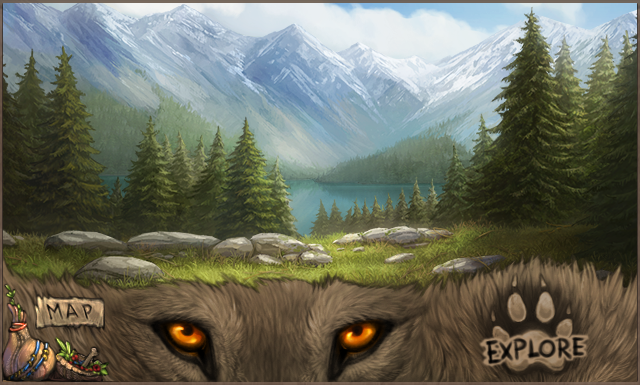
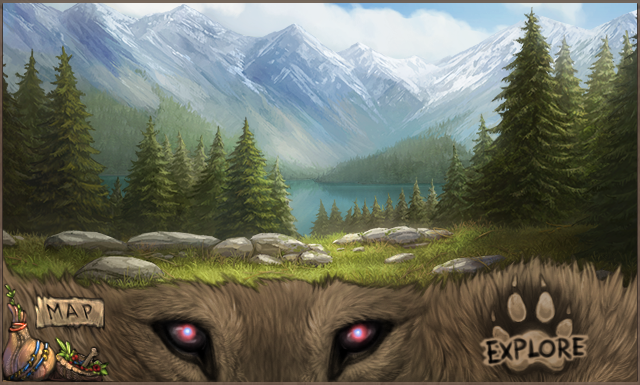
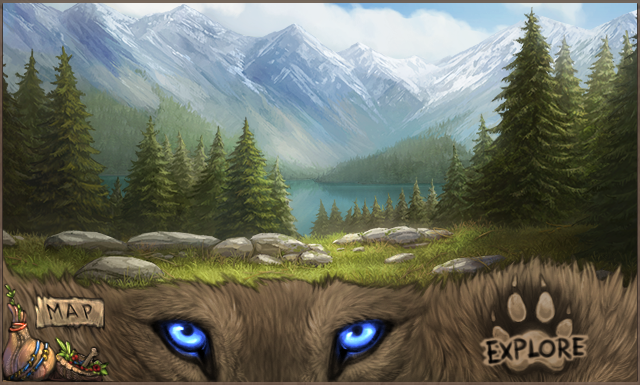
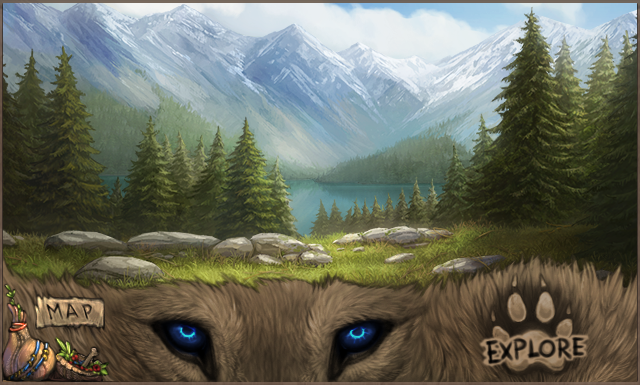
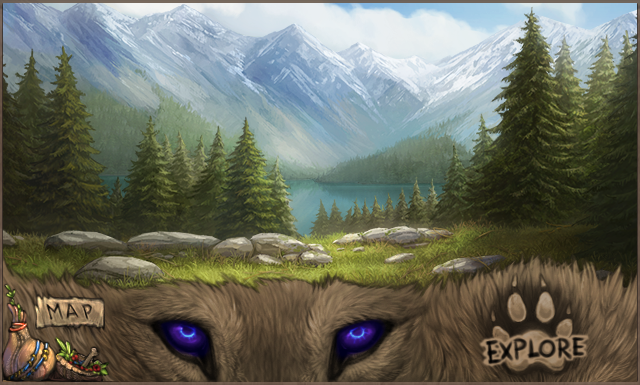
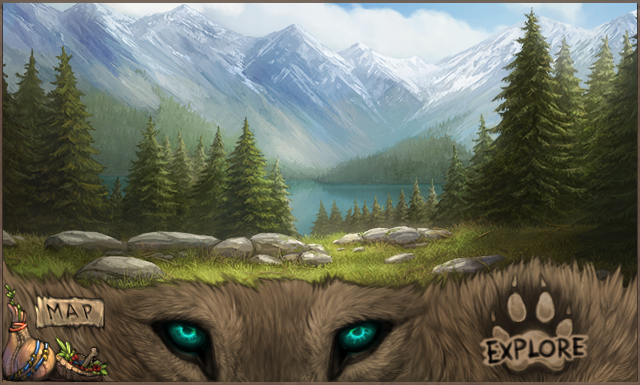
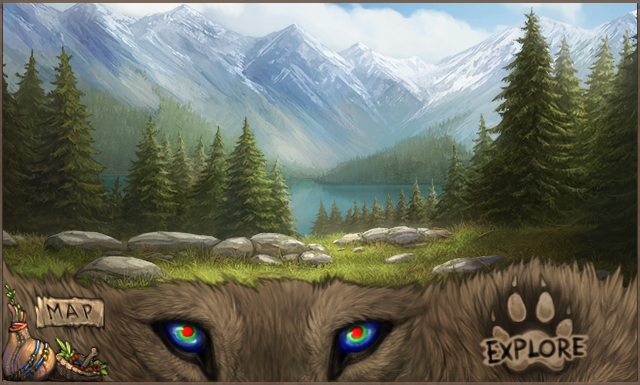
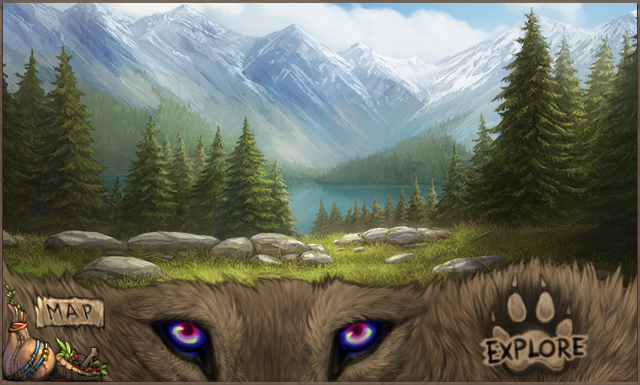
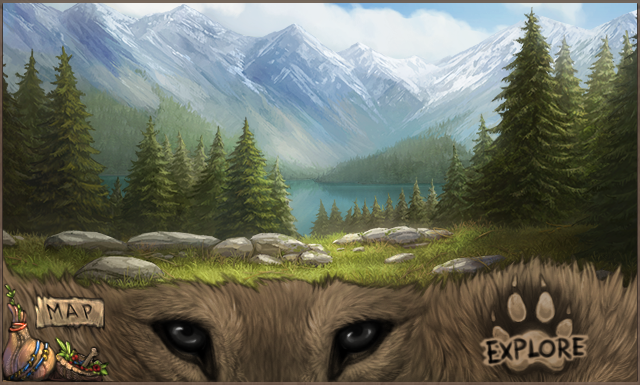
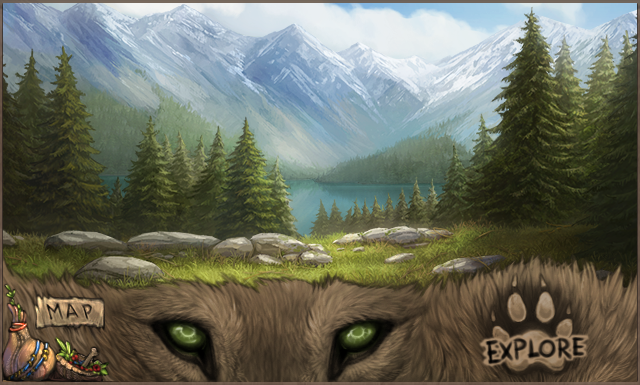
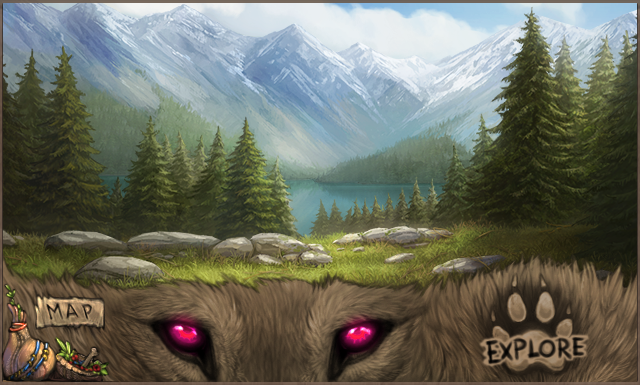
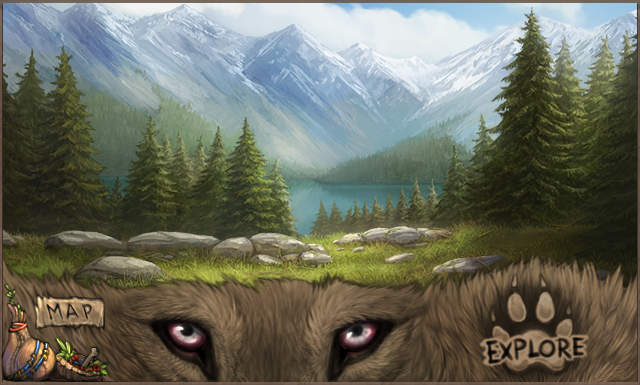
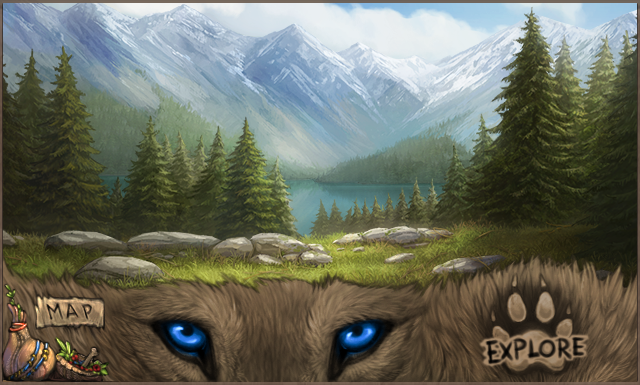
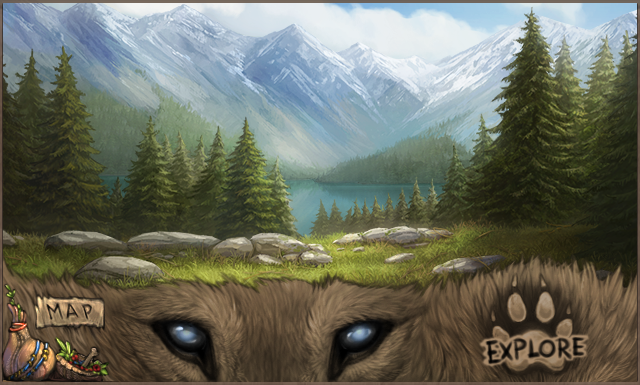
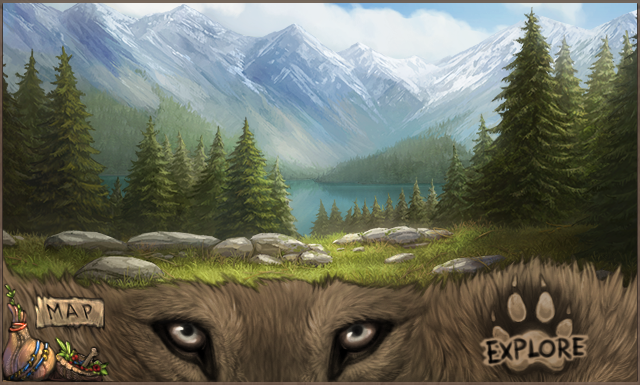
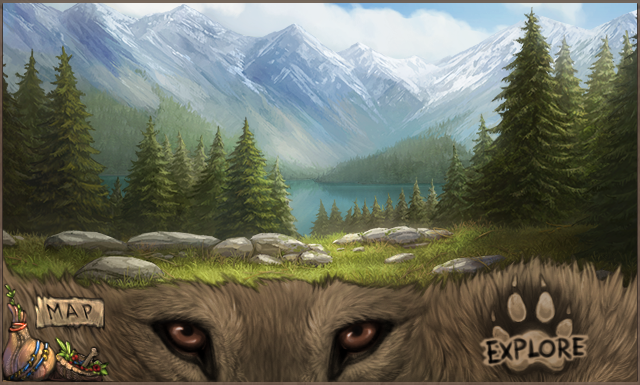
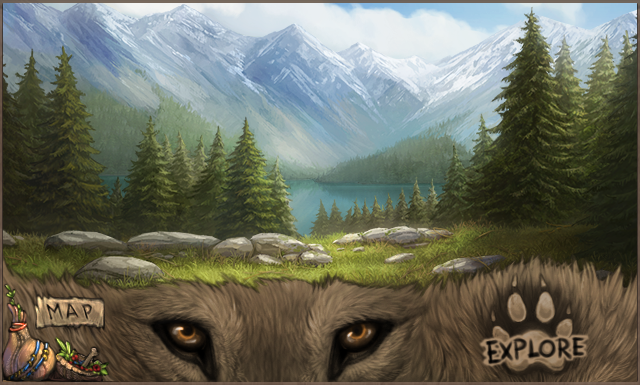
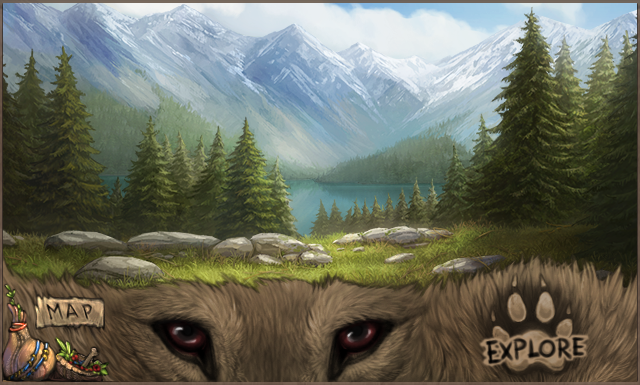
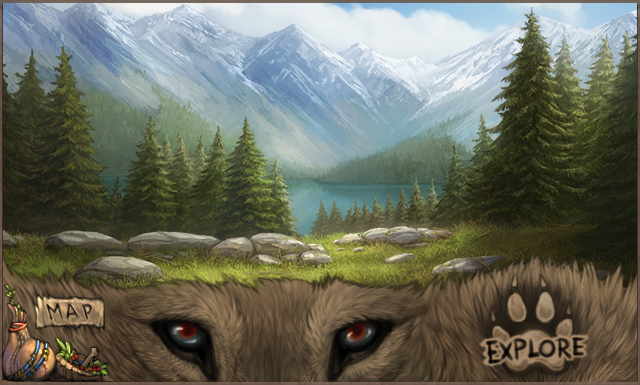
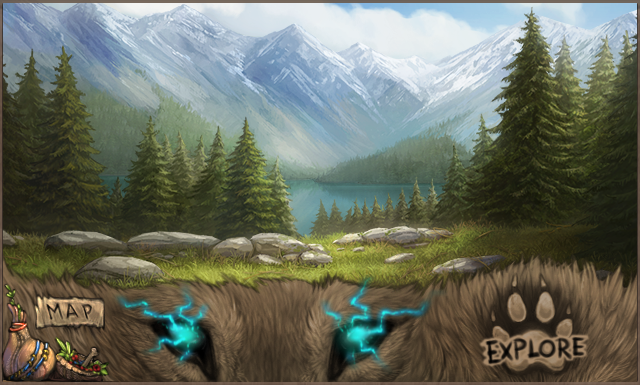
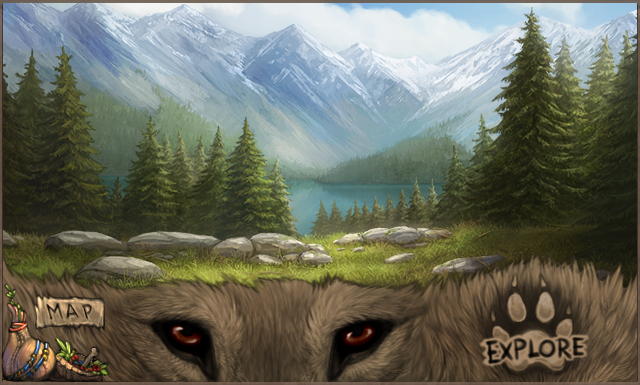
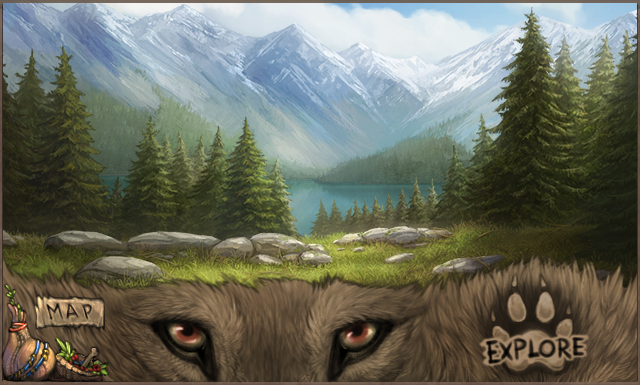
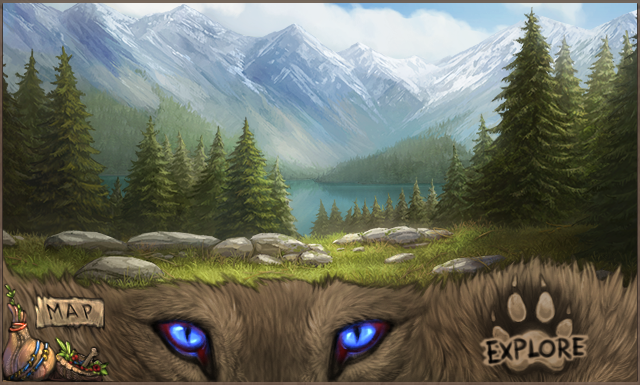
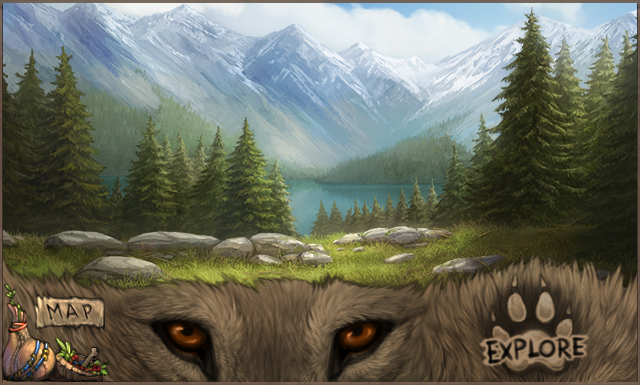
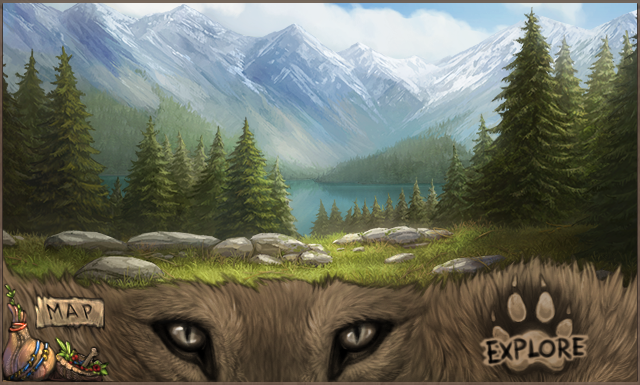
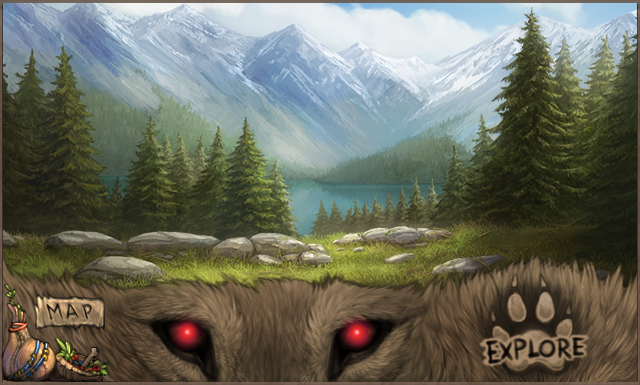
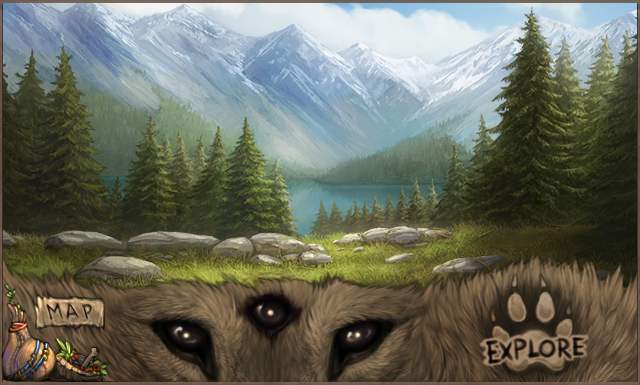
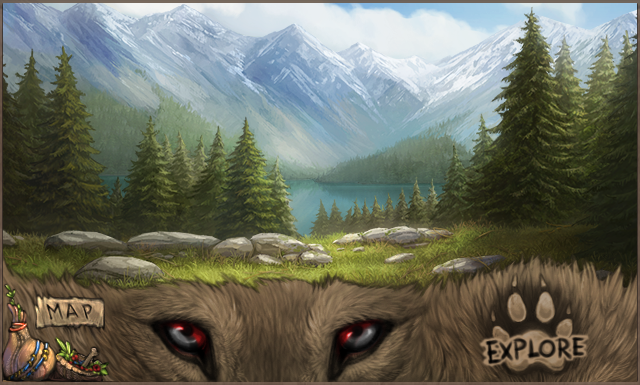
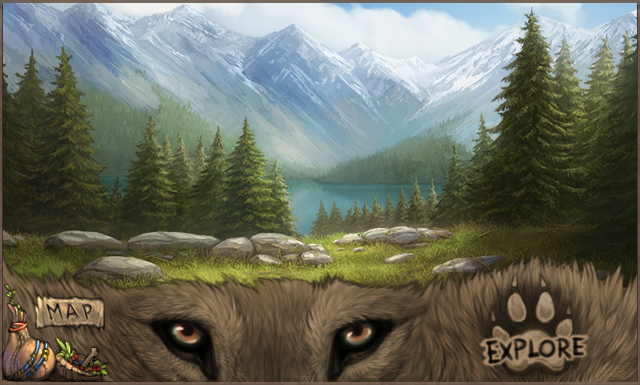
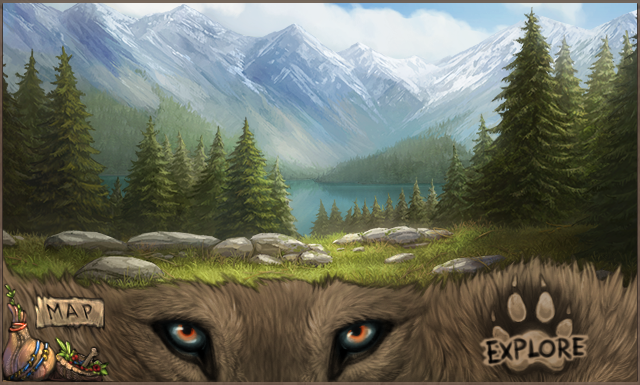
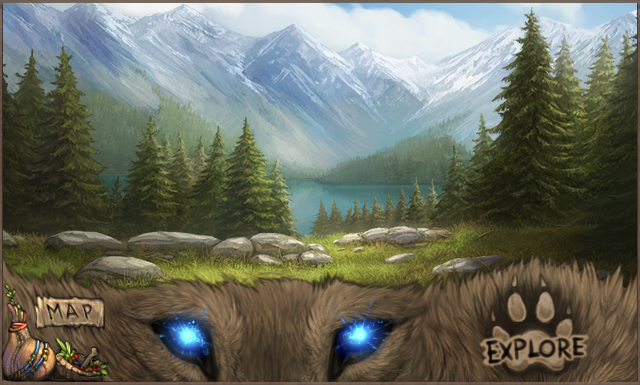
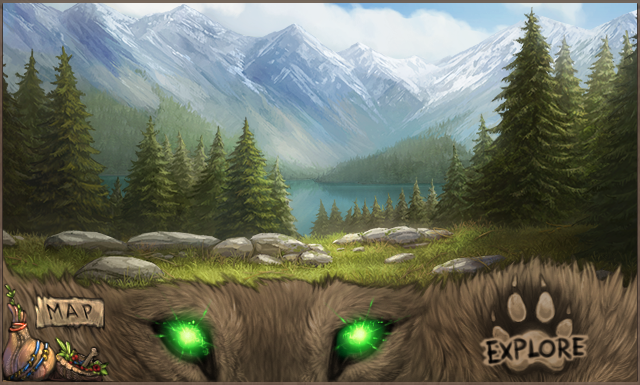
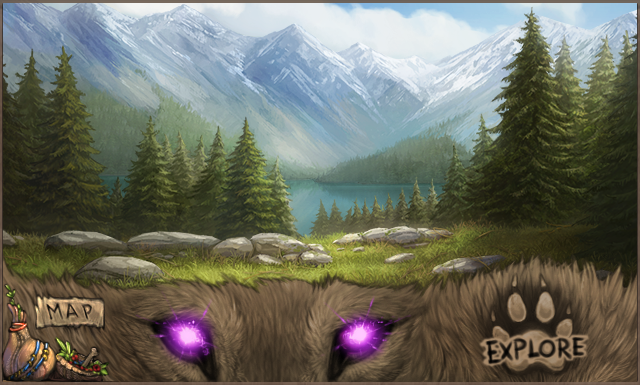
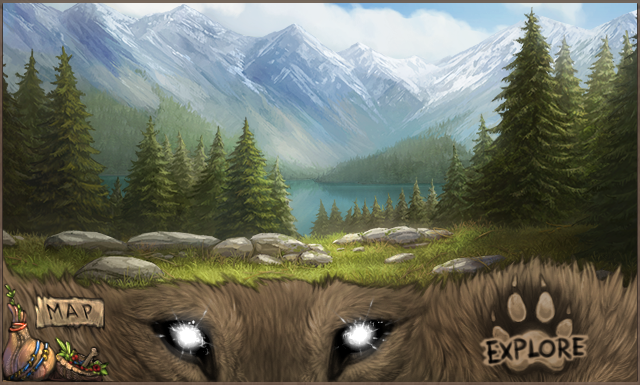
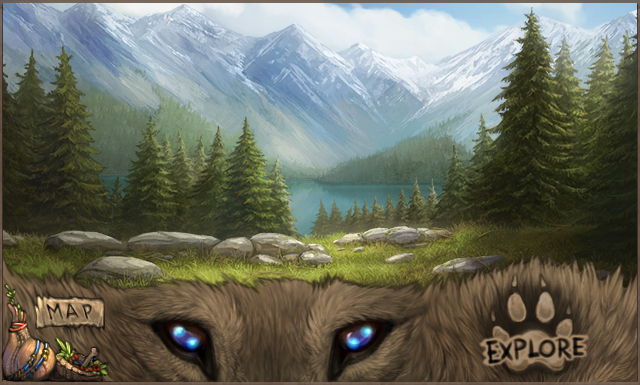
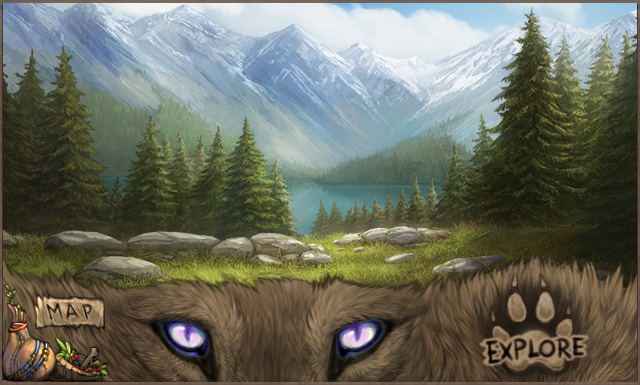
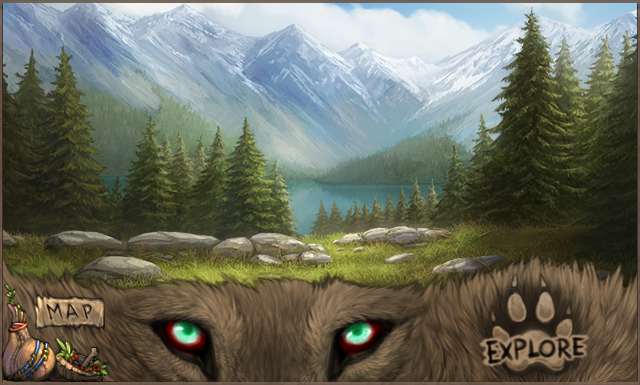
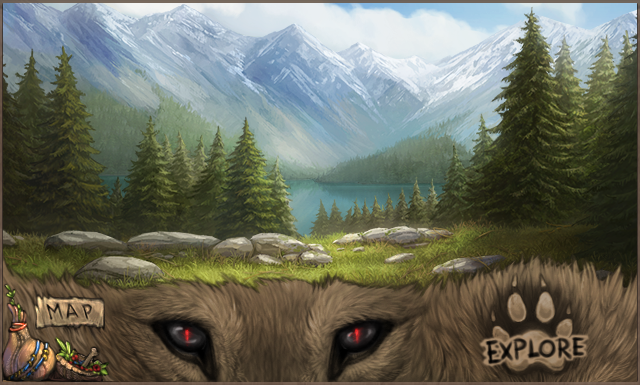
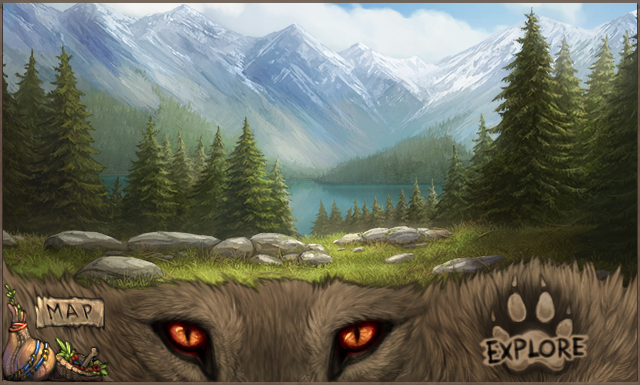
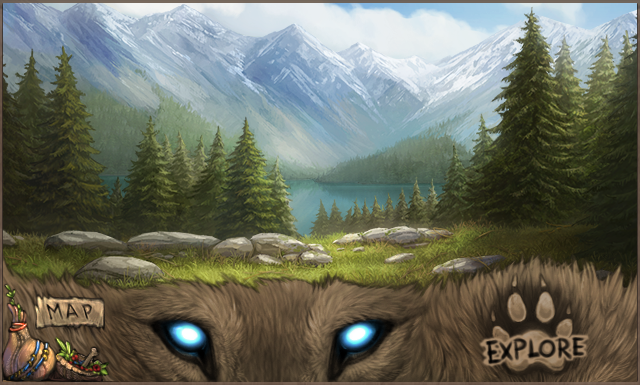
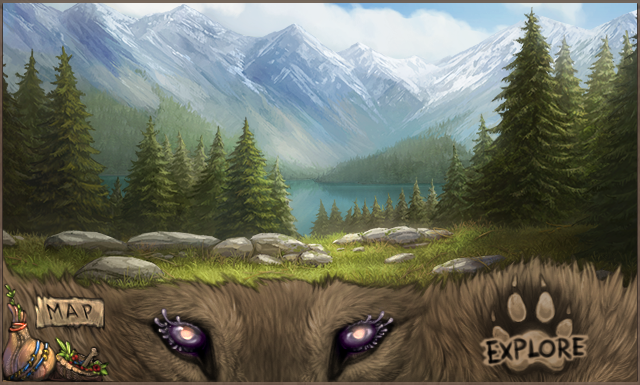
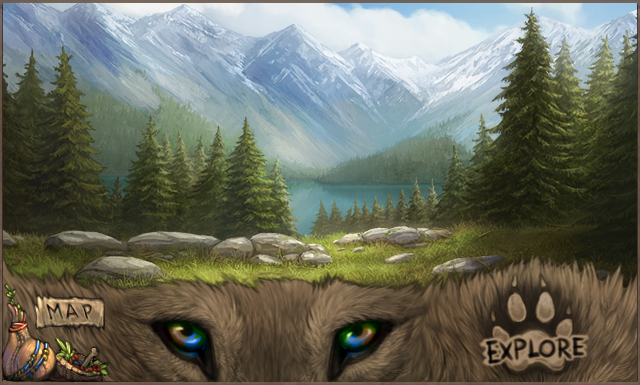
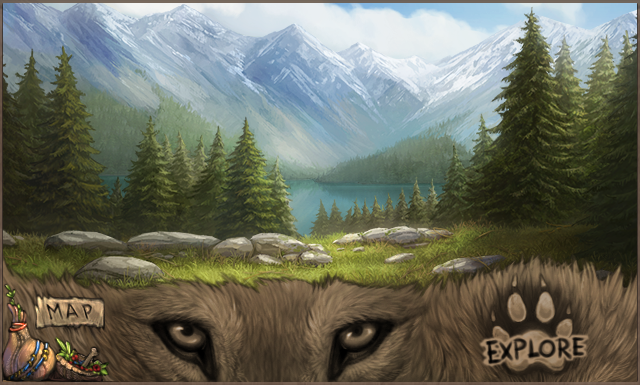
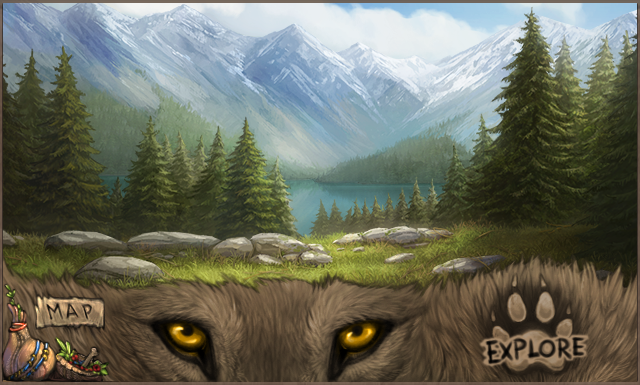
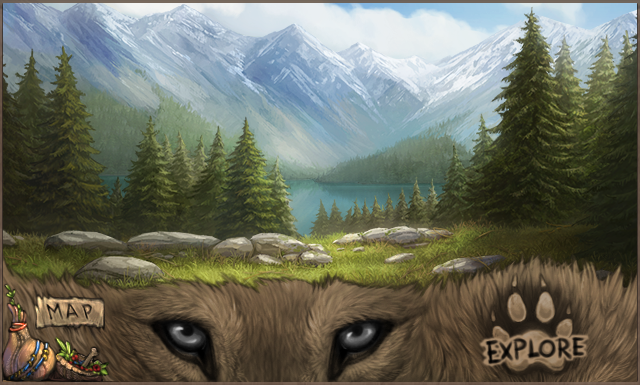
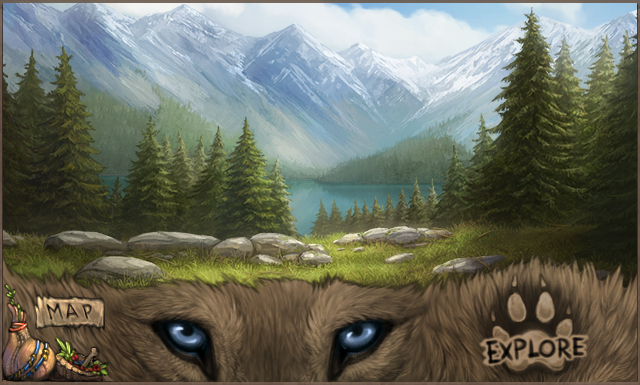
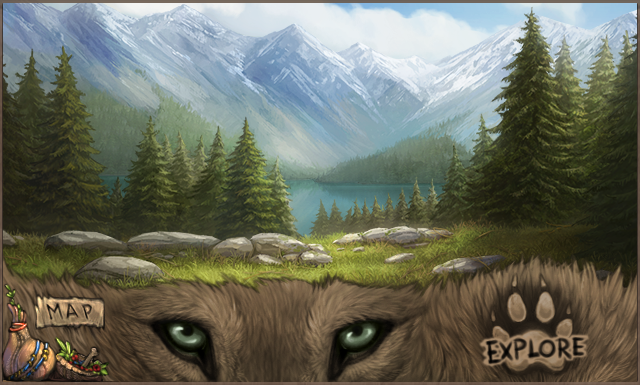
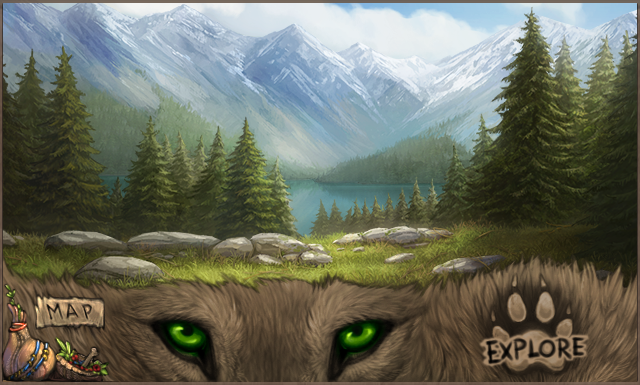
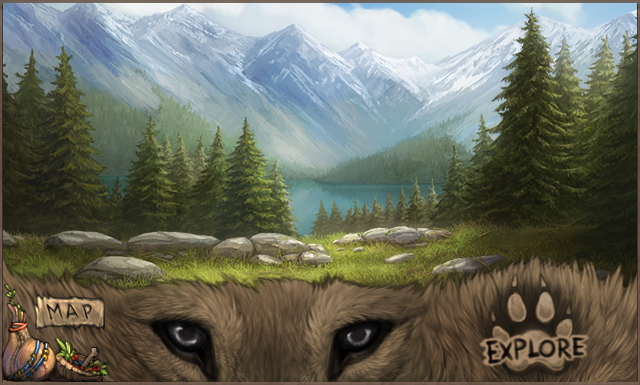
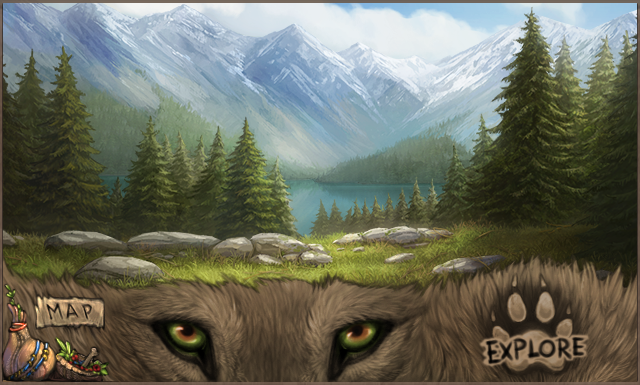
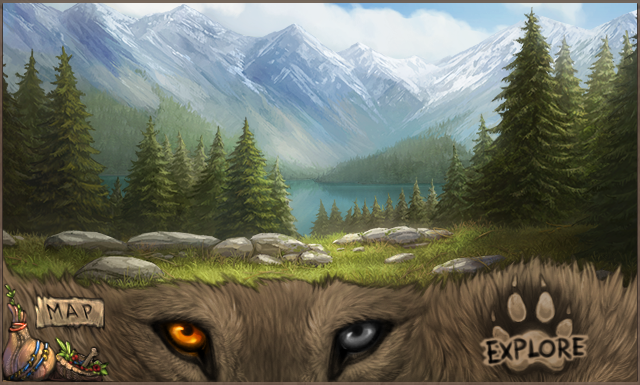
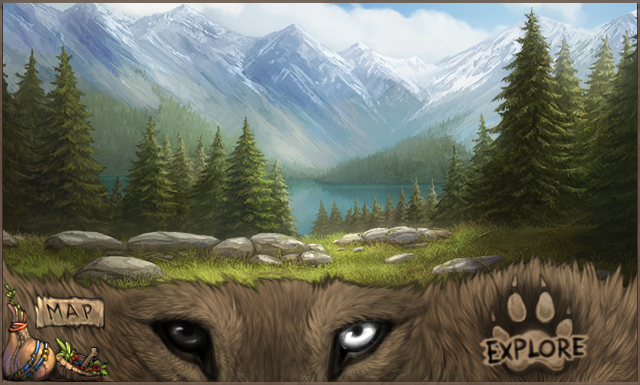
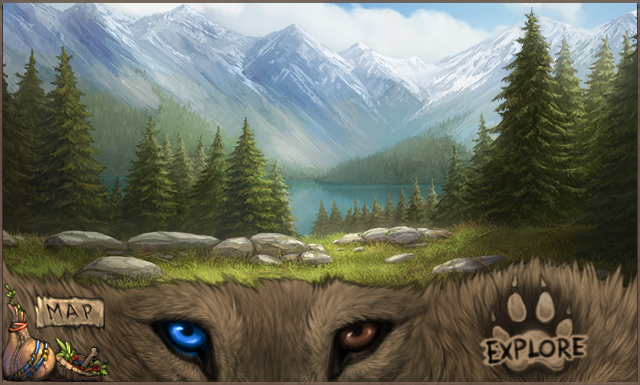
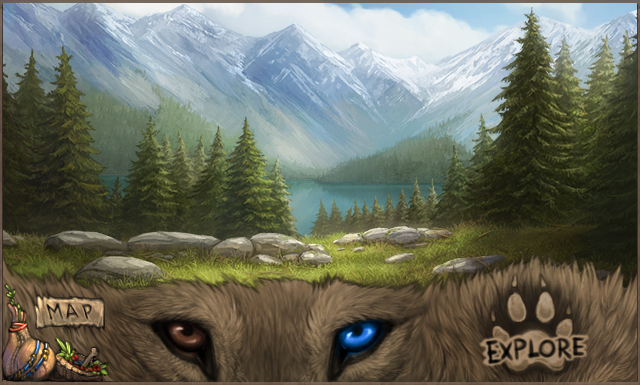
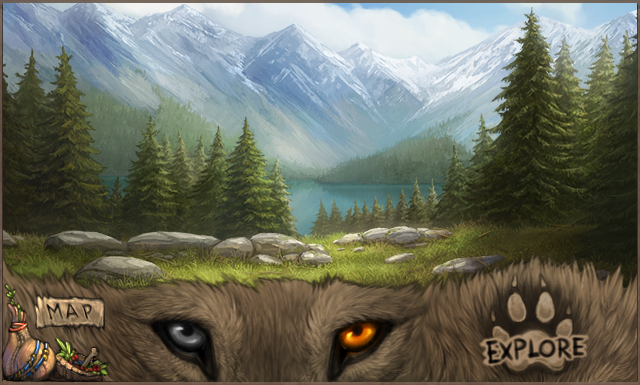
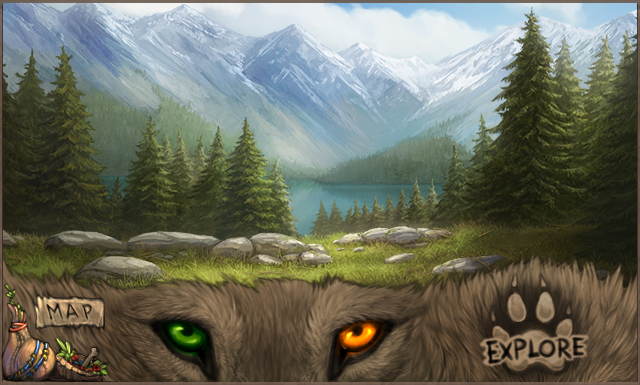
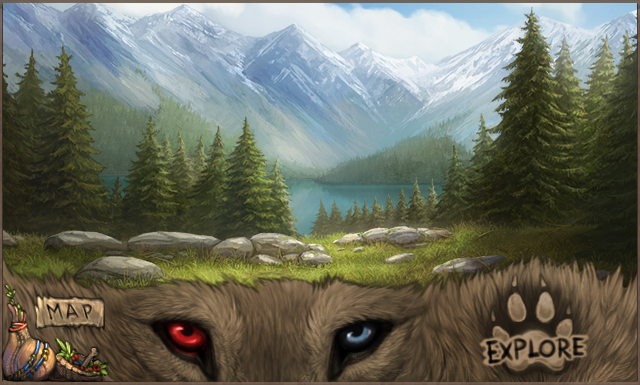
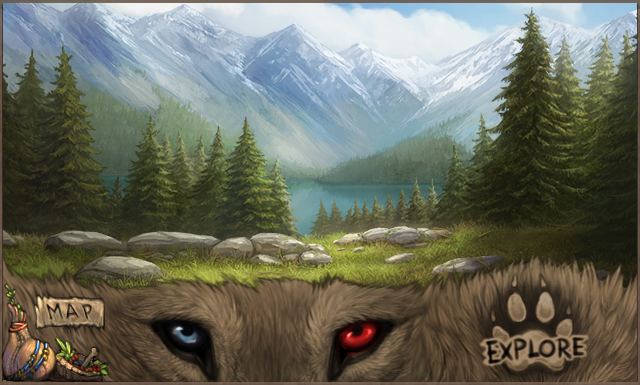
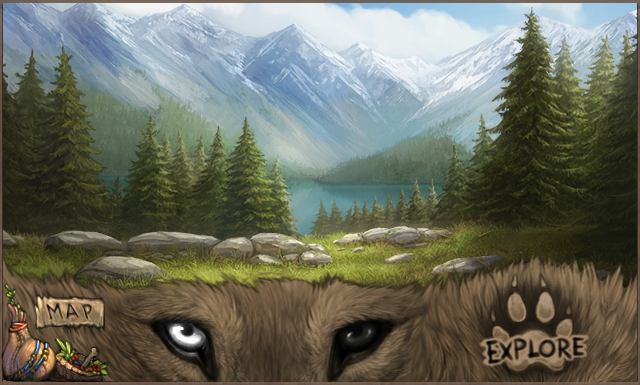
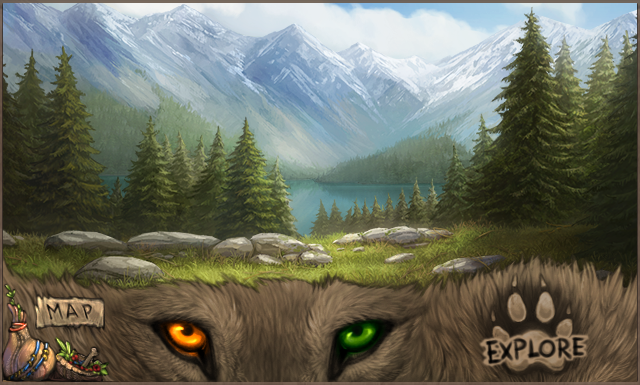
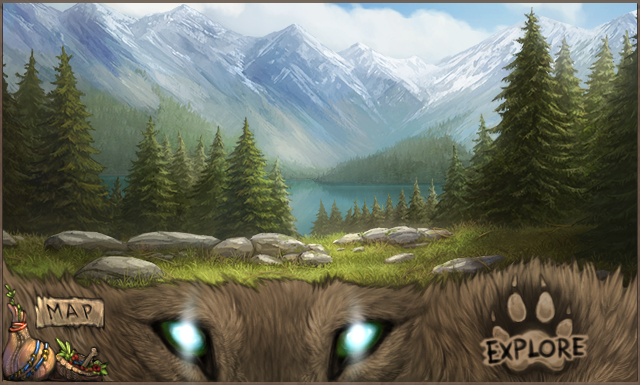
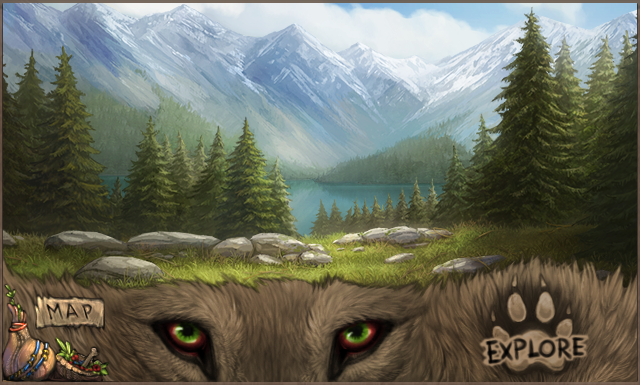
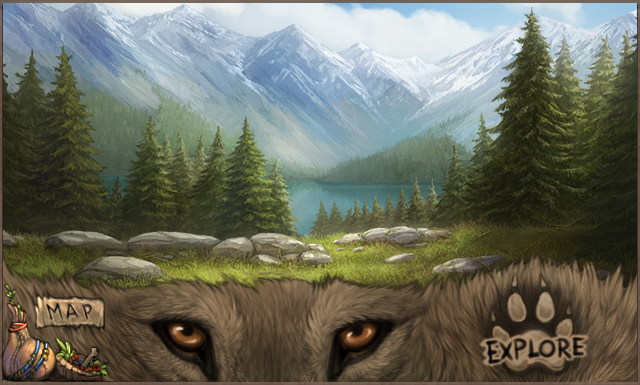
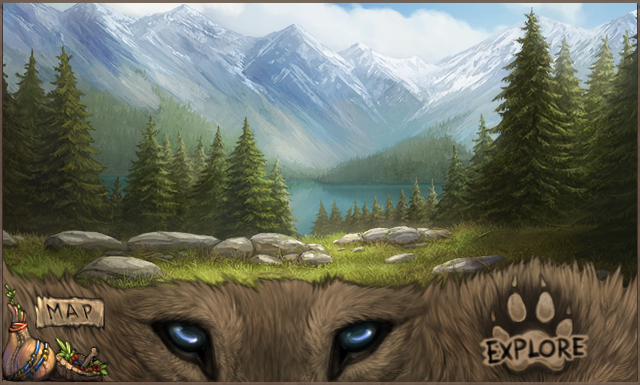
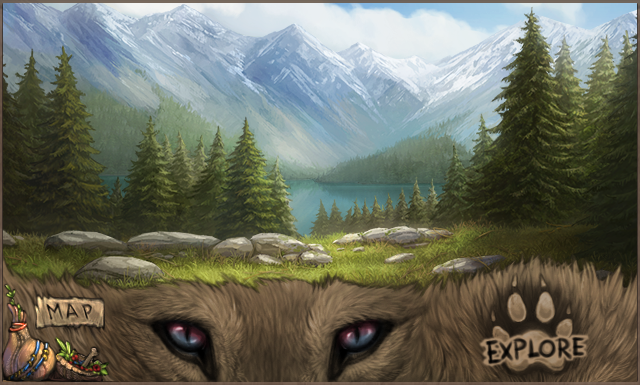
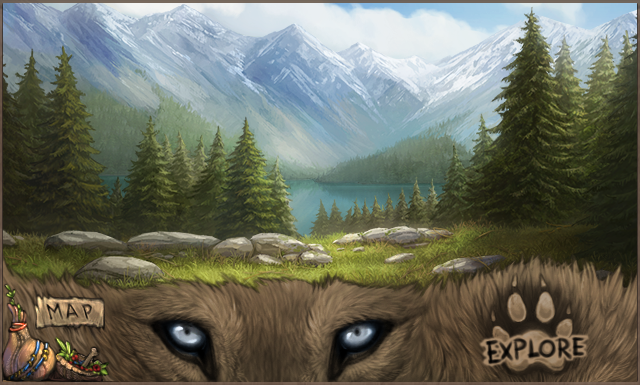
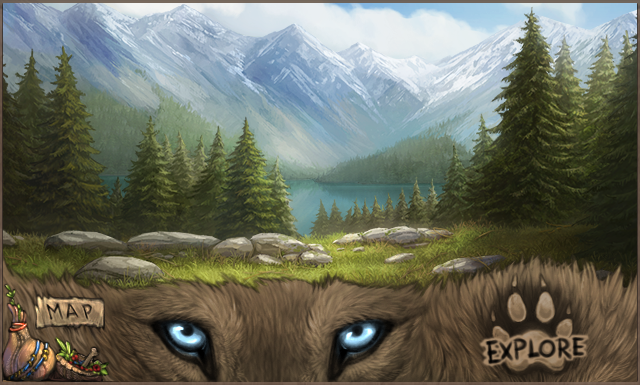
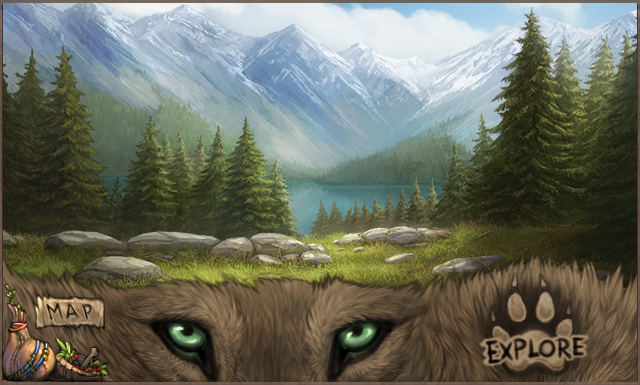
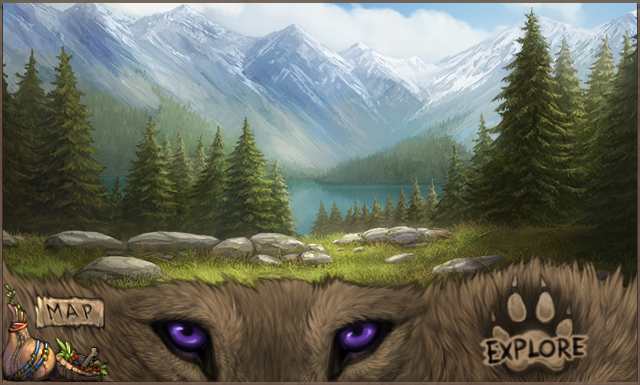
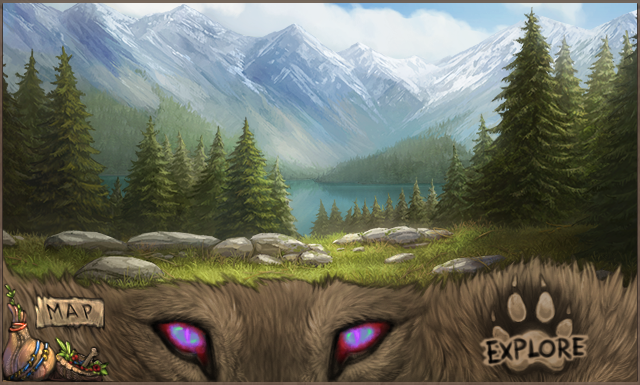
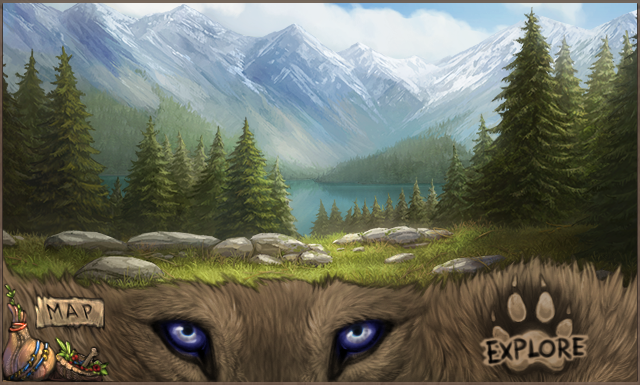
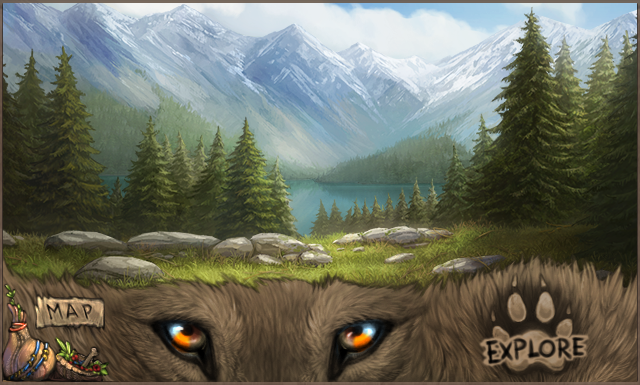
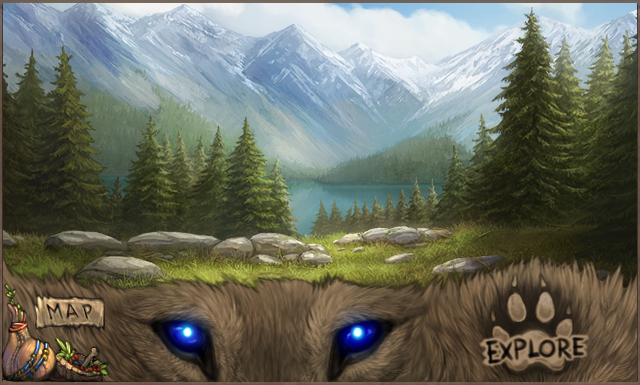
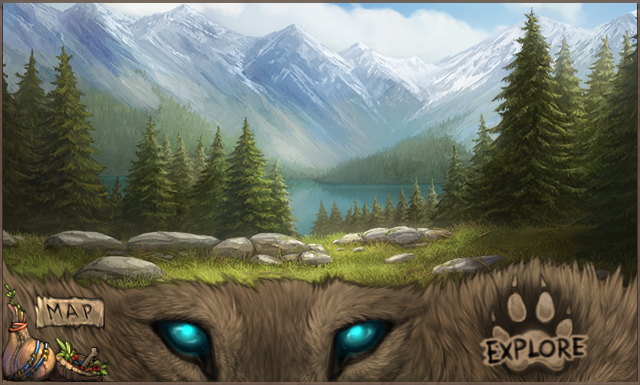
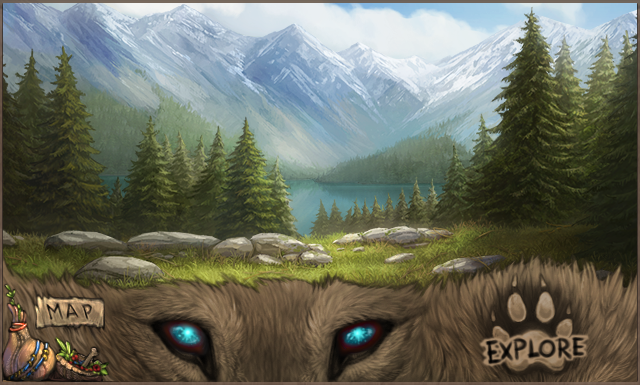
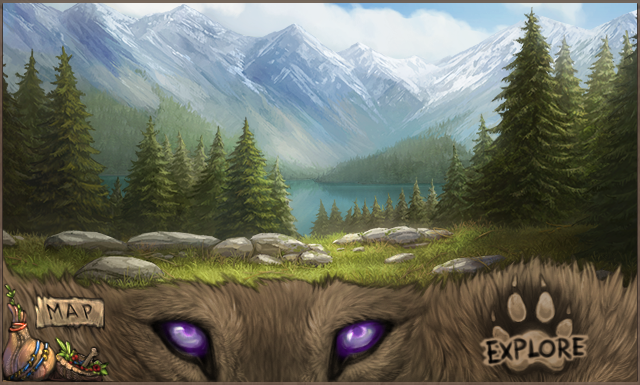
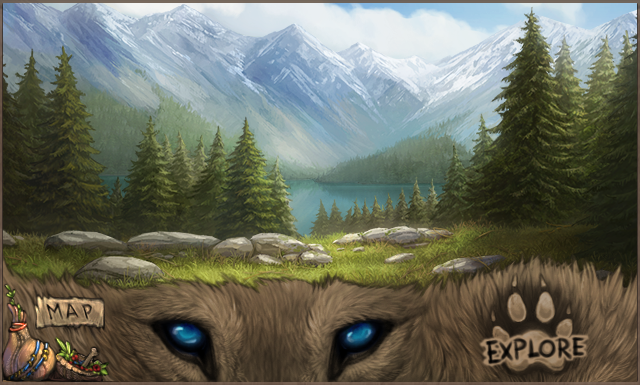
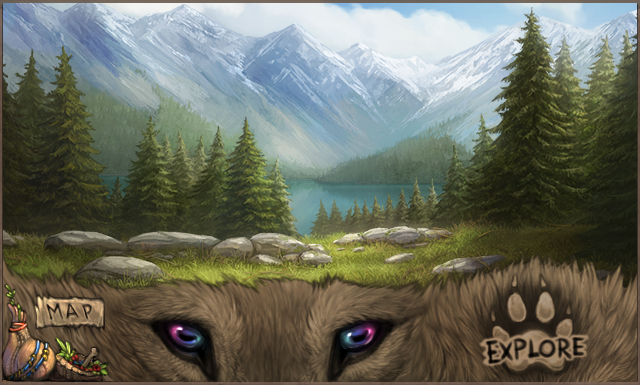
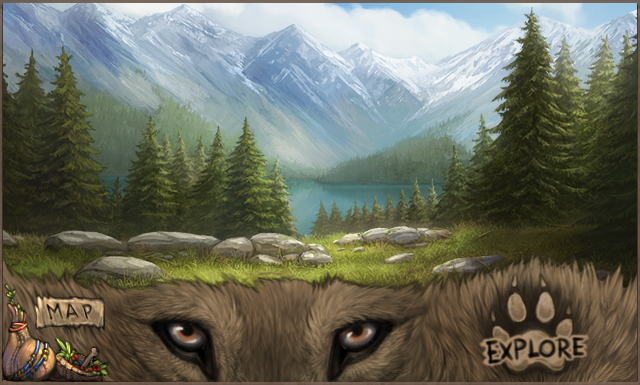
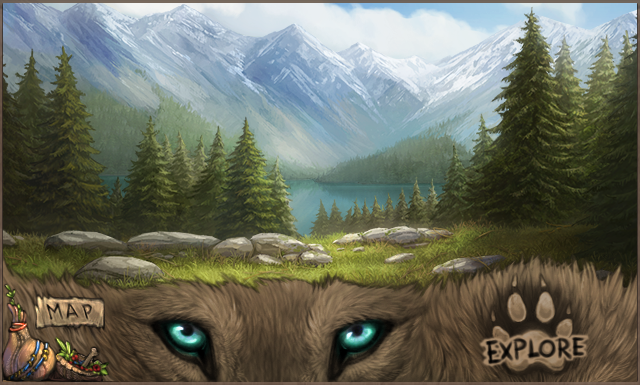
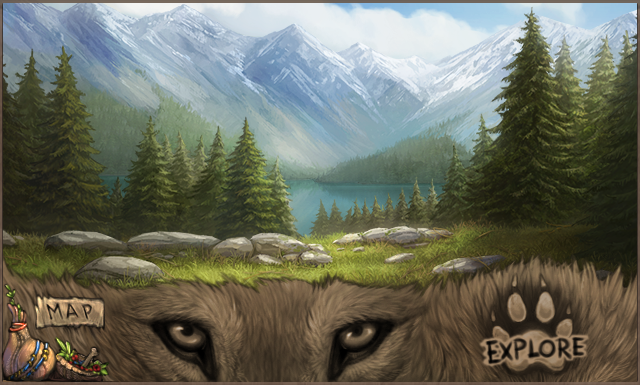
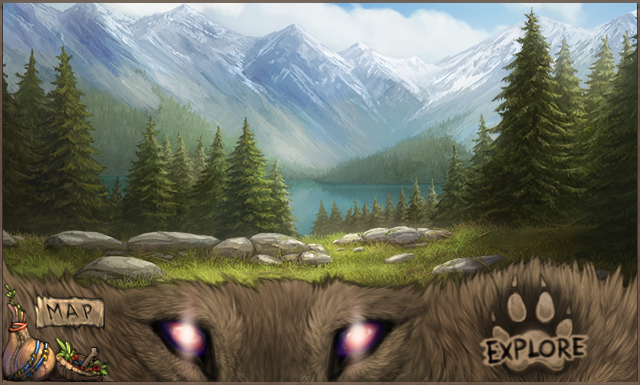
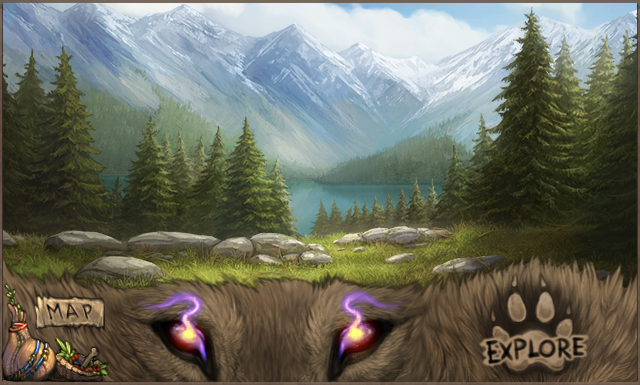
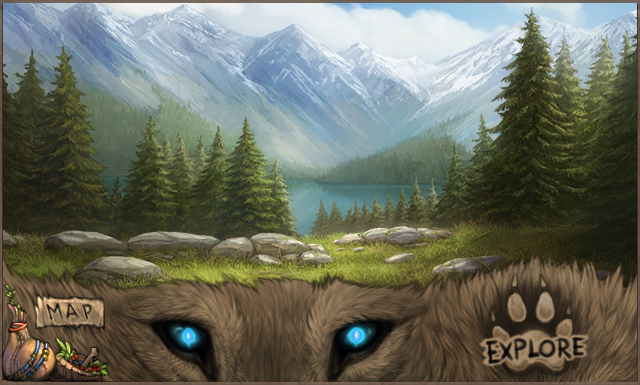
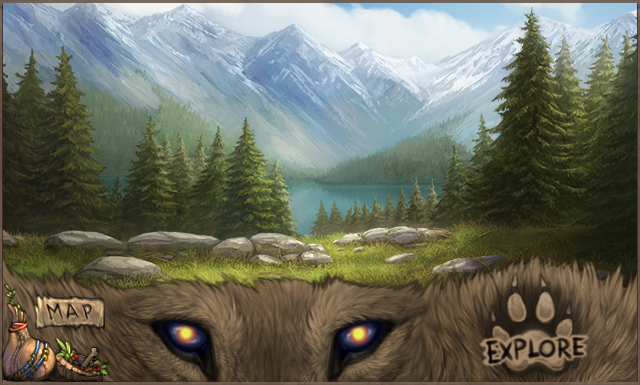
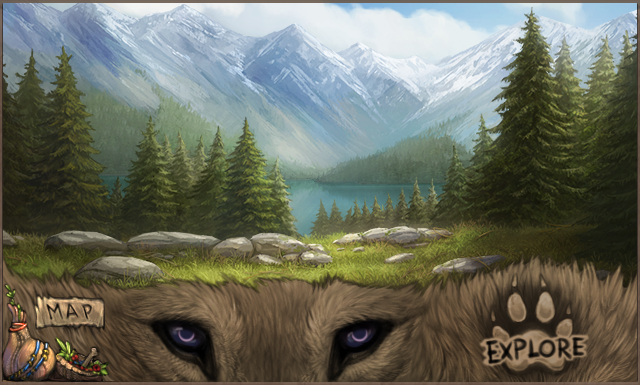
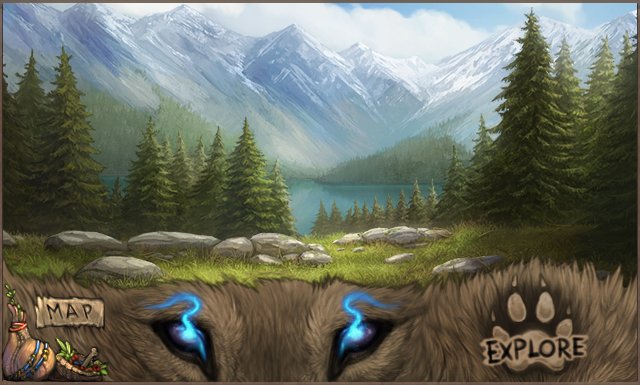
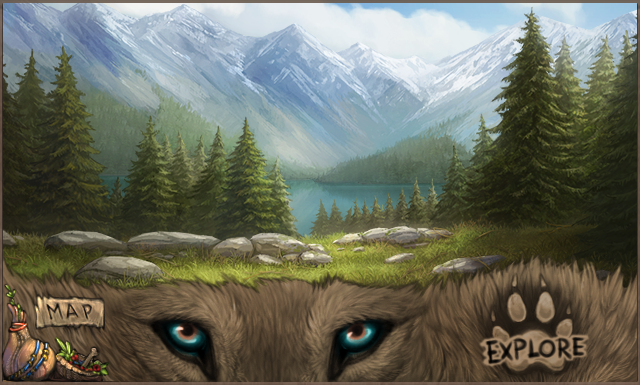
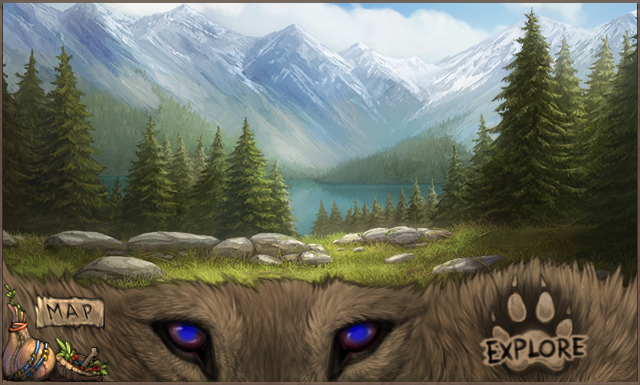
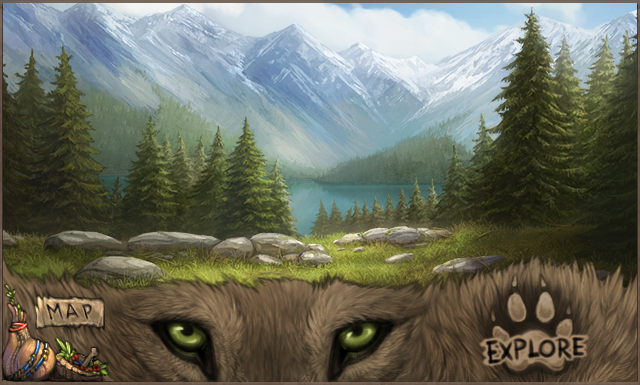
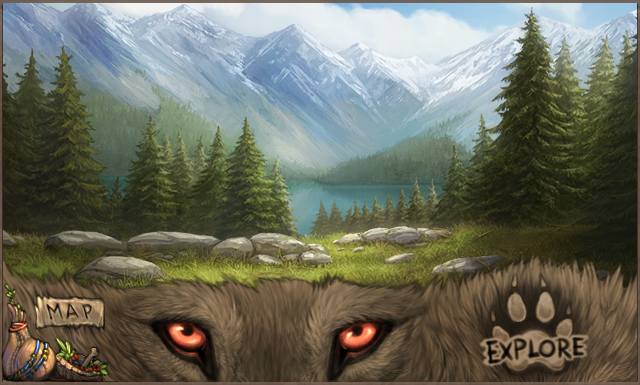
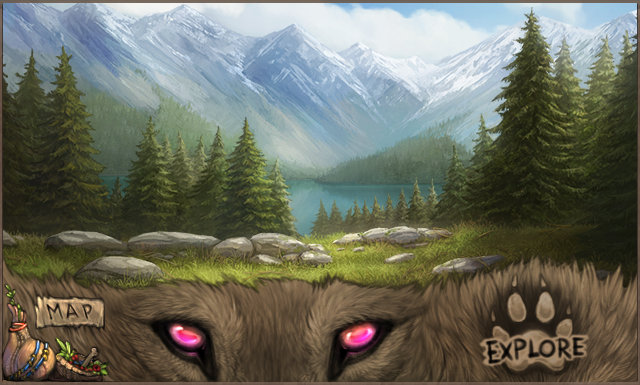
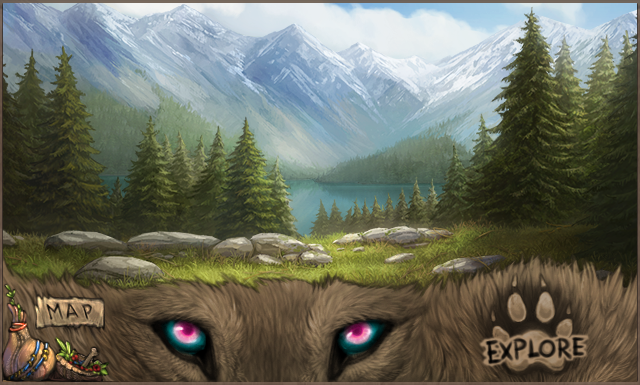
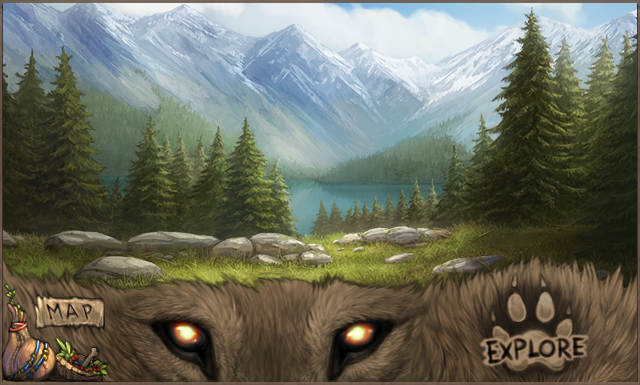
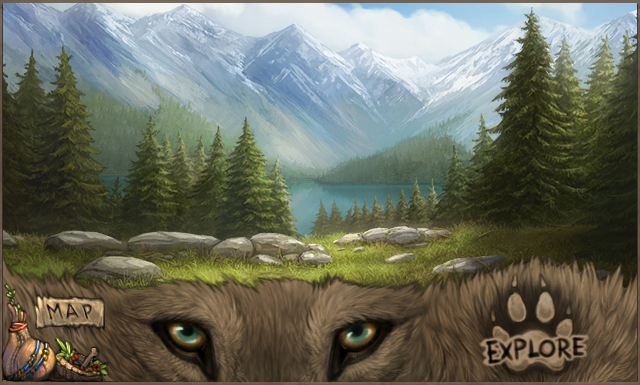
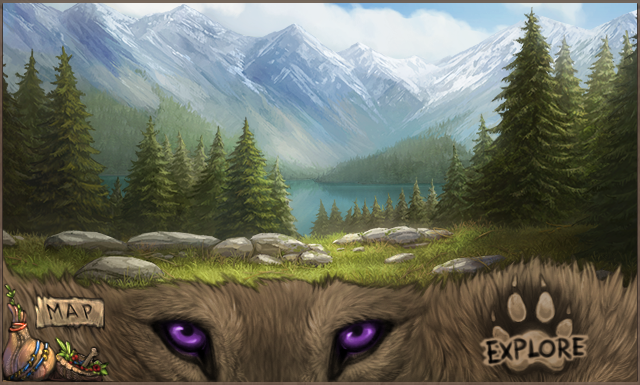
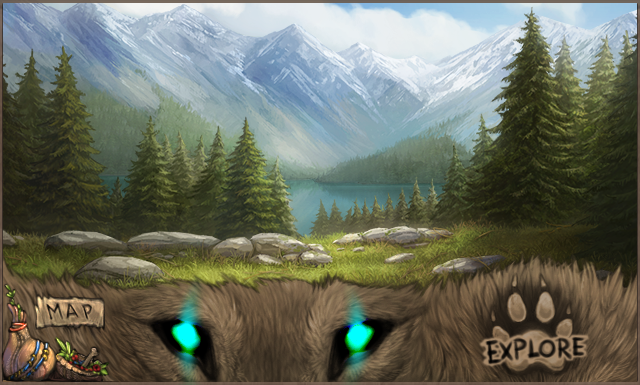
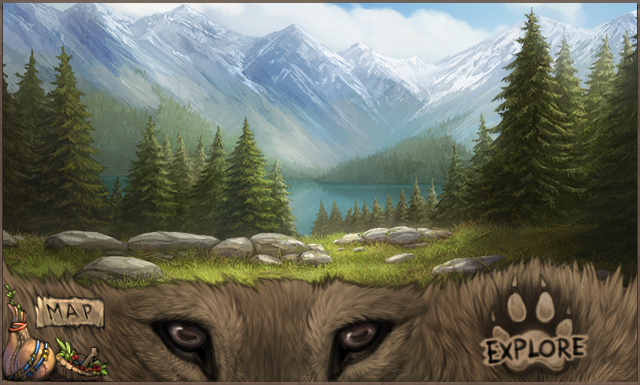
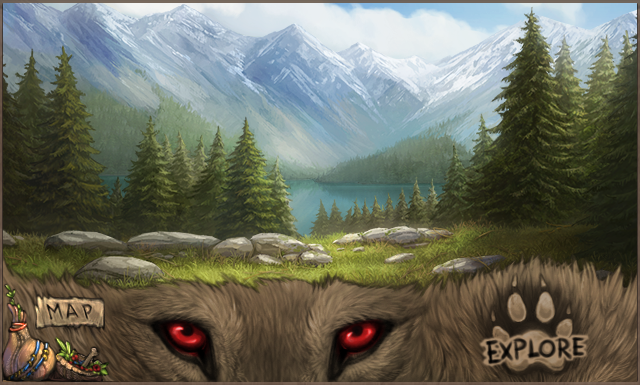
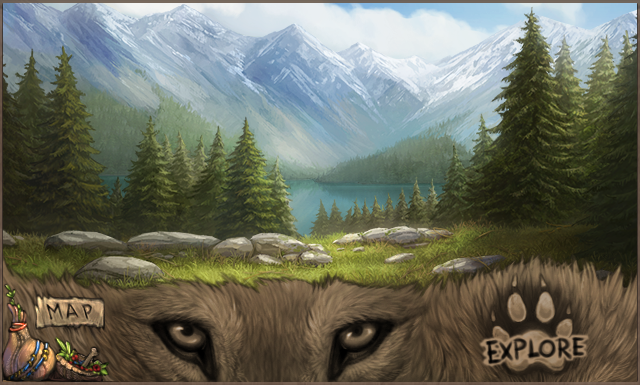
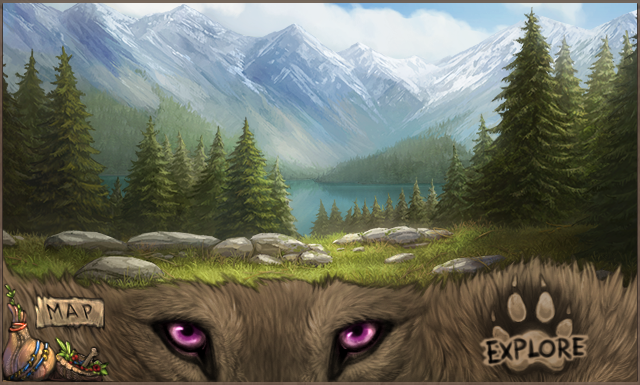
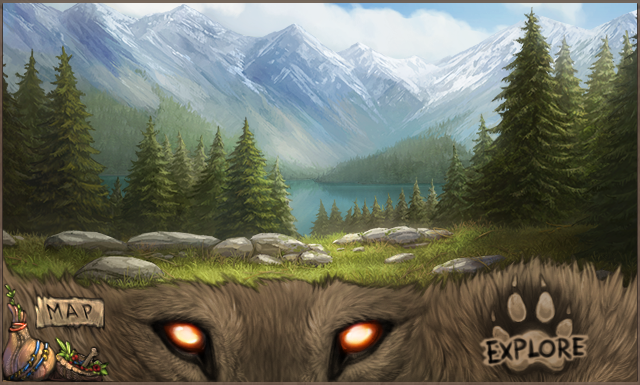
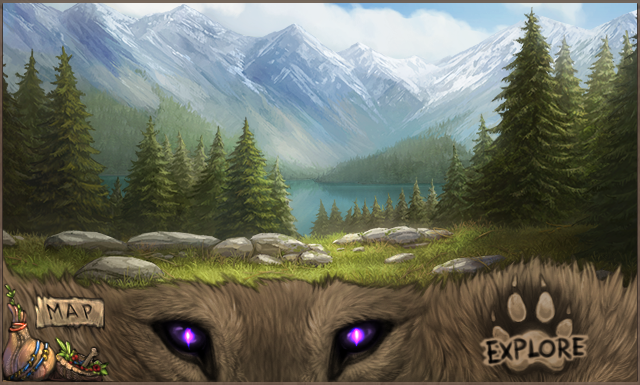
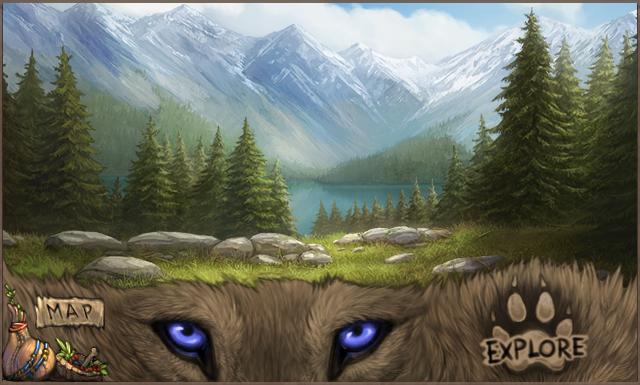
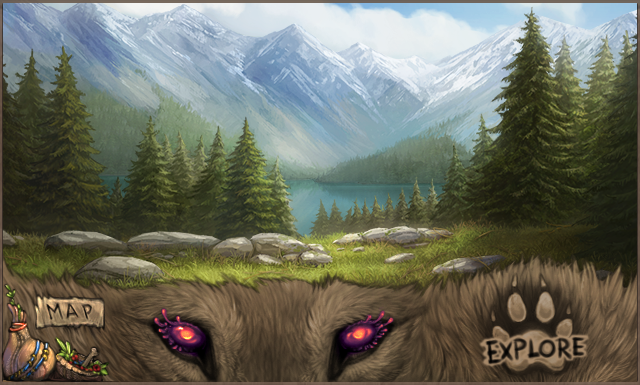
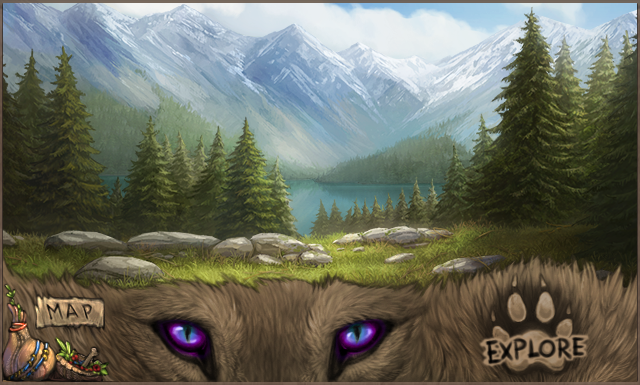
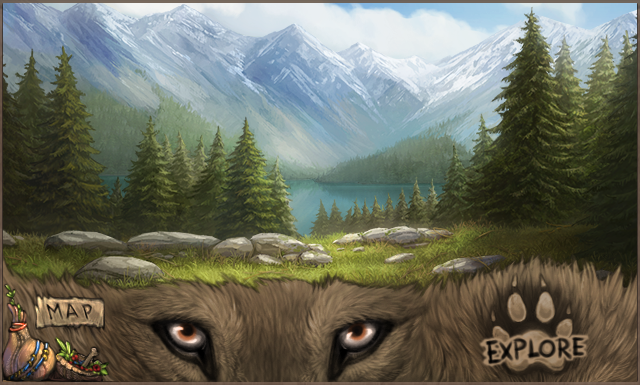
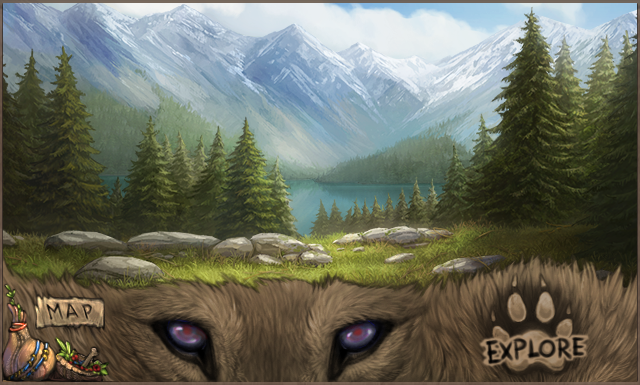
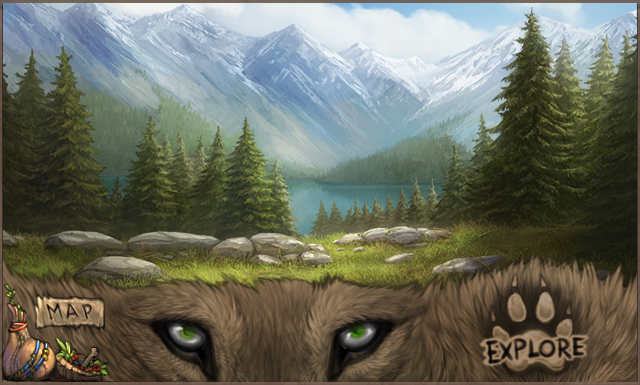
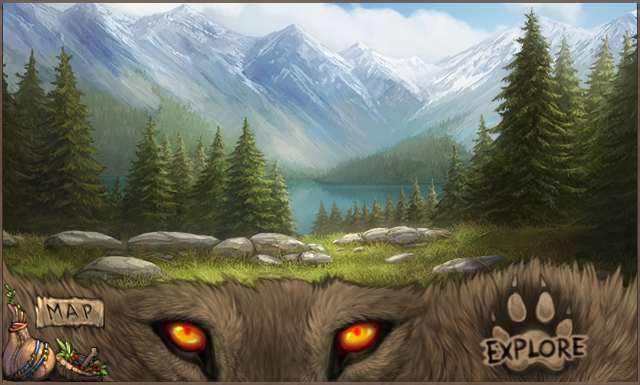
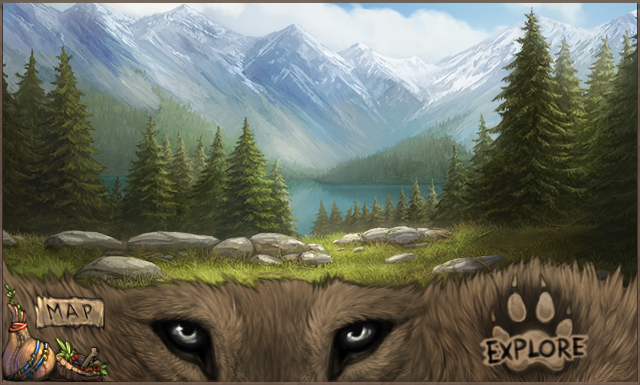
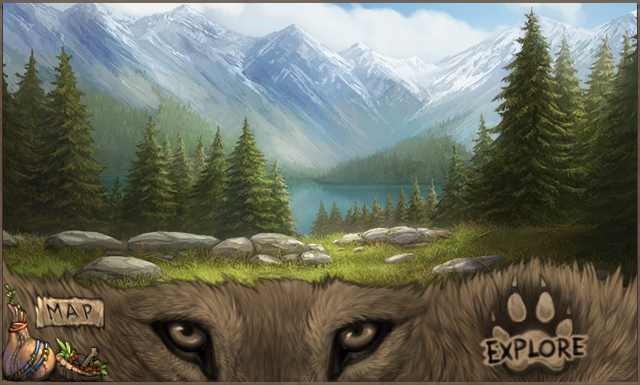
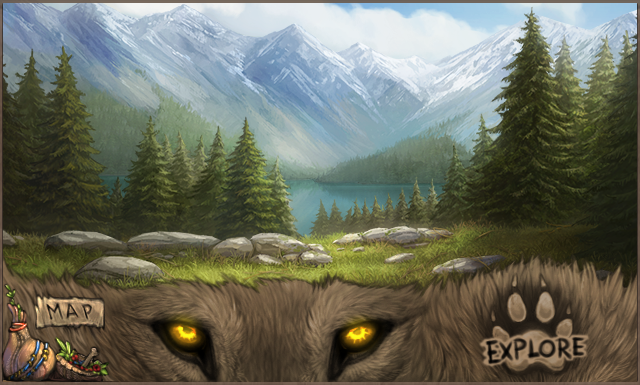
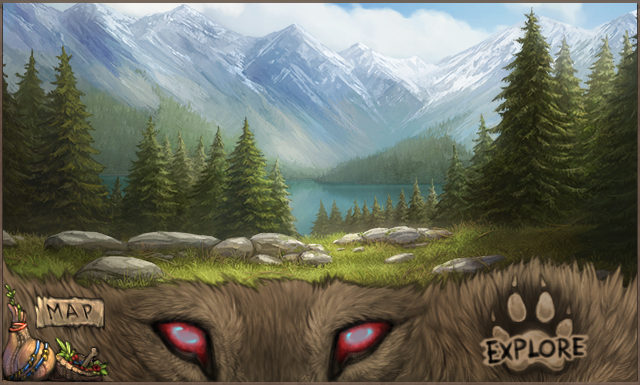
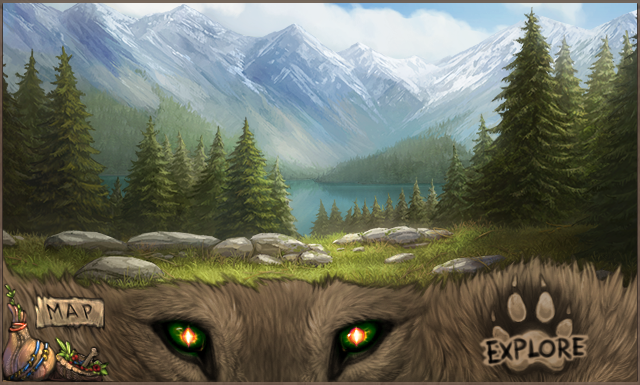
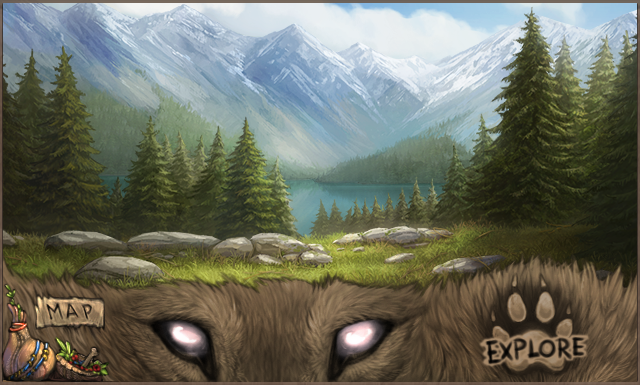
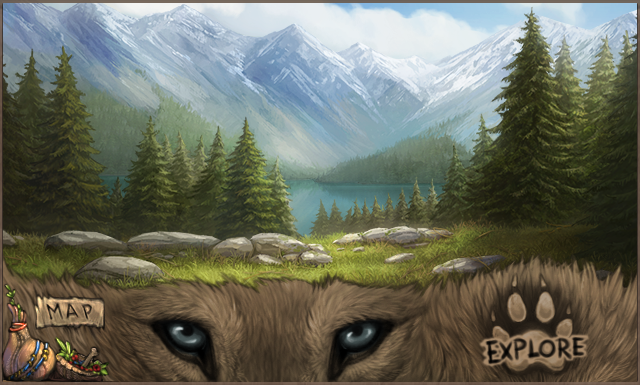
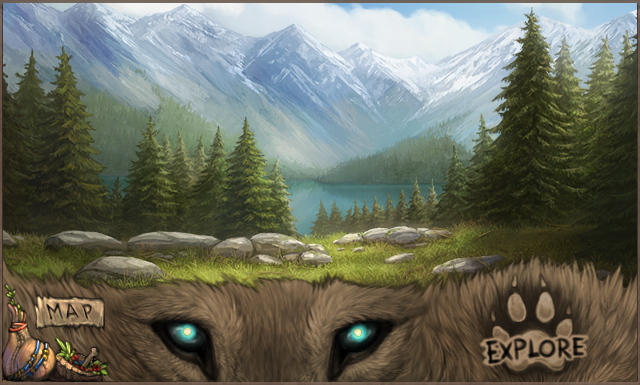
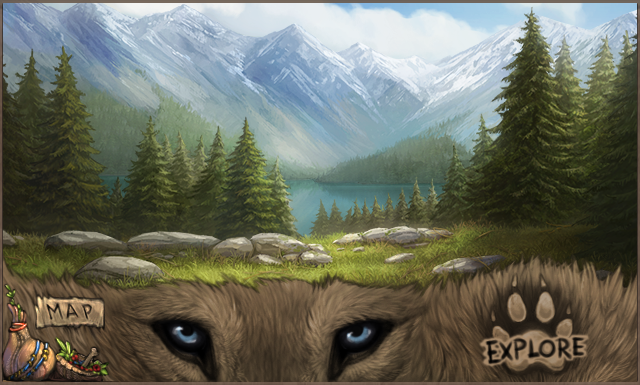
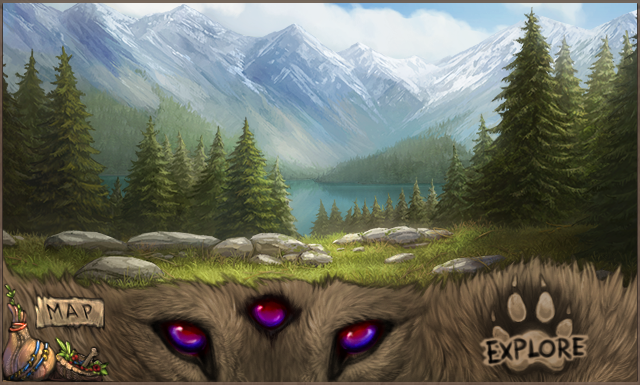
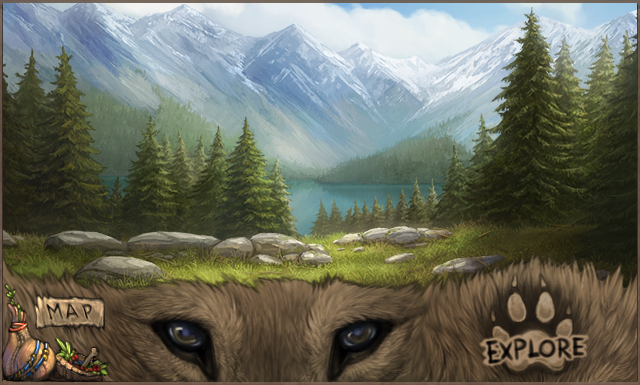
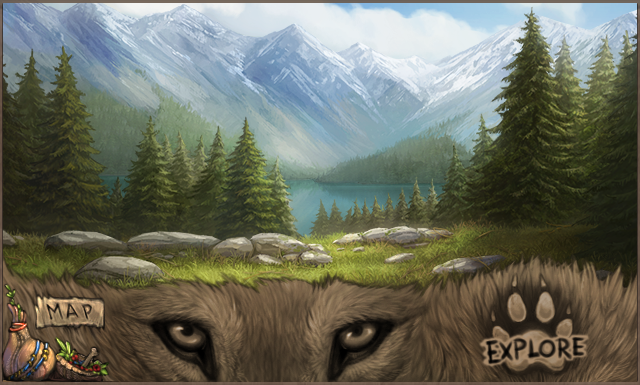
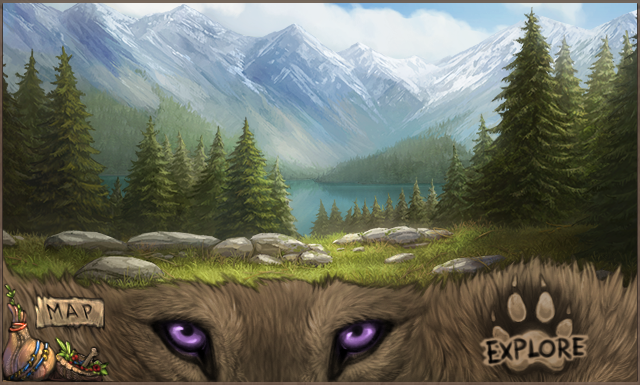
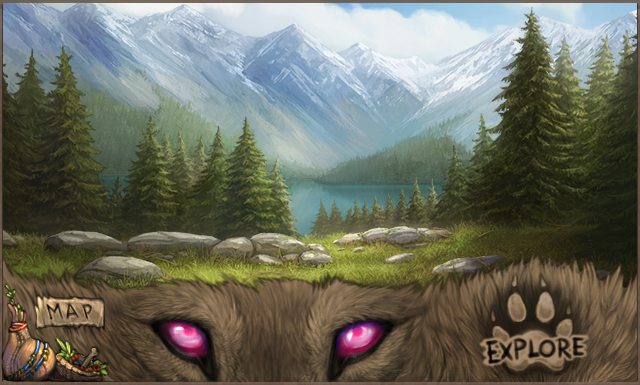
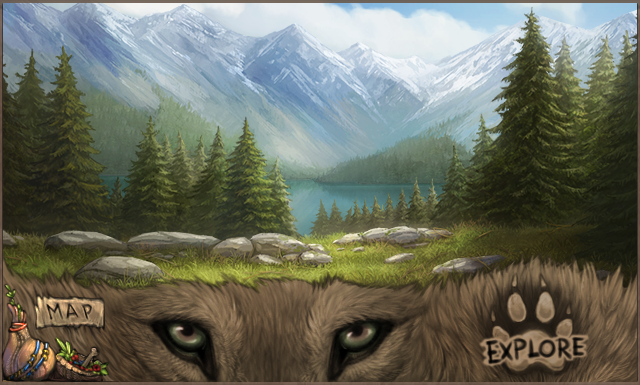
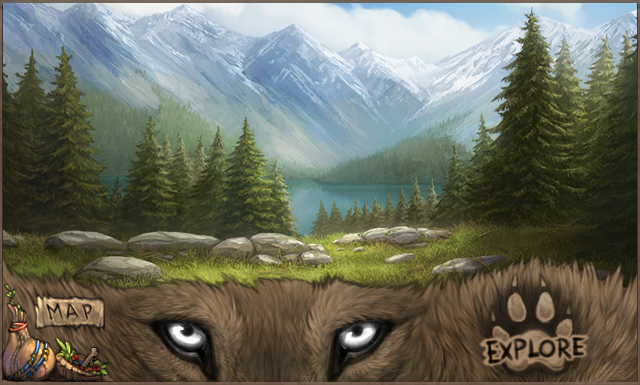
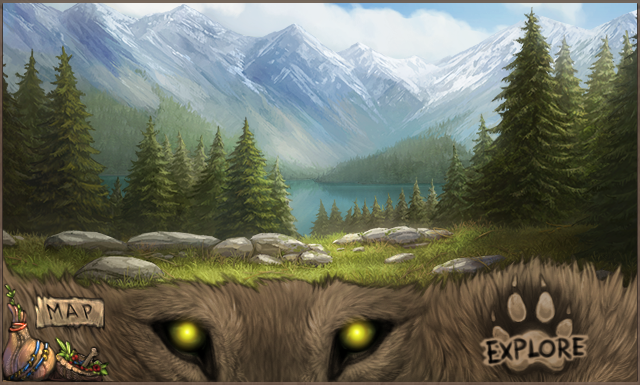
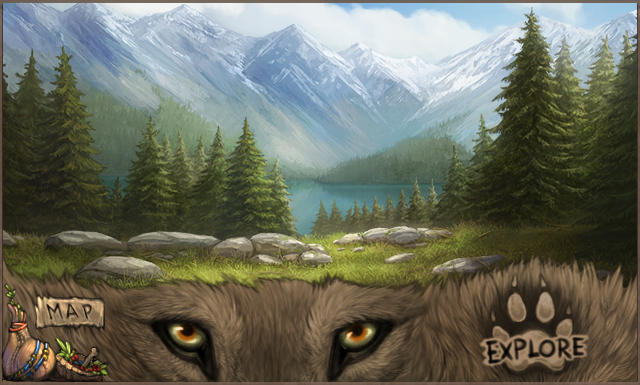
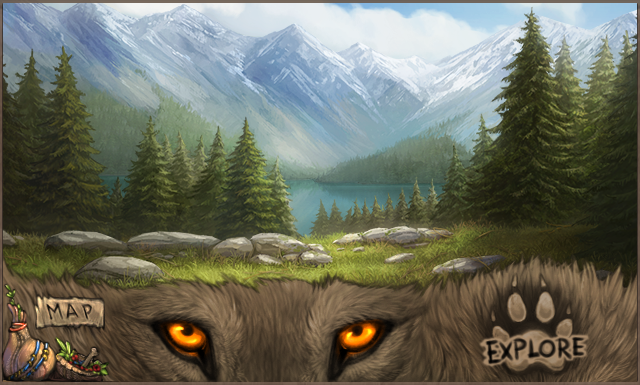
The color of your lead wolf's eyes affects how your explore UI appears! You can preview all eye colors in each explore UI below. Click on the icons underneath each image to switch between the dawn, day, dusk, night, and lunar UIs.